AI Face Search X-security with Firmware V4.0
20 Aug 2026
284 views
X-security AI Face Search with Firmware V4.0
Note:
This is only for X-security recorder models with firmware V4.0
- The X-Security recorder with firmware V4.0 is capable of:
- Face detection from recordings
- Face search by gender, age, glasses, beard, beard, mouth mask and expression
Search for faces
- Open the configuration page in the recorder.
- Click on the AI video query and function settings
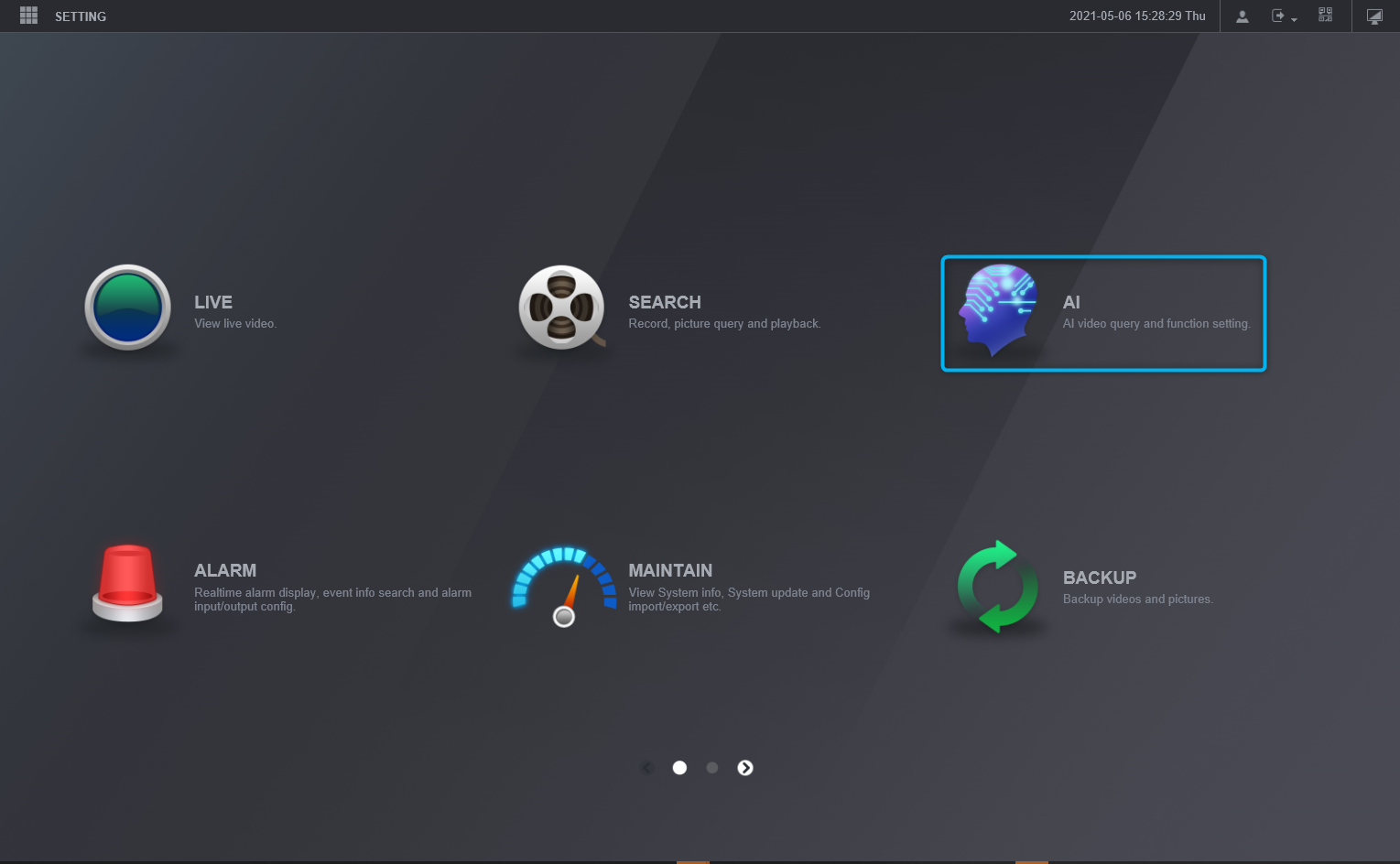
- Click on AI
- Select face detection
- Select your criteria and click on Search (5)
- This may take some time depending on the recordings
Playback Face search
- After the face search
- Select the image of your choice for playback on the right
Download the selected face search:
- Select the files (faces) to be downloaded
- Click Backup
- In the new window, browse for the directory in which the video should be saved
- Select Save, only for videos
- File type for easy export (a player will also be downloaded along with the video)
- Click "Backup" to download the video
Play the downloaded videos:
- Open the SmartPlayer that is downloaded along with the video
- When the player is open
- Define the playback window (for this example we use all 4 windows)
- Select the windows of the video to "play in"
- Double-click on the video file on the left side
- When more videos are selected, pause them and click the Synchronized Playback button (7), and then click the Playback button (8) again to make all selected videos play synchronously
Was this article helpful?
Bu bilgiler sorununuzu çözmeye yardımcı oldu mu?
Thanks for your feedback!
Still need help?
Uzman ekibimiz size yardımcı olmak için burada.