Camb - What to Do If Wifi Configuration Failed on AI Floodlight Camera?
Applies to: I41MV/I41MW/I41MX/I41MY
Purpose: When you find your floodlight cannot connect to the phone app, you can try to check the wifi configuration.
Steps:
1) The floodlight camera supports 2.4GHz wifi only, Not 5G HZ.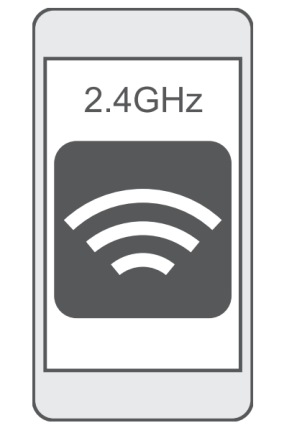
2) Before adding the camera to the app, make sure the wifi signal is strong and stable, at least 4 or 3 cells. The WIFI gadget on our APP can help test the device and WIFI signal.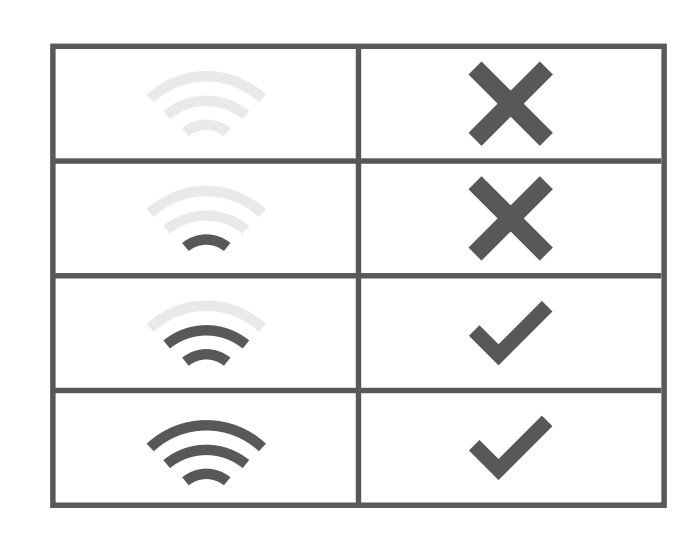
3) Sometimes there are unknown special characters in the wifi name or password, which can also make it impossible to connect to WiFi. Please modify accordingly to remove special characters(Recommended letters and numbers)
4) When connecting to WiFi, please turn on the GPS switch and allow the location permission, because some Android and IOS mobile phones(in the latest system) need to obtain the location permission to get WiFi information.
Was this article helpful?
Bu bilgiler sorununuzu çözmeye yardımcı oldu mu?
Still need help?
Uzman ekibimiz size yardımcı olmak için burada.