If you need to change your password thru the YI/Kami Home App, please follow the steps below:
1. From the YI Home or Kami Home app home screen, tap on the Account tab.
.png)
2. Tap on My Account and tap on change password.
.png)
.png)
3. Enter your current password and the new password. Confirm the new password and tap the change password button.
.png)
Note: Make sure that the new password meets the requirement.
.png)
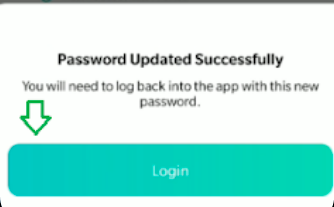
4. A password changed confirmation pop-up will appear. Tap on the login button to re-login using new credentials.
Note:
- Make sure your region in the top right is correct.
- Tap on I have read, understand, and agree to the <Terms of Use> and <Privacy Policy>