Device Sharing Through DMSS
20 Aug 2026
411 views
It's essential that each mobile application uses a distinct account for login. Additionally, ensure all DMSS applications are running the most current version.
- Launch the DMSS application and navigate to the Me section located at the bottom right of the screen.
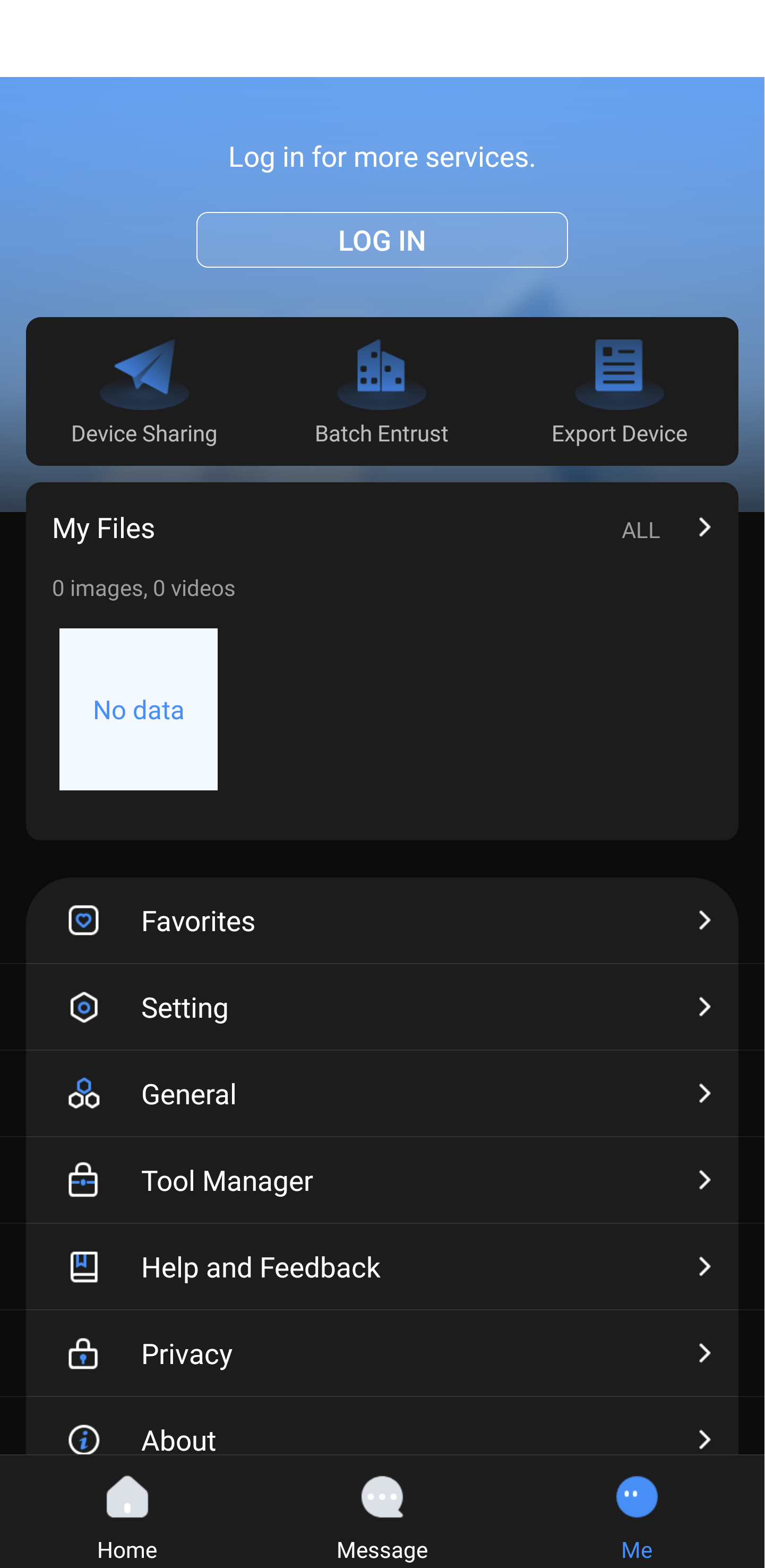
- Tap on Device Sharing.
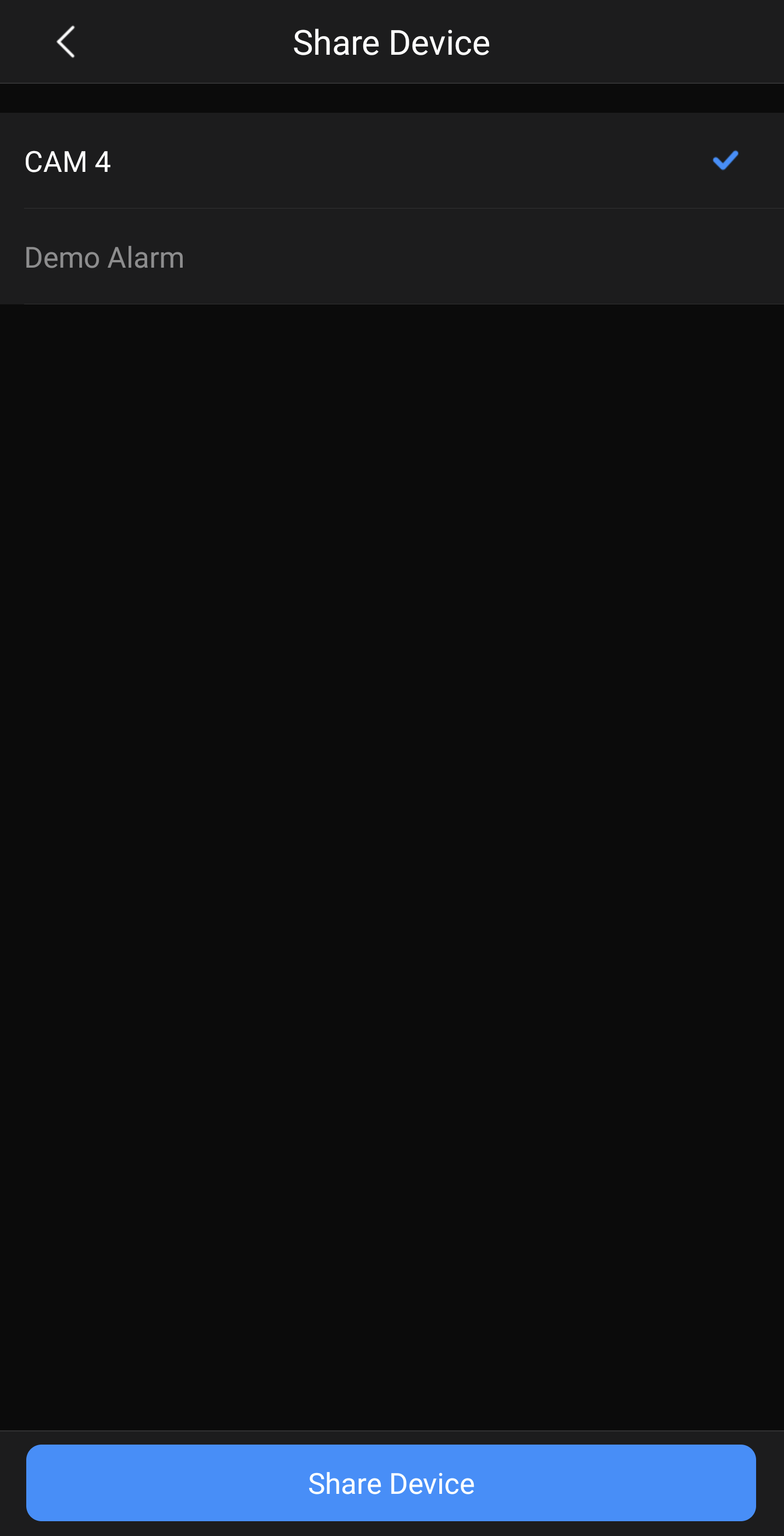
- Choose the device you want to distribute access for, then tap Share Device.
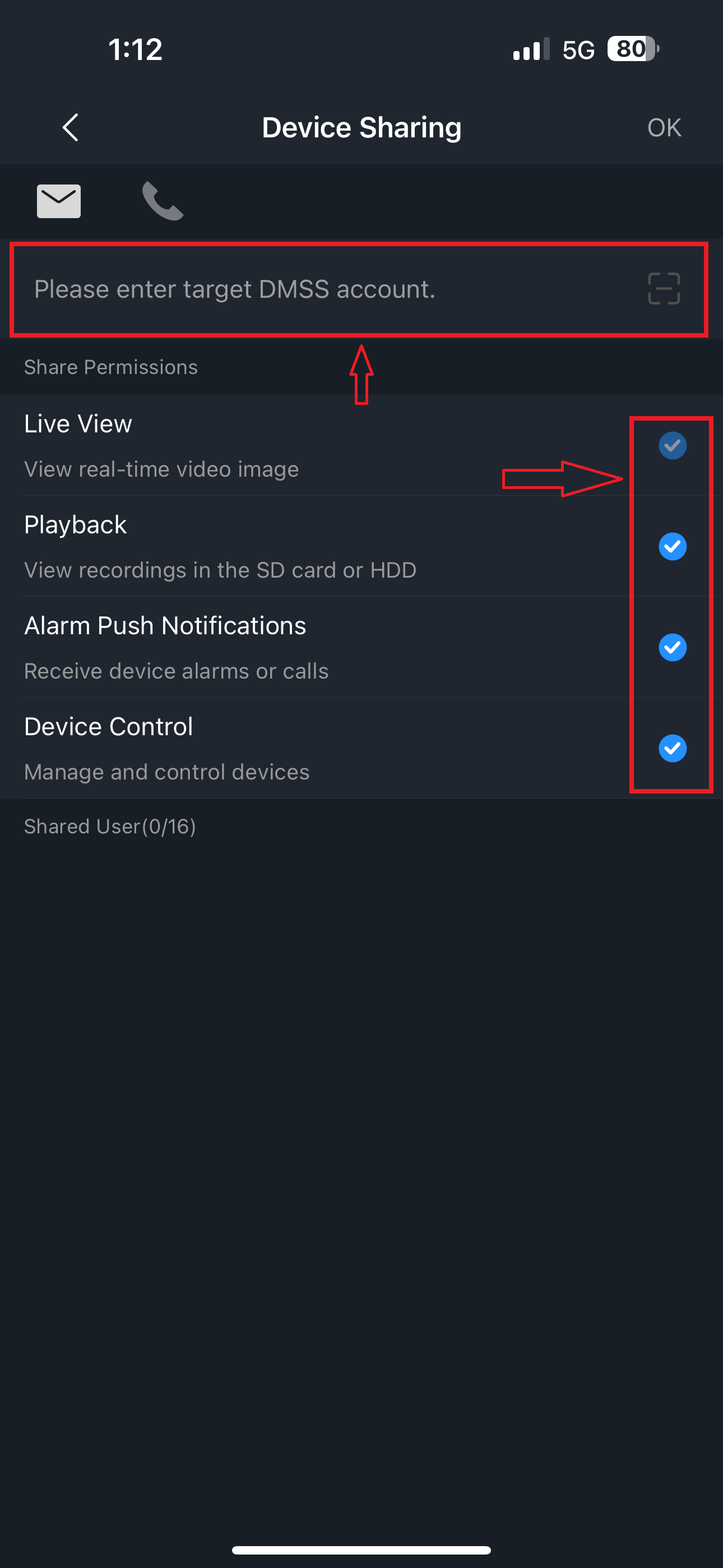
- Input the email address associated with the account you want to grant access to. Select the access levels you want to provide to the recipient, then tap OK.
- A confirmation dialog will display - tap OK to proceed.

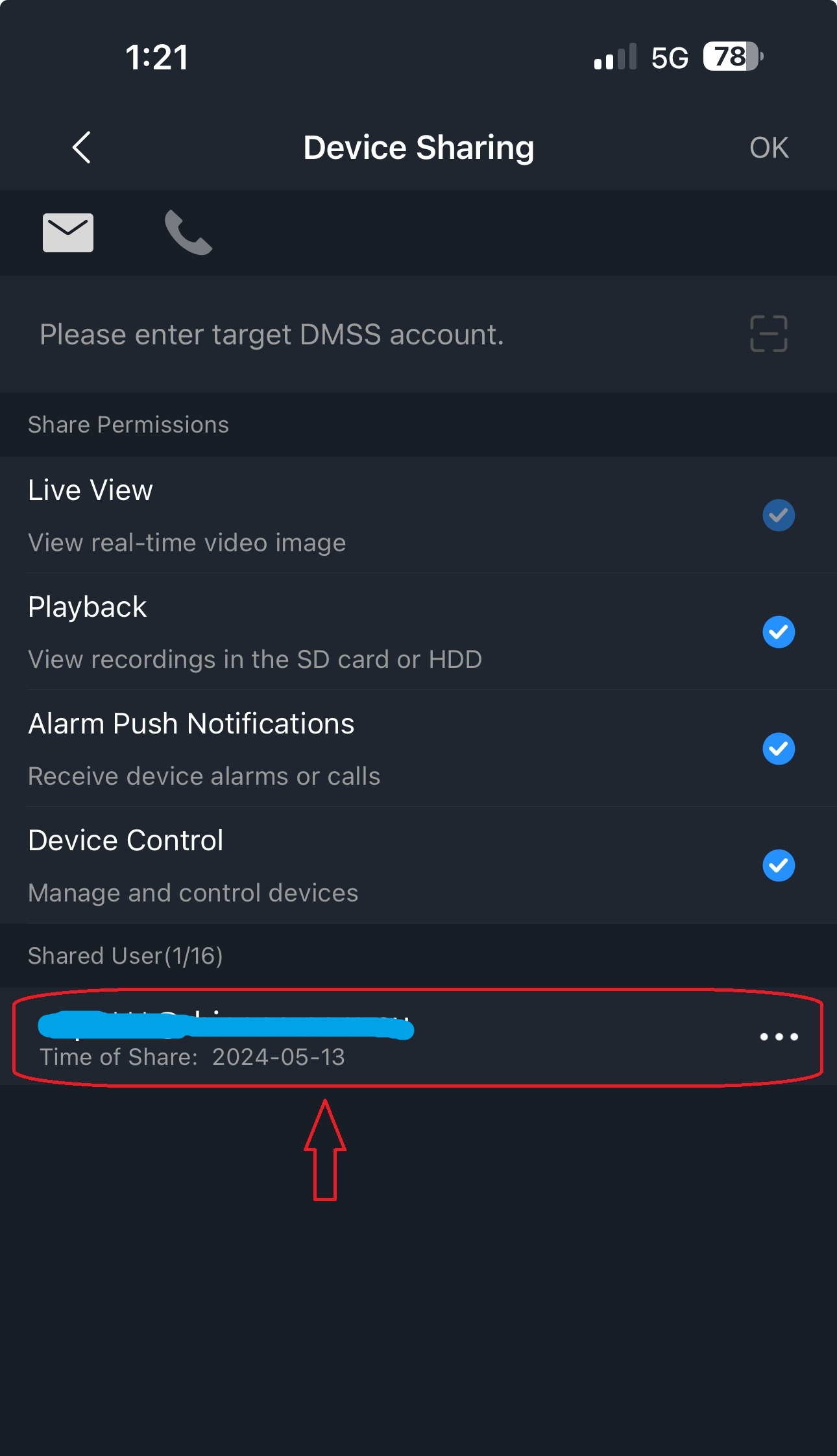
- From the primary device, you can view all users who have been granted access to the device.
-
Recipient Device
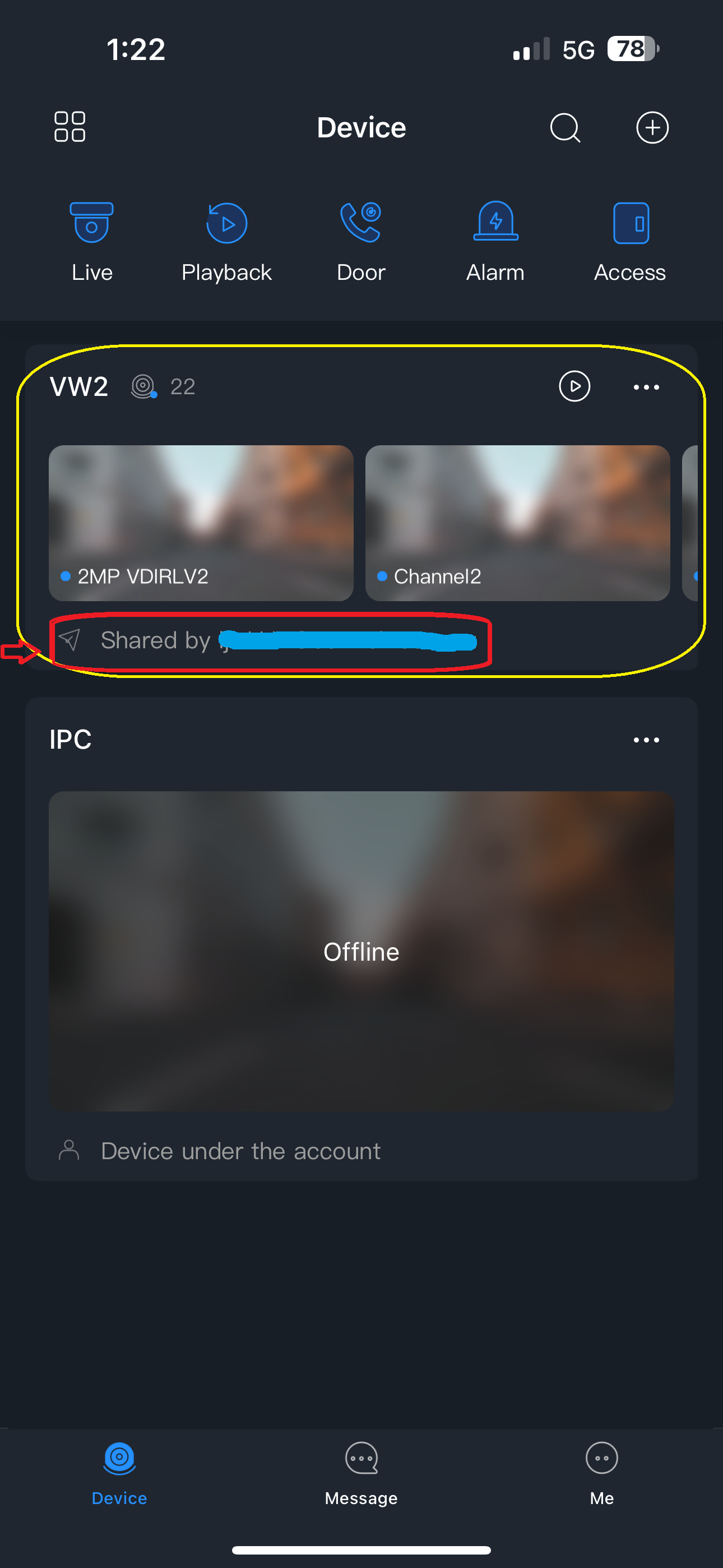
On the mobile device receiving access, the user will receive an alert notification, and the shared device will become visible on the Device page within their DMSS application.
Was this article helpful?
Bu bilgiler sorununuzu çözmeye yardımcı oldu mu?
Thanks for your feedback!
Still need help?
Uzman ekibimiz size yardımcı olmak için burada.