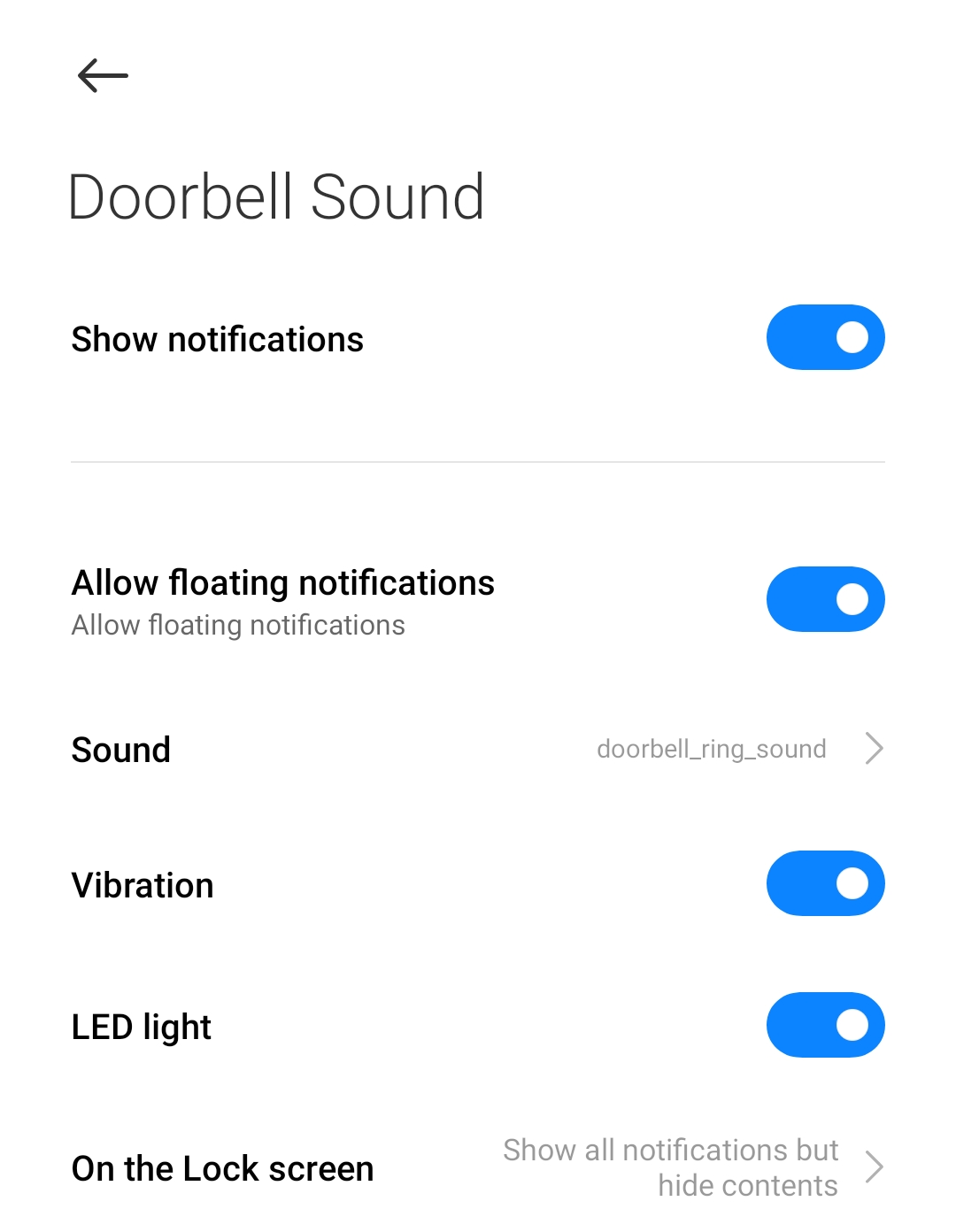
Please enable sound notifications of the YI/Kami Home App in your mobile phone notifications menu. Once this has been enabled your doorbell will play a chimes sound from your mobile device when the doorbell ring button is pressed.
To enable the Doorbell Sound Notification on your mobile phone, please follow the steps below:
1. From the Home Screen of your mobile phone, Go to Settings:
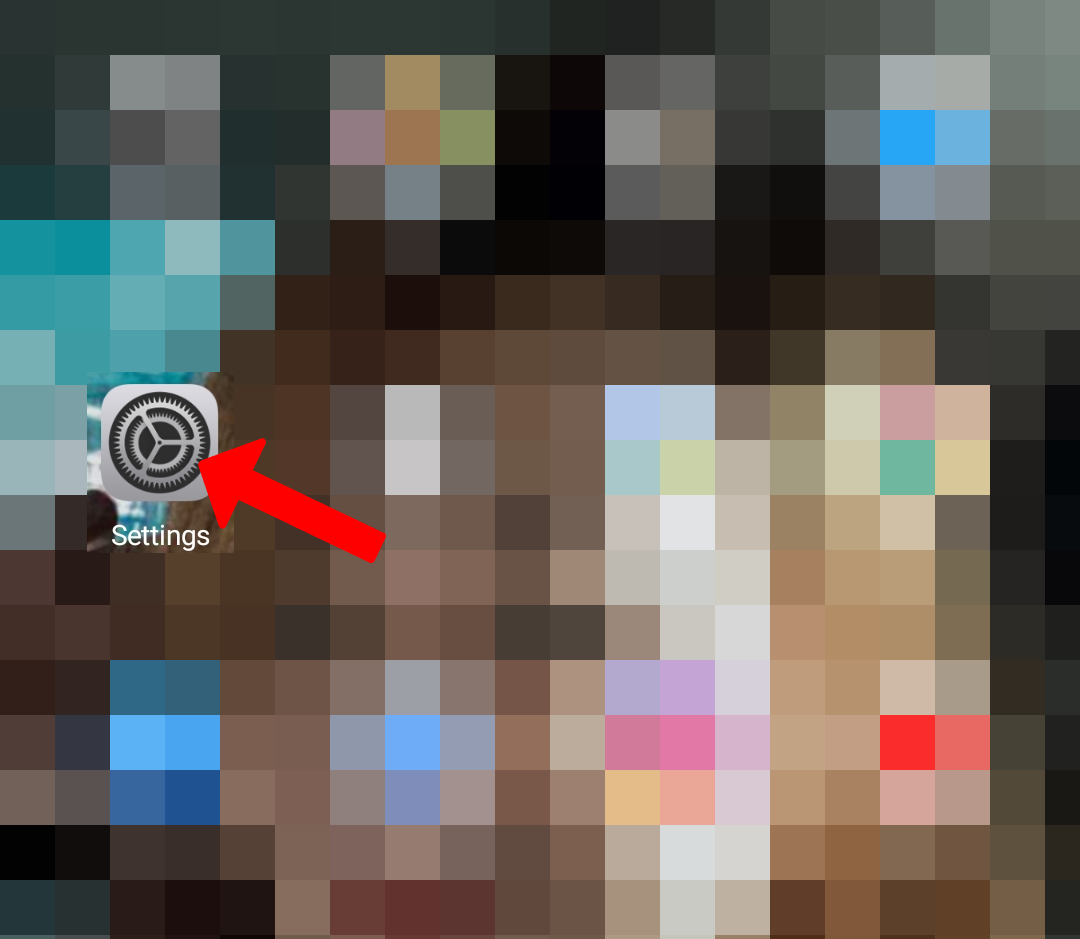
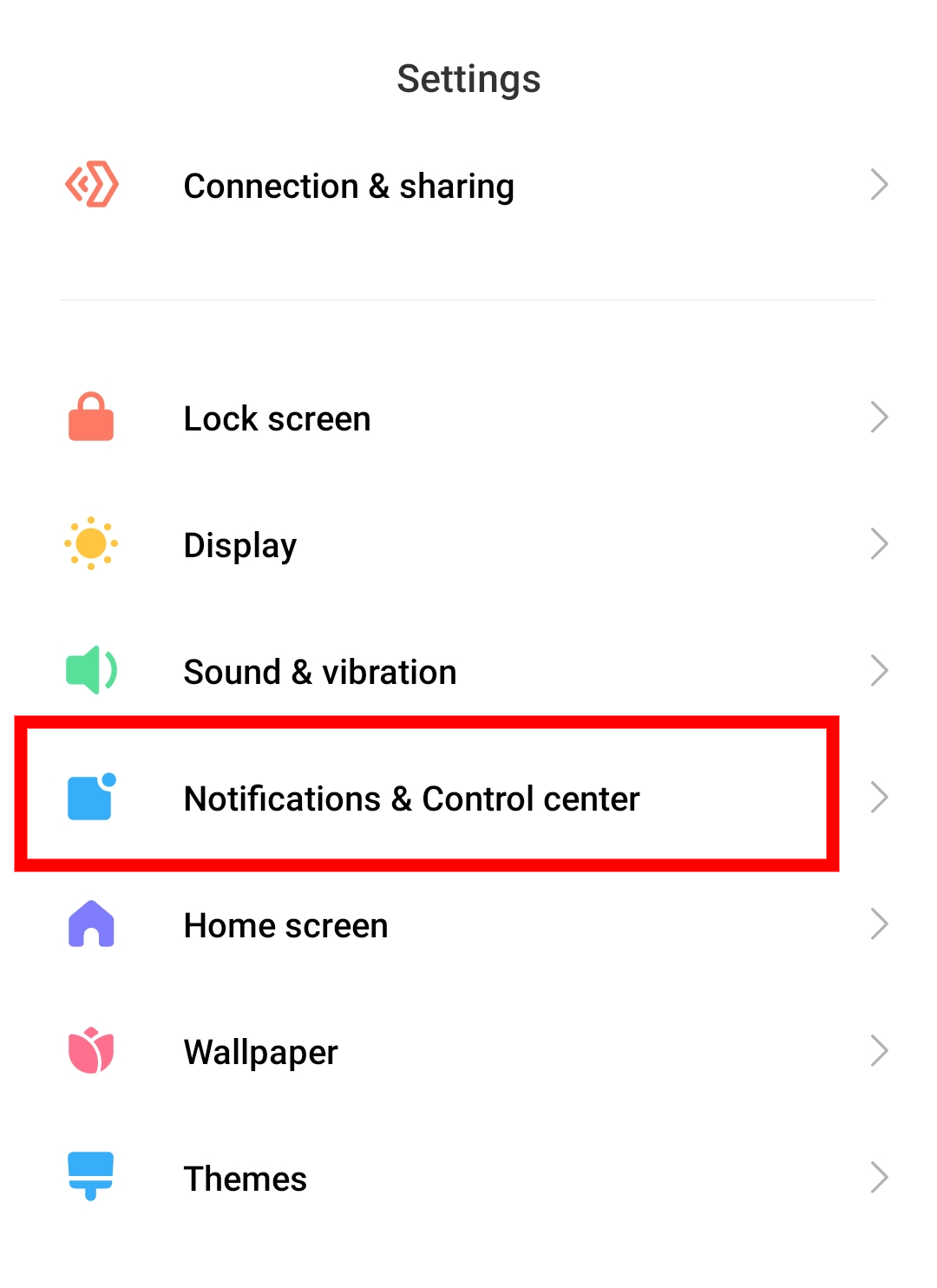
2. Select
Notifications & Control Center
.
(Note: The Notifications & Control Center option depends on the model of your android device)
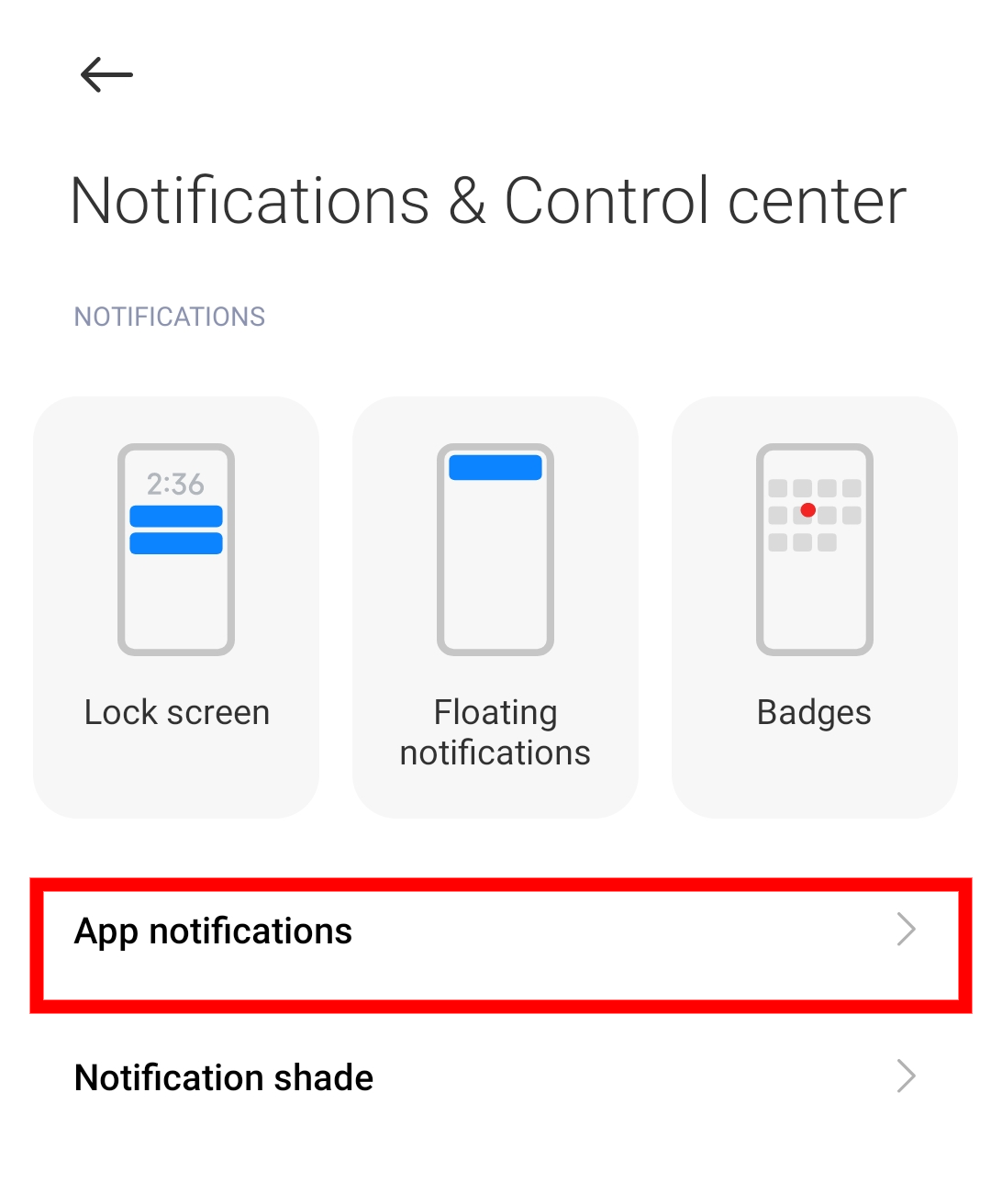
3. Select App Notifications .
4. Select Kami Home or YI Home.
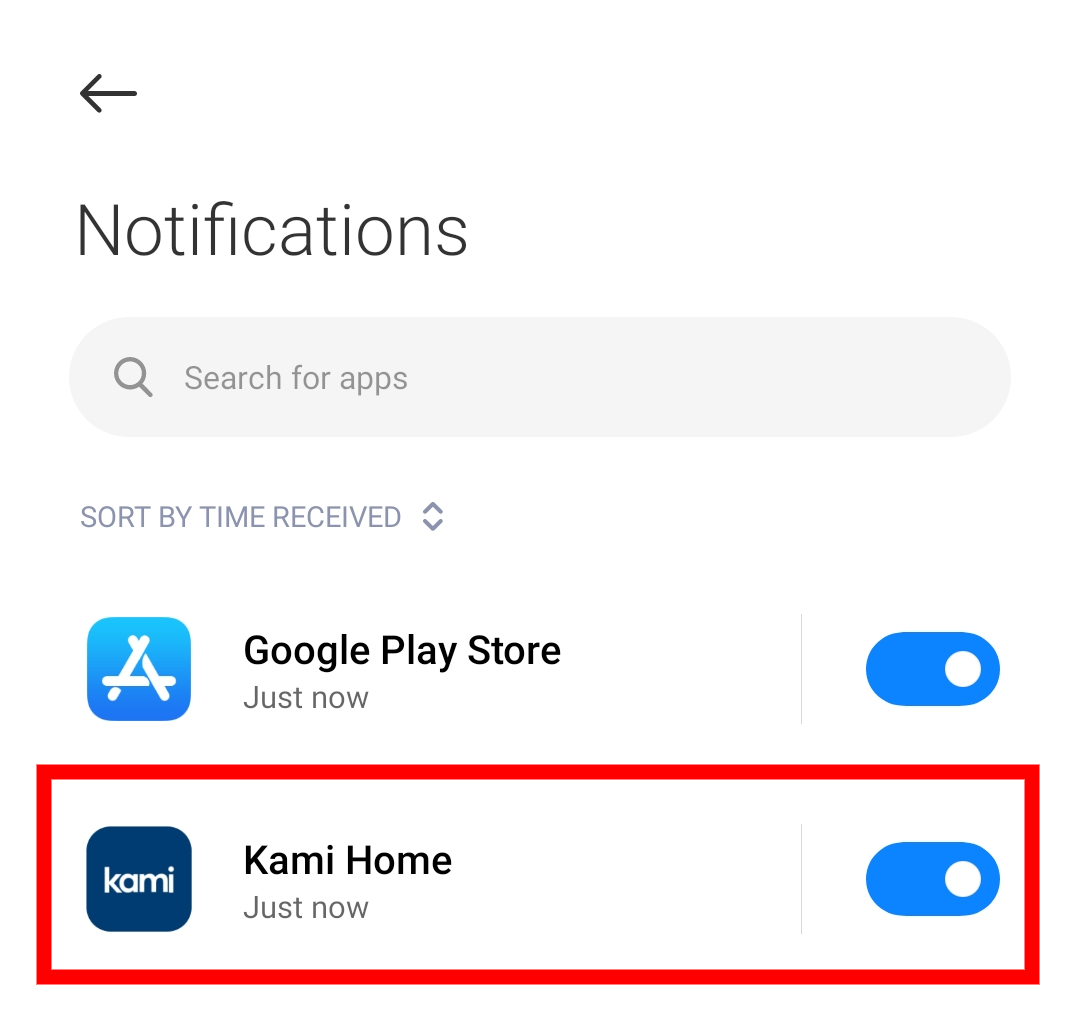

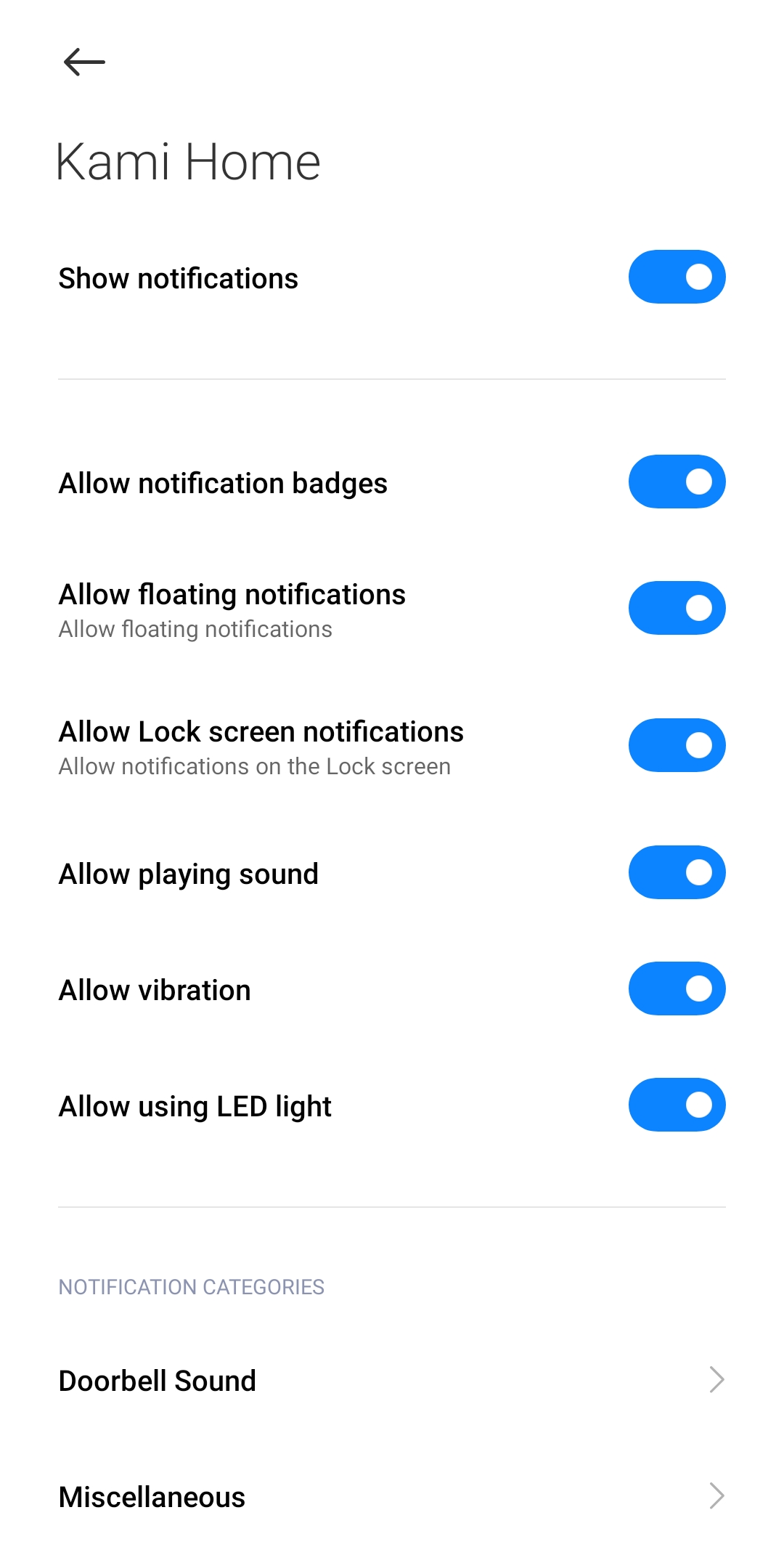
5. Make sure the
Notification options
are enabled on both
Kami/YI Home App
.
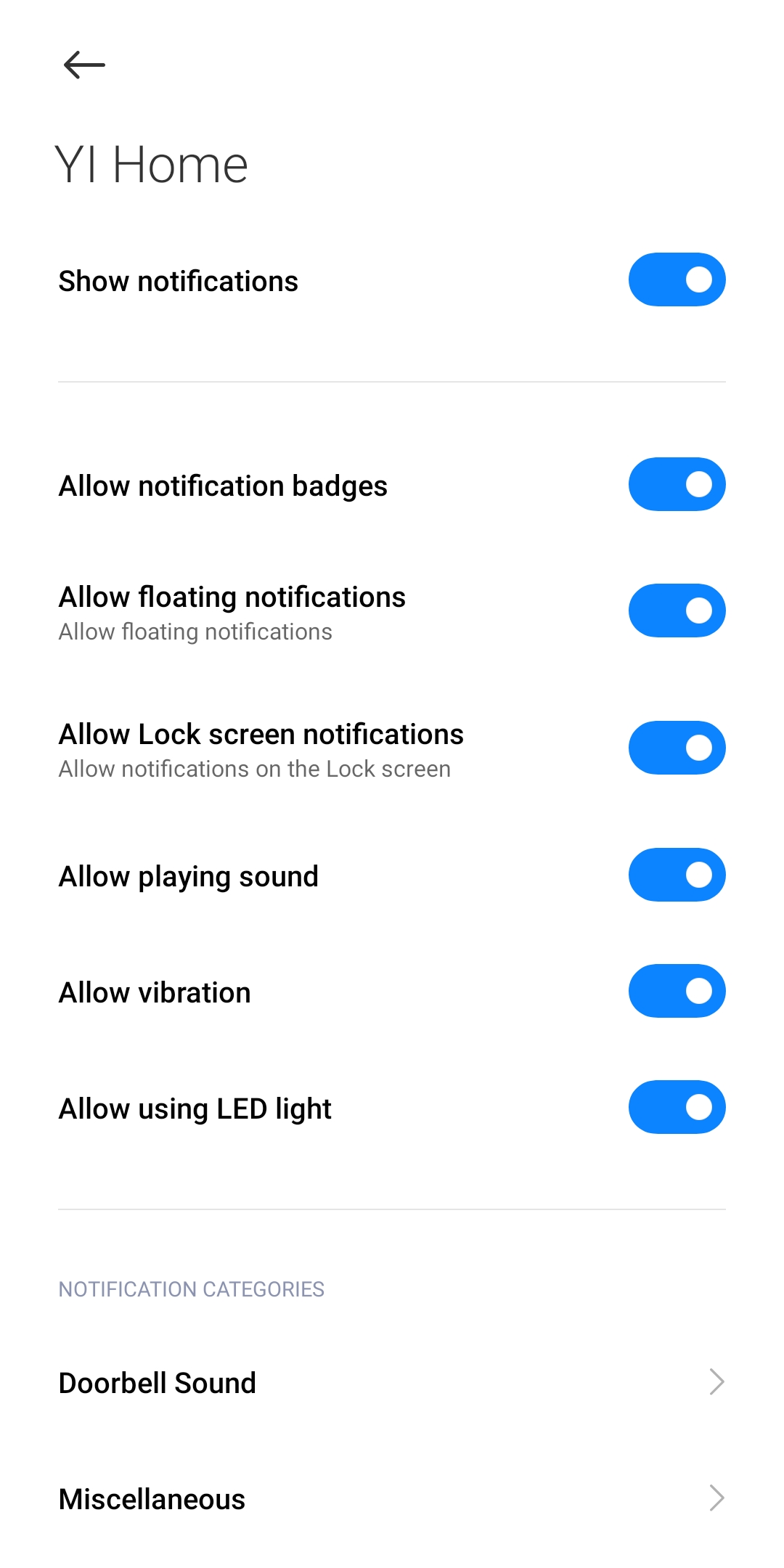
6. Select Doorbell Sound to make sure the Notification options are enabled on both Kami/YI Home App.