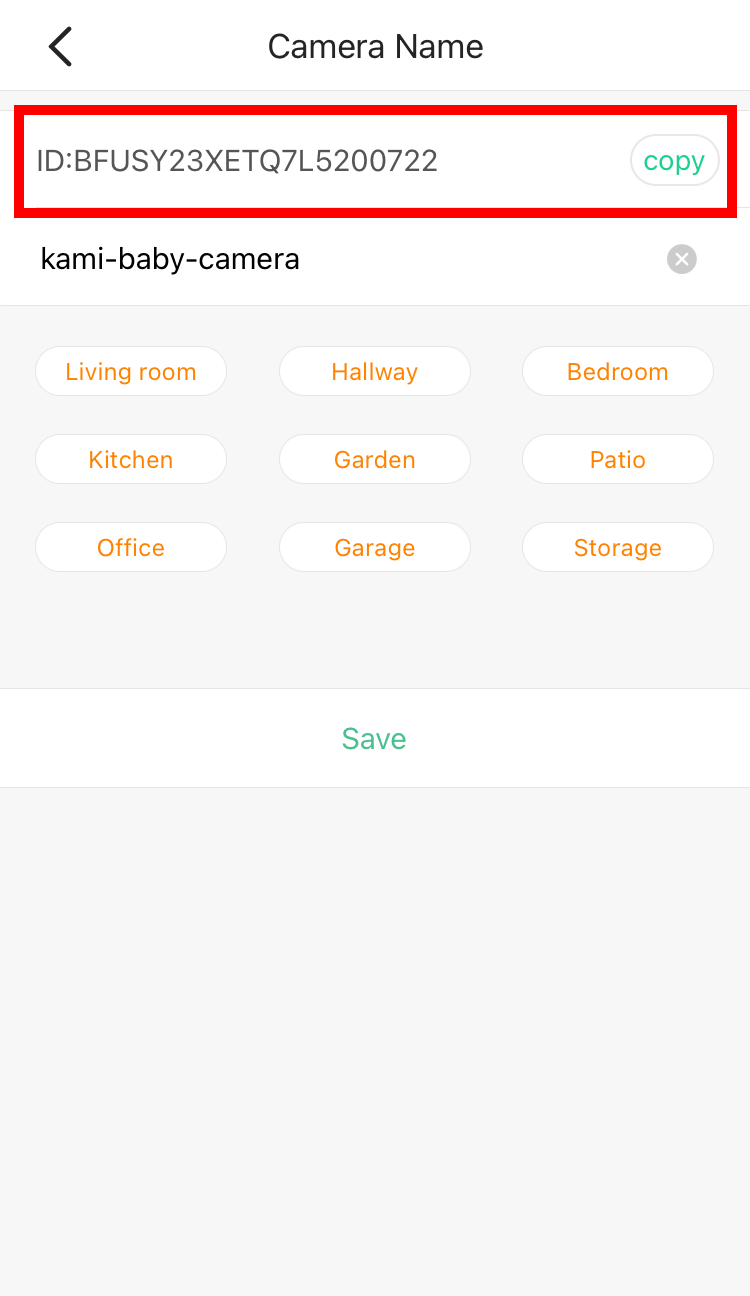
To check the Camera DID (Serial Number), please follow the steps below:
1. Launch YI Home/Kami App.
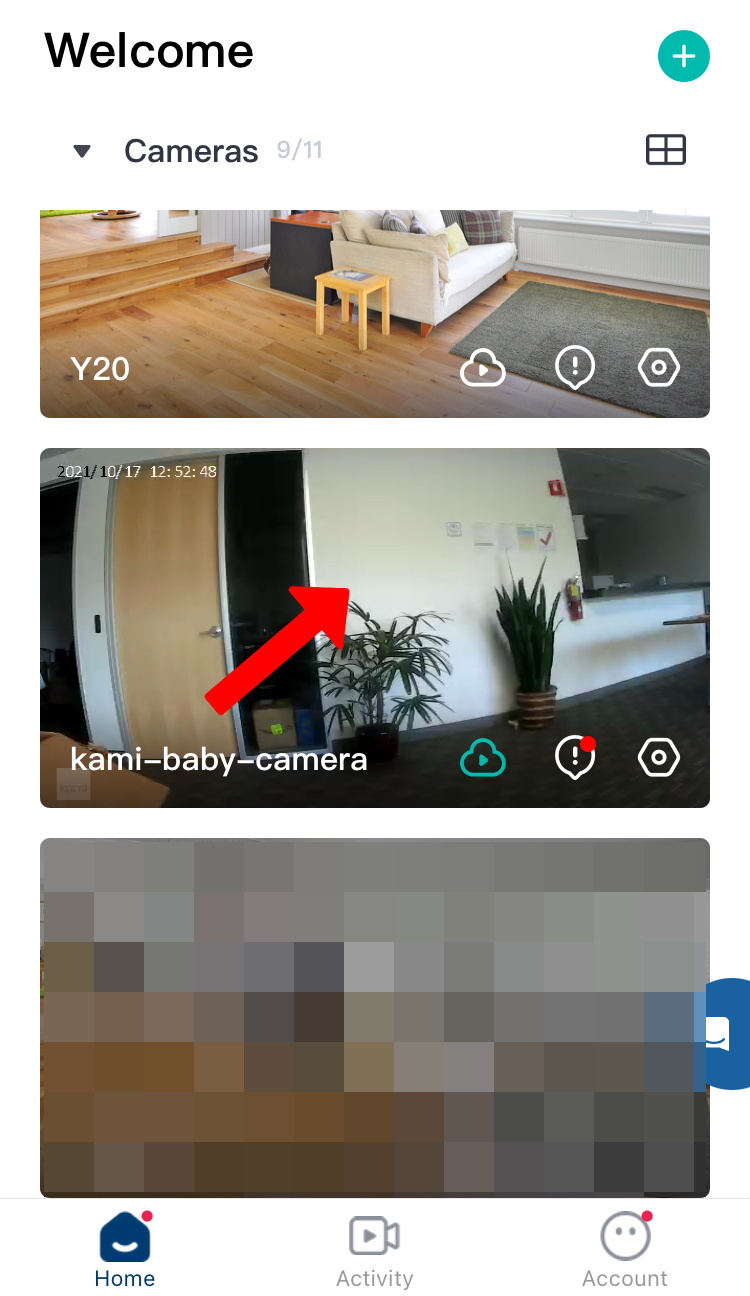
2. Tap on the camera thumbnail.
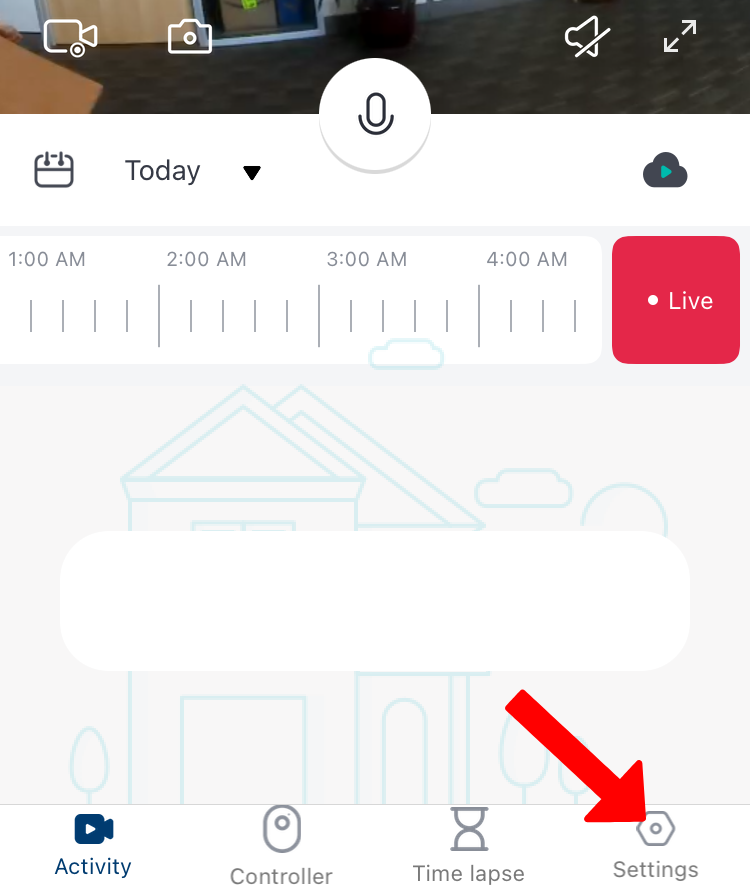
3. Tap on Settings.
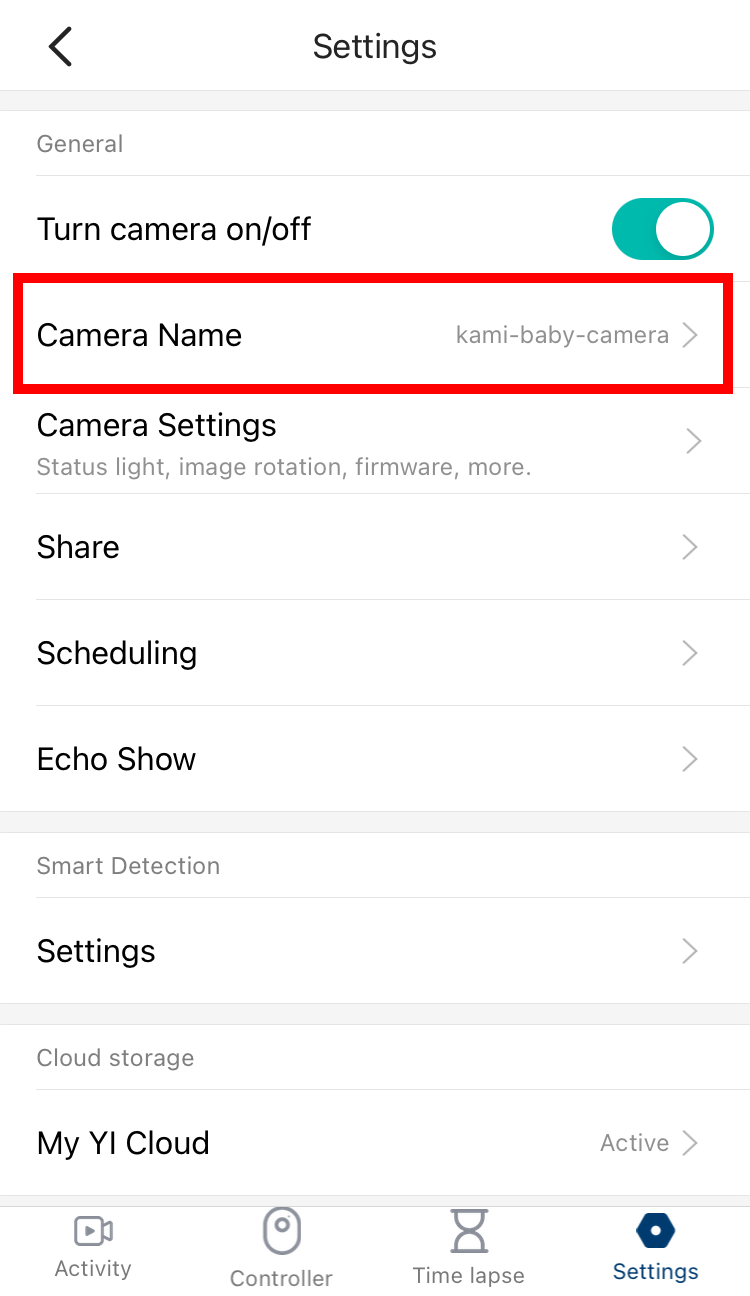
4. Under Setting, click the Camera Name:
5. Under Device Name, the Camera DID will show.