Please follow the steps below for troubleshooting:
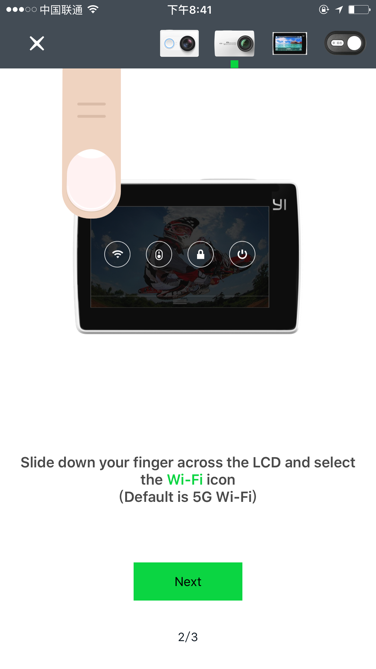
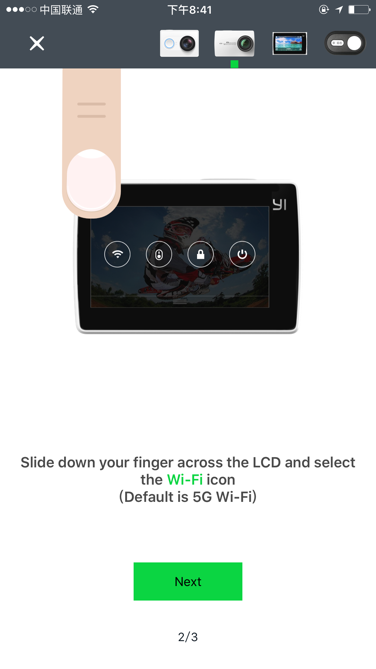
- Press the shutter/power button to turn on the camera. Swipe down to open the shortcut menu and tap on the Wi-Fi icon to turn on Wi-Fi.
- Open the app — On the right, there is the option to enter the connection page. Enter the connection page and locate the connect button.
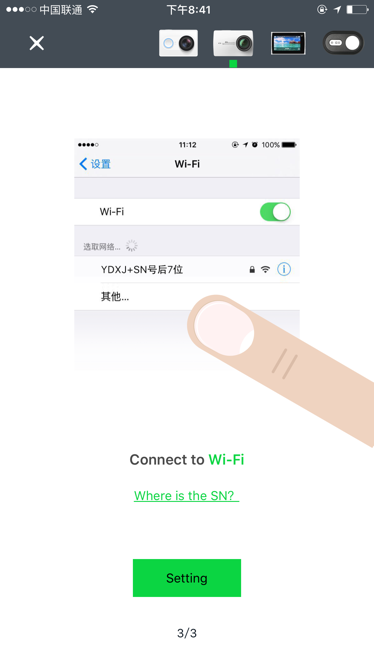
- Locate the device Wi-Fi (hotspot named YDXJ_ followed by the 7 digits serial number located on the battery cover.
- Enter the default password(1234567890)to connect to the camera.