This guide is valid for models 2MT-4004, 2MT-4008, 2MT-4088, 2MT-4016, 2MN-8004-P4, 2MN-8008-P8, 2MN-8116-P16, 2MN-8232-P16.
When devices are connected to the network, they can also be accessible from a computer. The first thing you need to make sure of is that the computer you are using and the DVR/NVR are connected to the same network (network is coming from the same router for both devices). You will first need to obtain the IP address of the DVR/NVR from Menu → System → Network → IPv4 address.
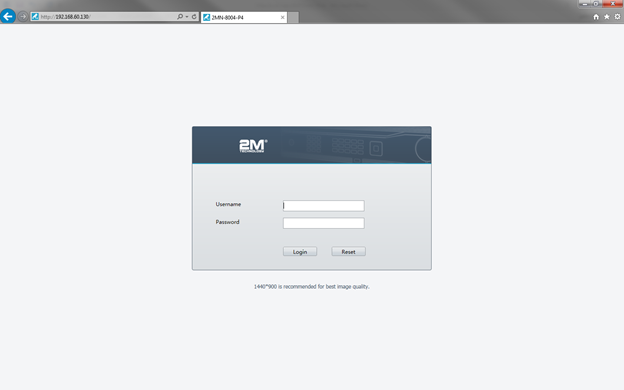
After noting the IP address of your device, open Internet Explorer and in the address search bar type in the DVR/NVR IP address. If the NVR and the computer are on the same network then it will pull up the login page of the DVR/NVR. The credentials will be the same as when you log into the local interface of your device.