Correct imperfections captured by the spherical lens.
To correct the Lens Distortion, please follow the steps below:
1. Launch YI Home/Kami App.
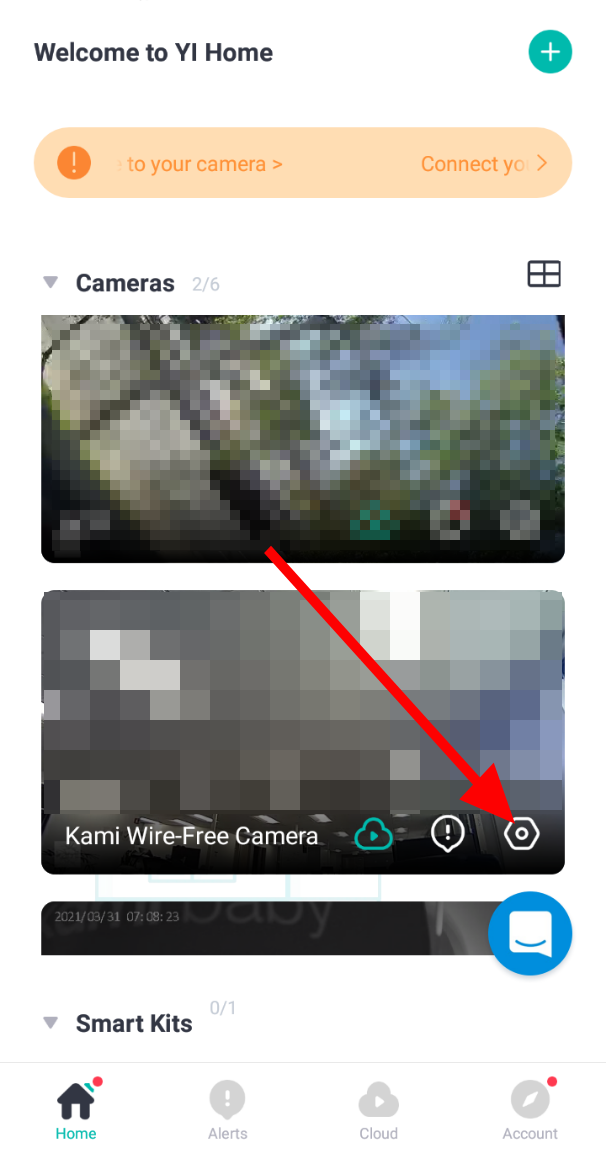
2. Click on the gear icon of the camera to access the camera/device settings.
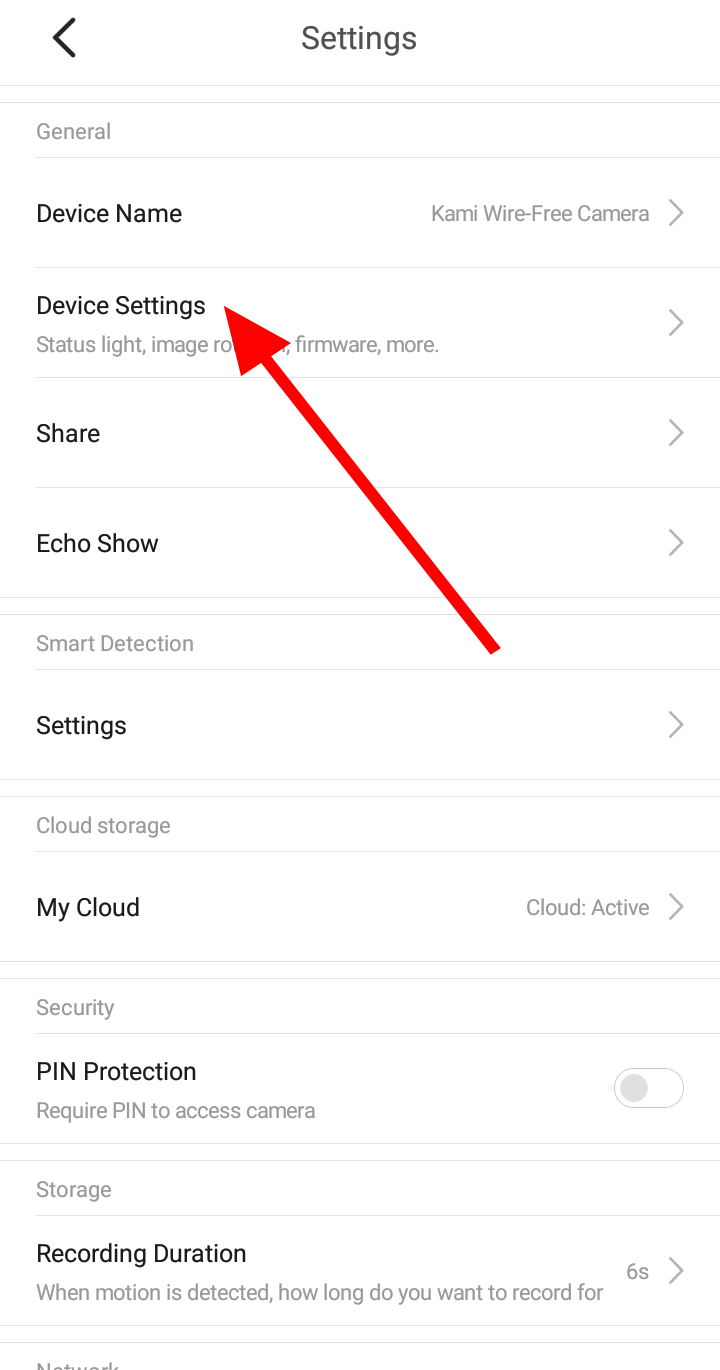
3. Click on Device/Camera Settings.
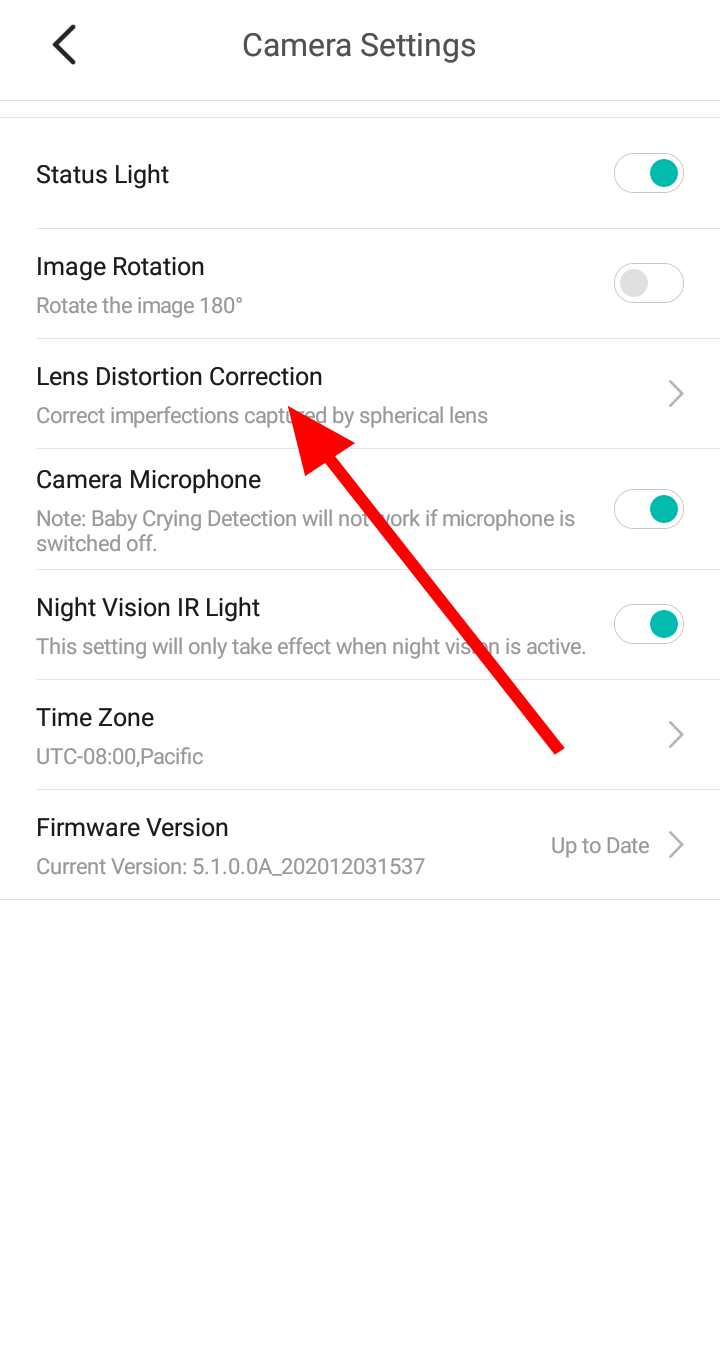
4. Tap on Lens Distortion Correction.
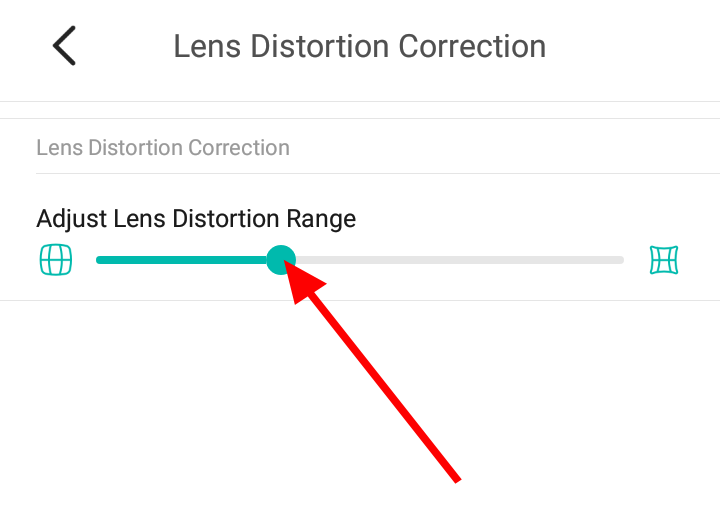
4. Under Lens Distortion Correction. Drag the slider to correct the Lens Distortion.