How to use a Safire or Ezviz camera as a webcam
IP cameras for video surveillance and Webcams, being both image capturing devices, have certain common elements: lens, sensor, coding capability, etc. However, their purpose is different: CCTV cameras are used to protect and monitor, while Webcams are used for video conferences and video transmission over the Internet.

Therefore, their usual location and especially their connection modes are different: IP cameras use Ethernet cables or Wi-Fi for wireless connection to the local LAN, while Webcams are integrated to a PC via USB cable, which implies that the device possesses the drivers to be operated from the video conferencing applications installed on the computer itself.
Considering that, as we said, both are devices for capturing and encoding video, it is common to consider whether an IP camera could be used as a Webcam, to take advantage of the quality and resolution of the image of video surveillance or because we simply do not have a Webcam on the computer, does not work properly or is an old model with poor quality or no compatibility.
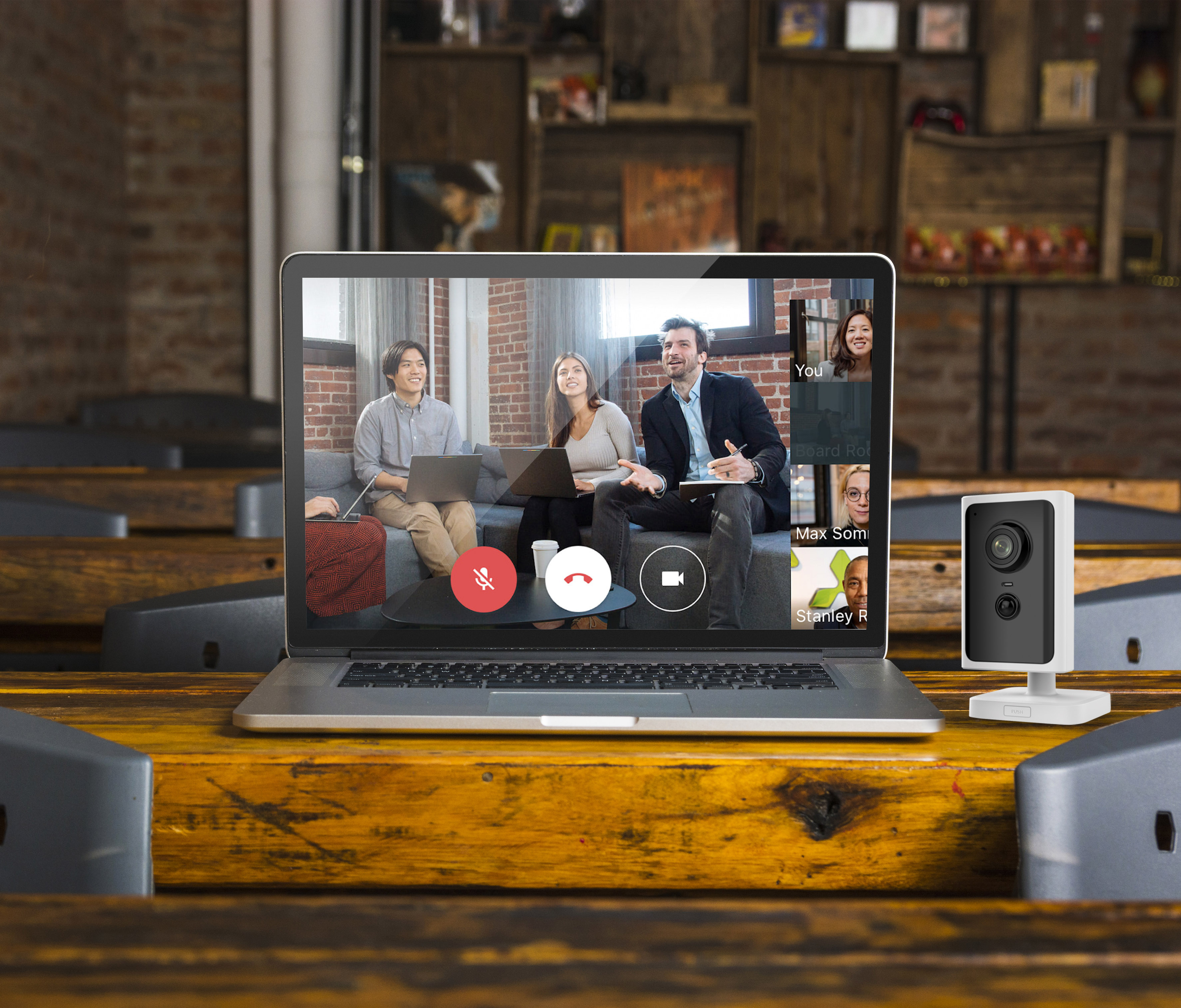
So can we use an IP camera as a Webcam?
The answer is yes.
To do this, it's enough to use free software on your PC that receives and understands the video stream that comes encoded from the IP camera through the local network and converts it into an integrated stream; that is normally possible with all video conferencing applications.
In this way, through the IP camera and whichever available microphone (the headset's one, or maybe the computer integrated one) we can fully participate to video conferences, attend virtual meetings, courses and webinars without problems.

Logically, the most suitable IP camera models for this purpose are the most compact and have a stand or desktop installation. Other models could also be used, but they would not make as much sense due to their focal length, form of anchorage or size.
To facilitate the task, Visiotech, after testing and confirming the operation as a Webcam of many IP cameras from Safire and Ezviz, has created a simple visual guide which details the necessary preliminary must-to-have information as well as an example of software configuration; also, a selection of possible Webcams is proposed, in order to facilitate the usage of the most common programs for video conferencing and meeting as Skype, Microsoft Teams and Zoom.


To obtain the RTSP stream from other manufacturers' cameras, the Onvif Device Managerprogram is often used:
https://sourceforge.net/projects/onvifdm/files/latest/download

Update 18/11/2020:
There are other applications that work similarly to the one indicated in this FAQ that are very interesting alternatives, being both free or paid.
https://alternative.me/splitcam
A free option with similar functionality but for use with platforms such as Youtube, Facebook, Instagram is OBS:
Was this article helpful?
Bu bilgiler sorununuzu çözmeye yardımcı oldu mu?
Still need help?
Uzman ekibimiz size yardımcı olmak için burada.