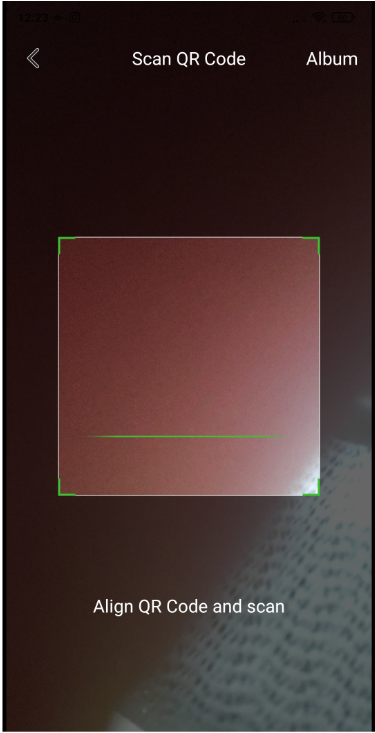
Here are the steps on how to login on to your PC using a QR code:
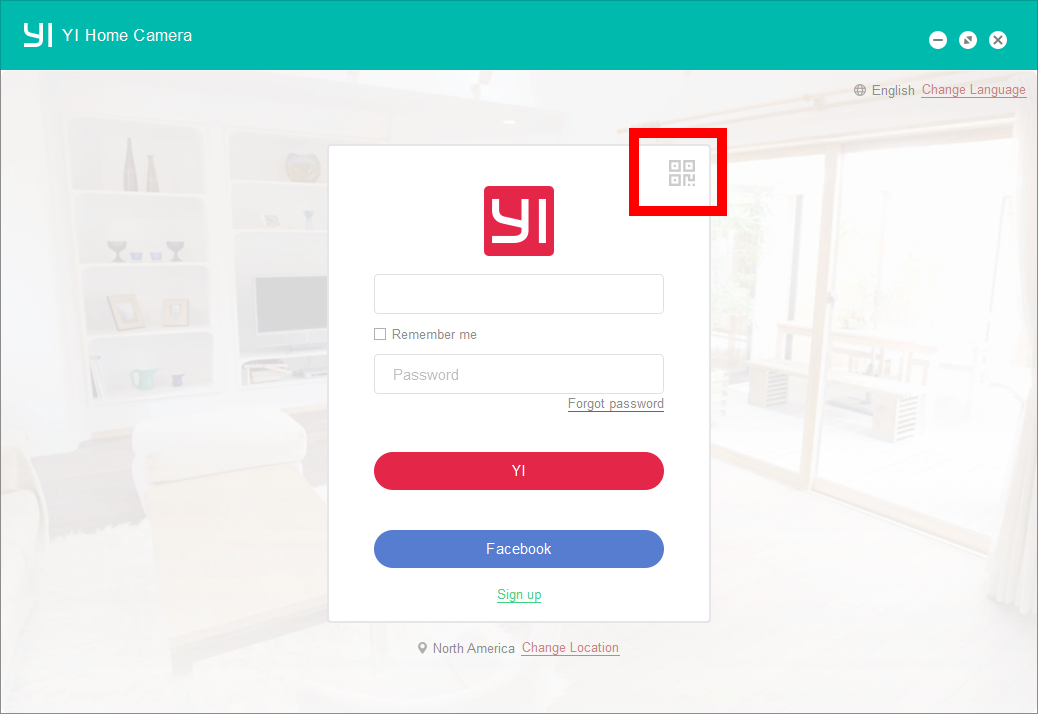
1. Click on the QR symbol on the PC app
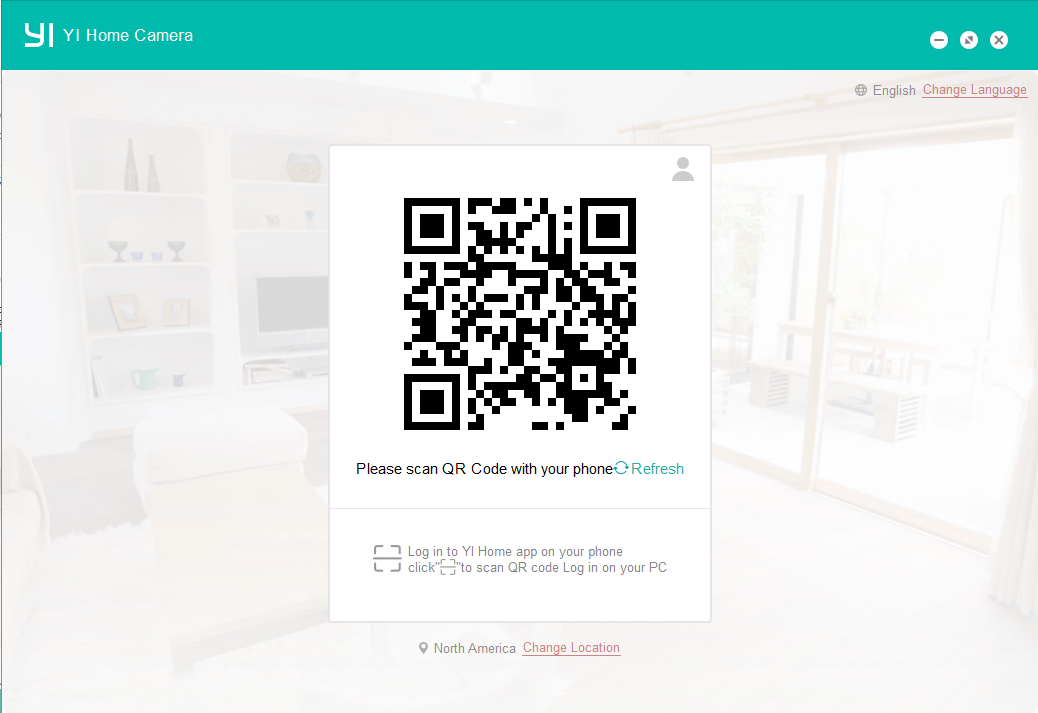
2. The PC app will generate a QR code
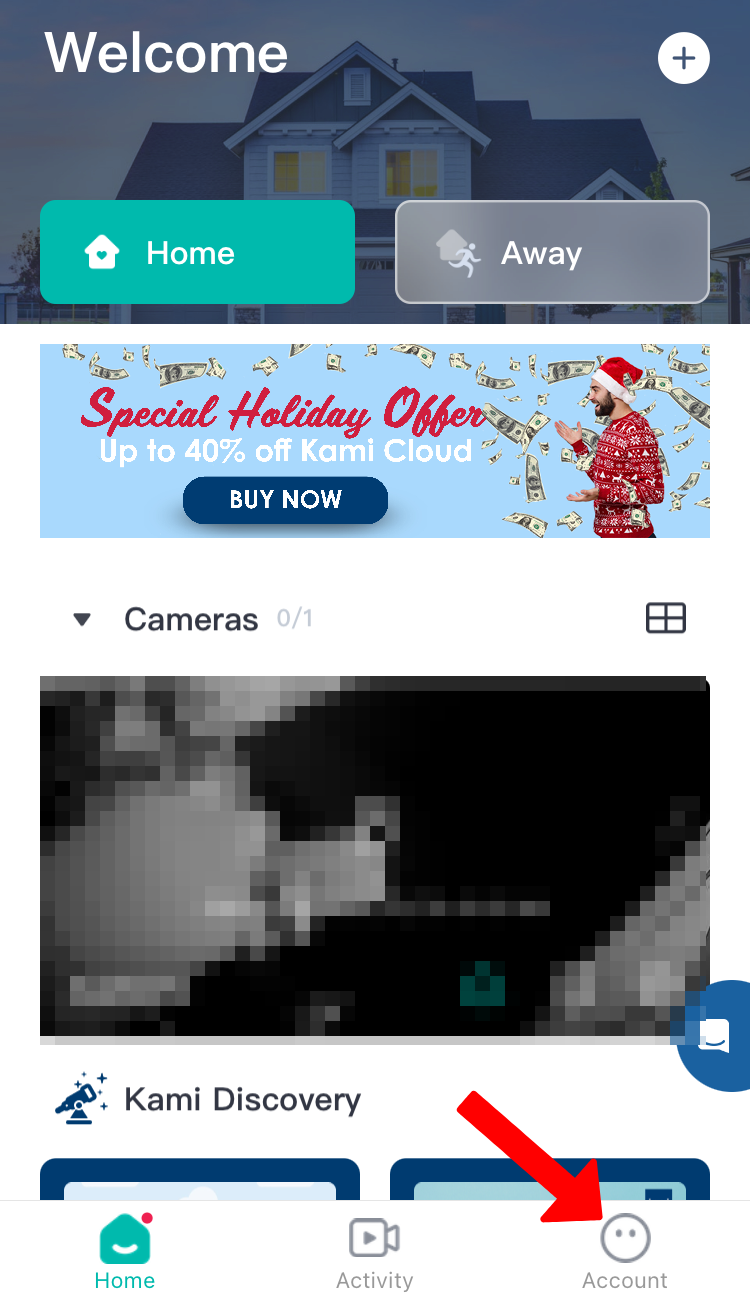
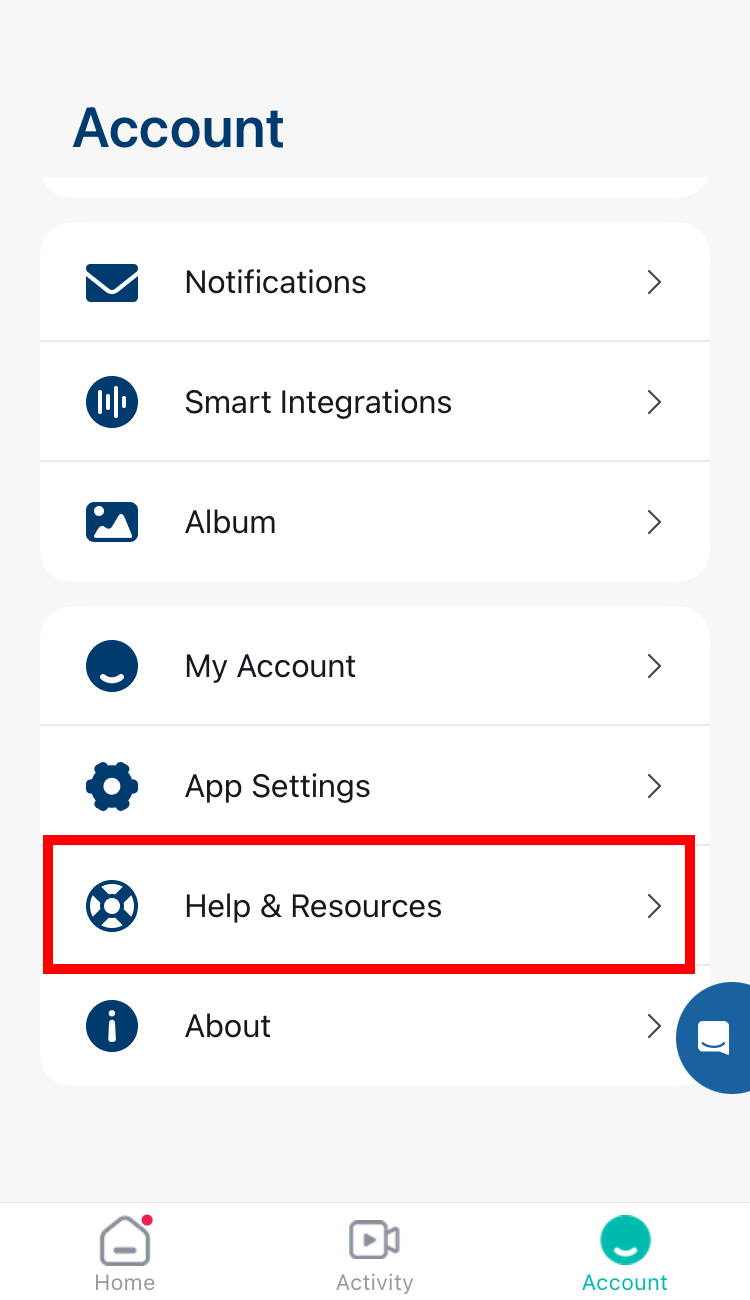
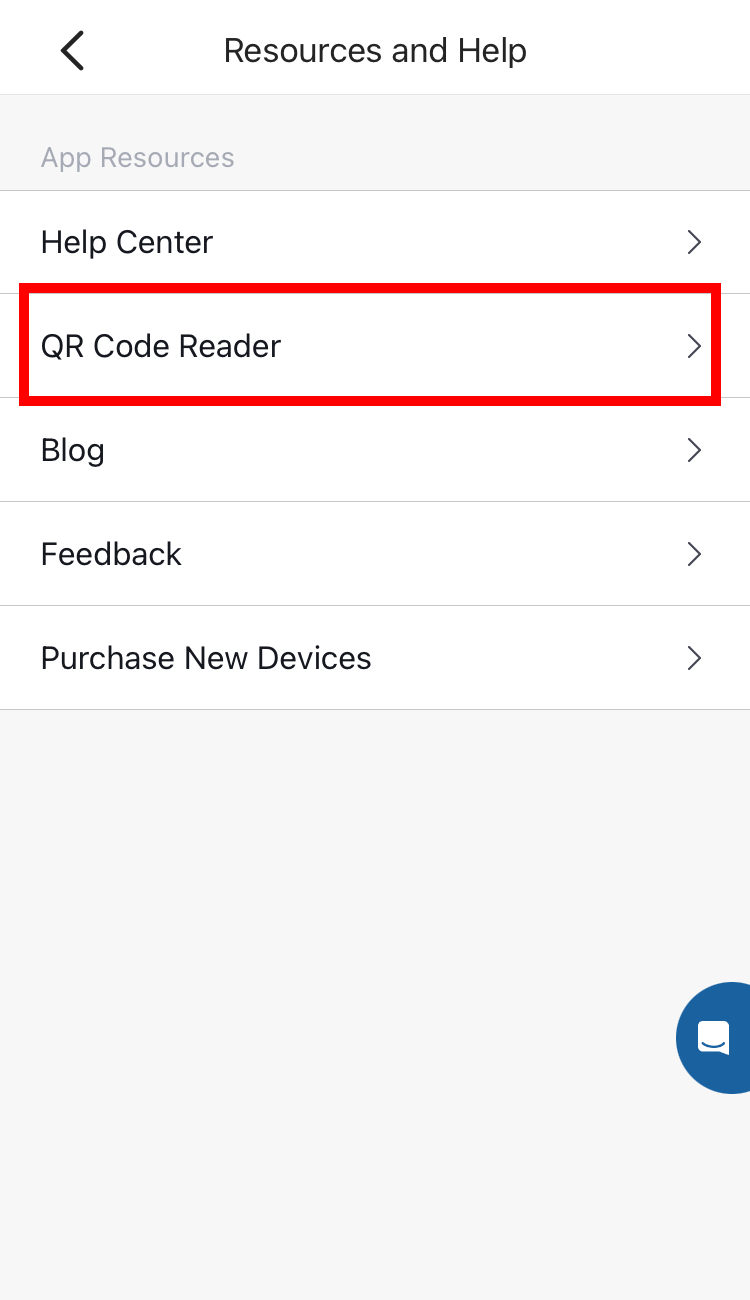
3. To access the QR code reader, please follow these steps:
Tap on Account > Tap on Help & Resource > Tap the QR Code Reader
4. Scan the QR code on the pc using your phone