Short Tips for OPPO, ASUS and Infinix Devices
20 Aug 2026
382 views
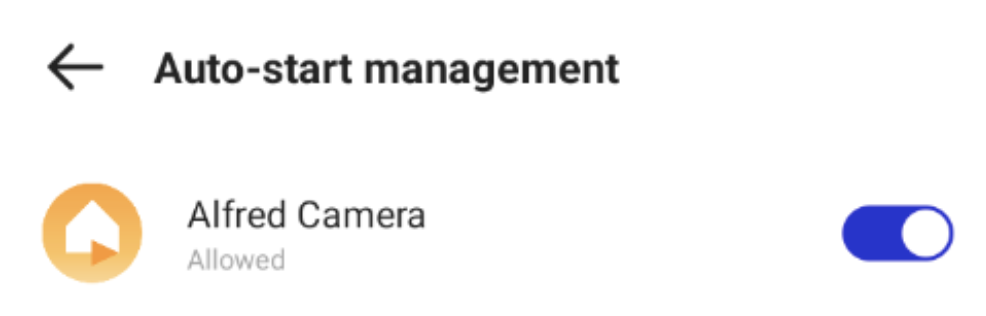
If you use an OPPO, ASUS, or Infinix device, please enable autostart on your devices. If autostart is not enabled, Alfred may be terminated and you may not receive notifications.
To make sure Alfred runs smoothly on these devices:
Lock Alfred in the background (Android-only and may look different on different devices)
⚠️ Note: When an app is running but is not visible on the screen, it is considered running in the background.
-
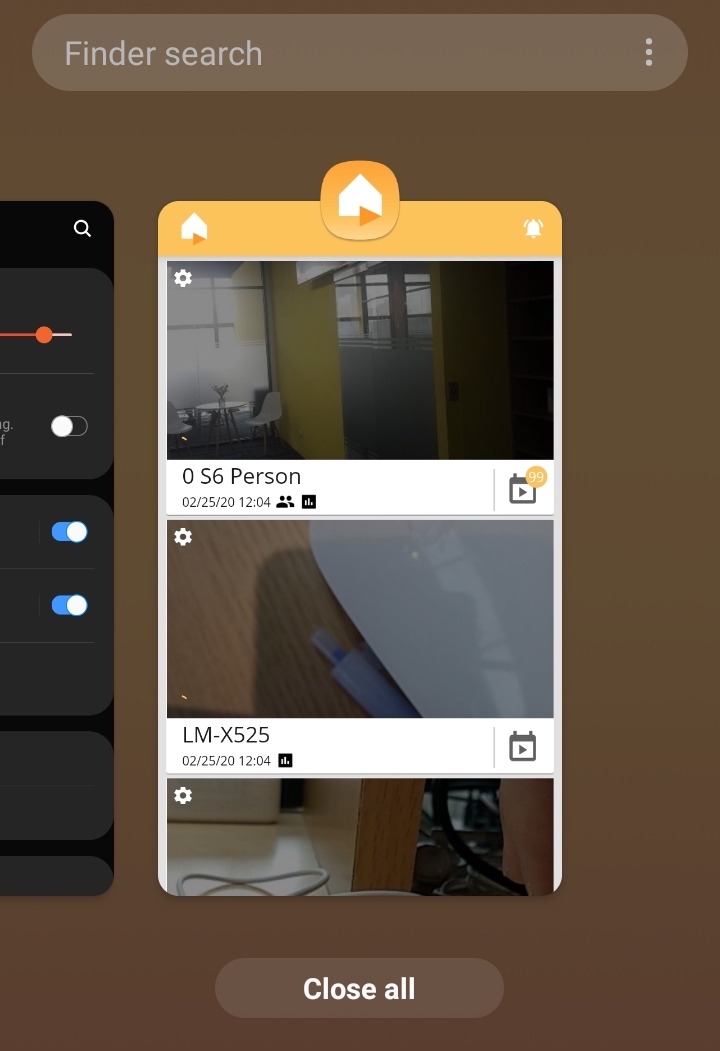
Swipe up and find the Alfred app in the app switcher
-
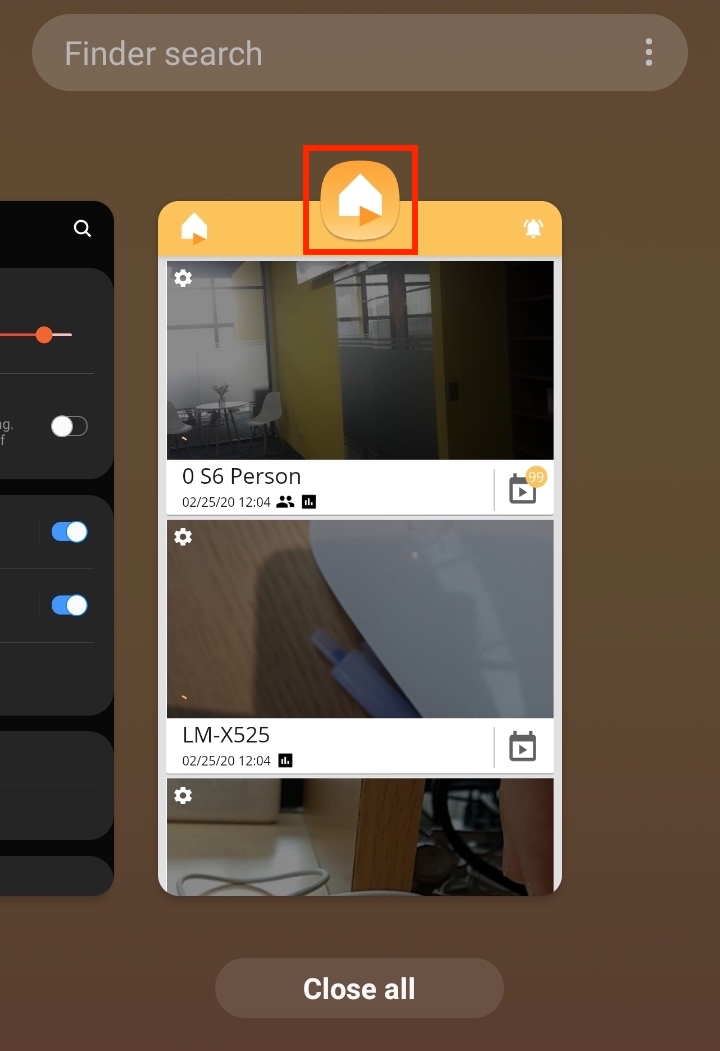
Tap the Alfred logo
-
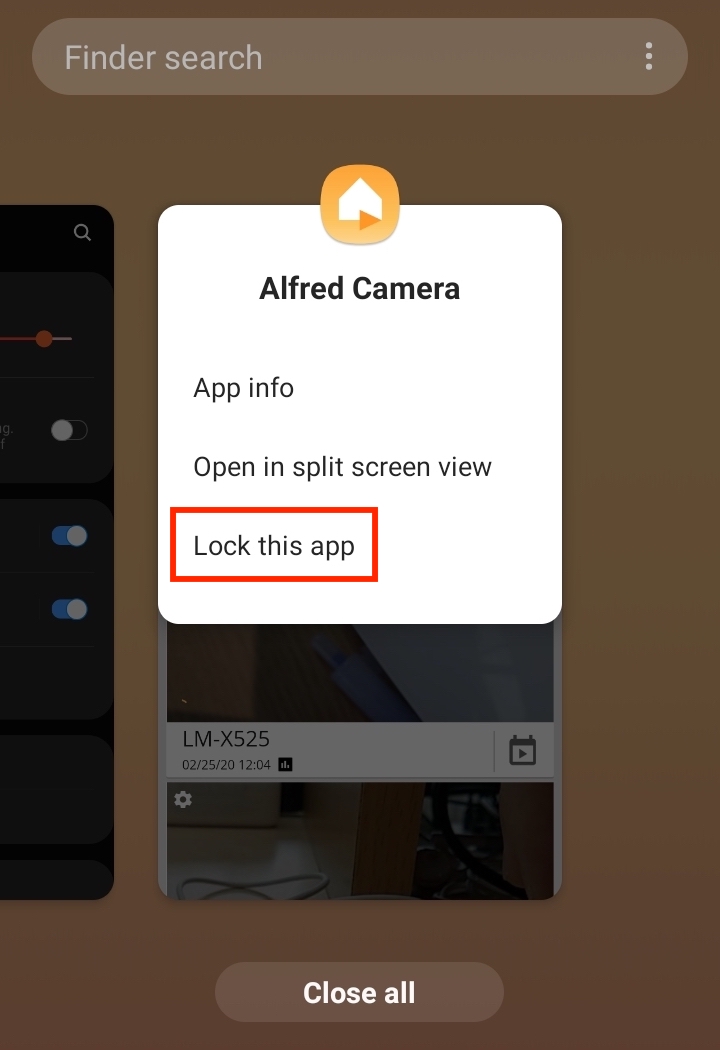
Choose "Lock this app "
Enable autostart when the screen is off
OPPO 📱
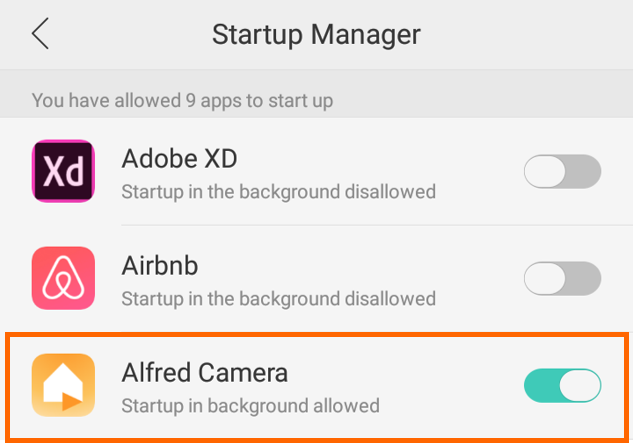
System Settings > Security > Privacy Permission > Startup Manager and allow Alfred to start up
ASUS 📱
System Settings > Battery > Startup Manager and allow auto-start
Infinix 📱
Phone master app > Auto-start Management and allow auto-start
🙋 Still have questions? Please contact us from the More tab in the app.
Was this article helpful?
Bu bilgiler sorununuzu çözmeye yardımcı oldu mu?
Thanks for your feedback!
Still need help?
Uzman ekibimiz size yardımcı olmak için burada.