(VSPlayer) - Playing MP4 Videos
| Video Player | Playback video clips | VSPlayer_V7.4.2_190128 | Platinum Series | Windows/ Mac |
Playing Videos on the VSPlayer
LTS recommends that users use the VSPlayer for viewing playback files.
There are two methods of viewing files using the VSPlayer which will be covered. The first method is finding the playback file in the player itself. The second method is simply dragging and dropping the video file into the player.
Opening Files with the VSPlayer
Step 1. Run the VSPlayer. By default, nothing will be playing.
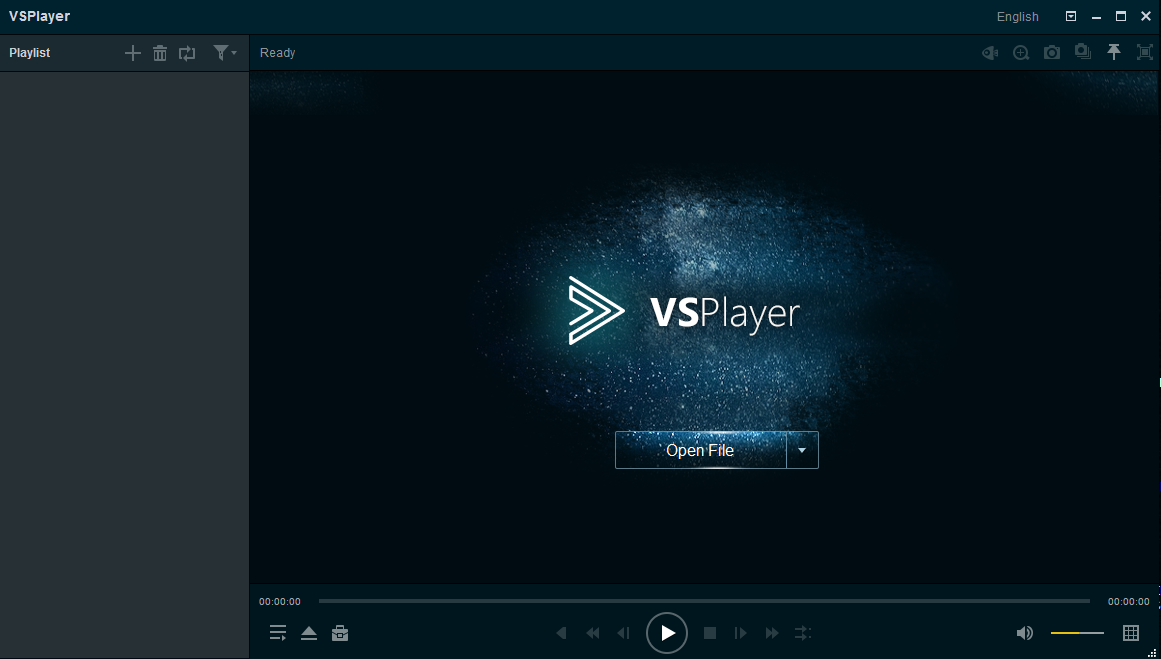
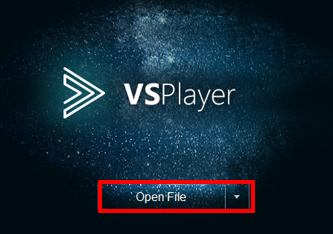
Step 2. Select "Open File"
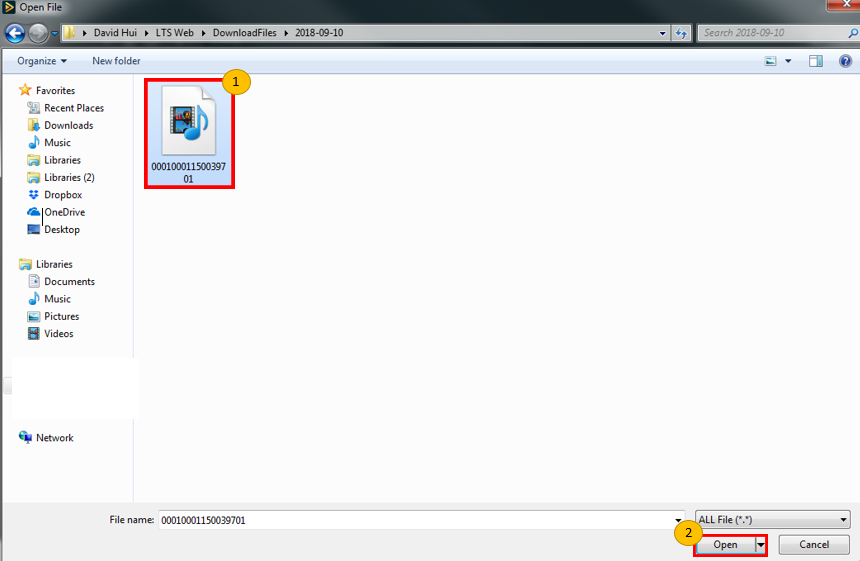
Step 3. Find the playback file on your personal computer, select it, and select "open" to proceed
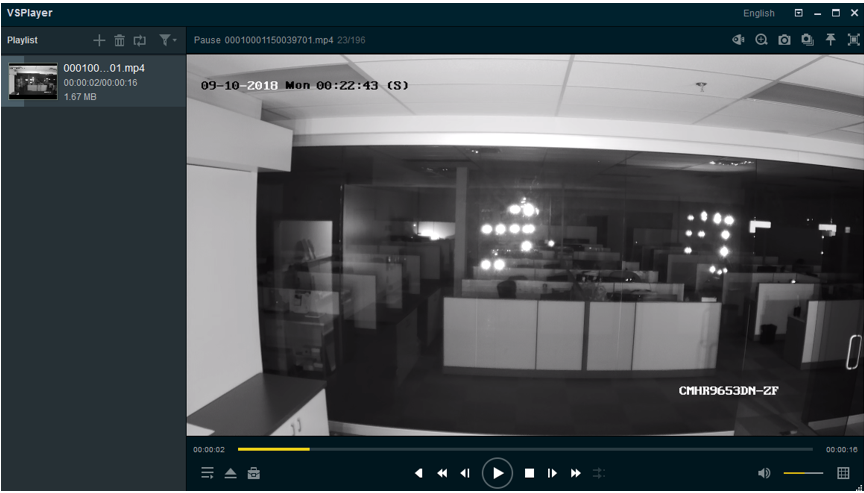
Step 4. Your video should now automatically show up and play.
Drag and Drop Method
Step 1. Find the playback file within your personal computer. The location of which will vary dependent on your local settings. To learn more, click here <-- insert link.

Step 2. Click and hold the playback file. Then drag it to the playlist section of the VSPlayer. You may now release your finger from your mouse to drop the playback file into the player. you should now be able to view your playback file on the VSPlayer.

Was this article helpful?
Bu bilgiler sorununuzu çözmeye yardımcı oldu mu?
Still need help?
Uzman ekibimiz size yardımcı olmak için burada.