Yoosee - How to Use App Yoosee to Connect Camera Without Ethernet Cable? (SP3 SP5)
19 Aug 2026
429 views
Applies to: SP3/SP5
1. Please plug the camera into a power source by adapter.
2. Please search Yoosee in the apple store or google play and install it.
You can also download it from the link below.
For iPhone https://itunes.apple.com/cn/app/yoosee/id981863450?mt=8
For Android https://play.google.com/store/apps/details?id=com.yoosee&hl=en
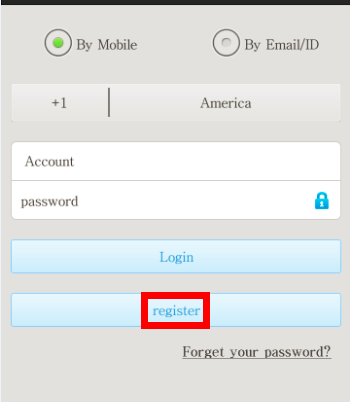
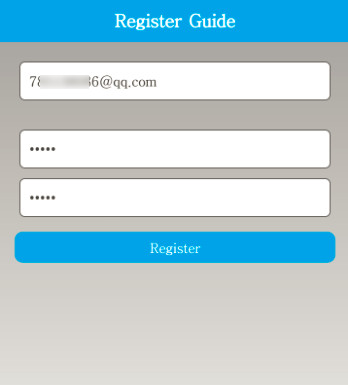
3. Run the app and register an account.
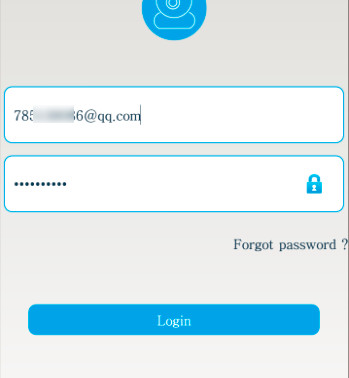
4. add a camera.
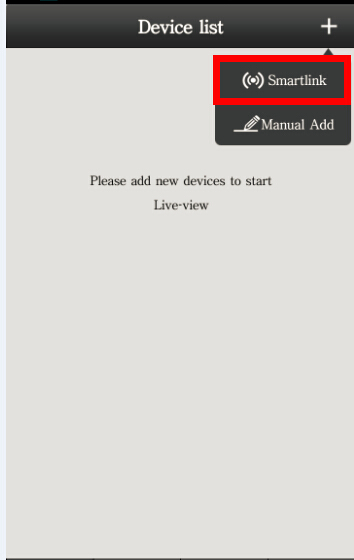
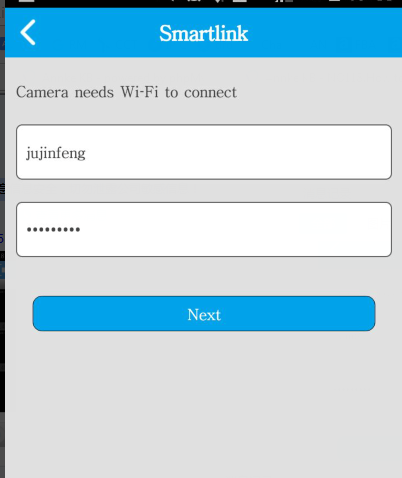
5. Input wifi's password and wait for 1 minute to connect.
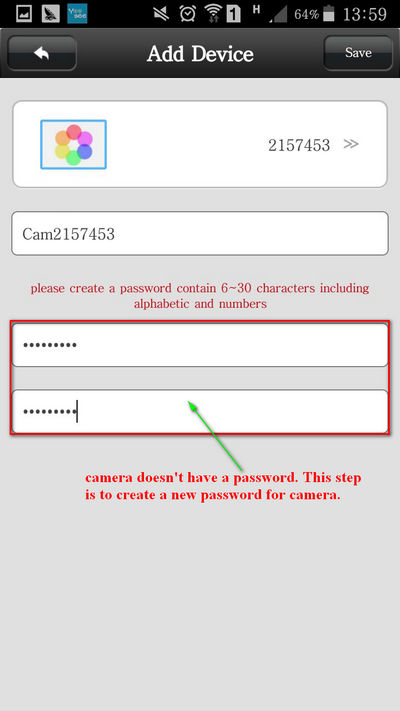
6. Create a new password for the camera.
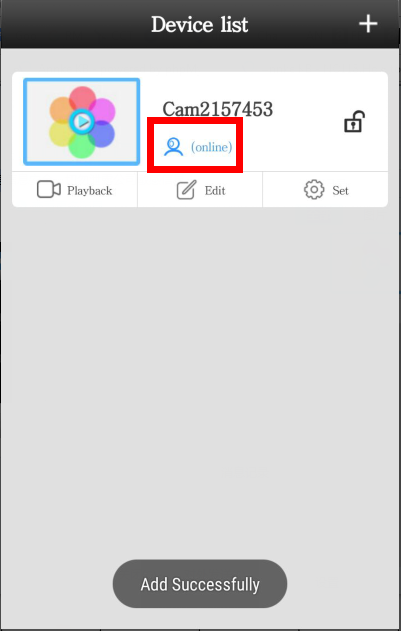
7. Finally, you can see a live video of the camera.

Was this article helpful?
Bu bilgiler sorununuzu çözmeye yardımcı oldu mu?
Thanks for your feedback!
Still need help?
Uzman ekibimiz size yardımcı olmak için burada.