Annke Nova - How to View the Camera on VLC Player by RTSP?
Applies to: I41HG/I41CS
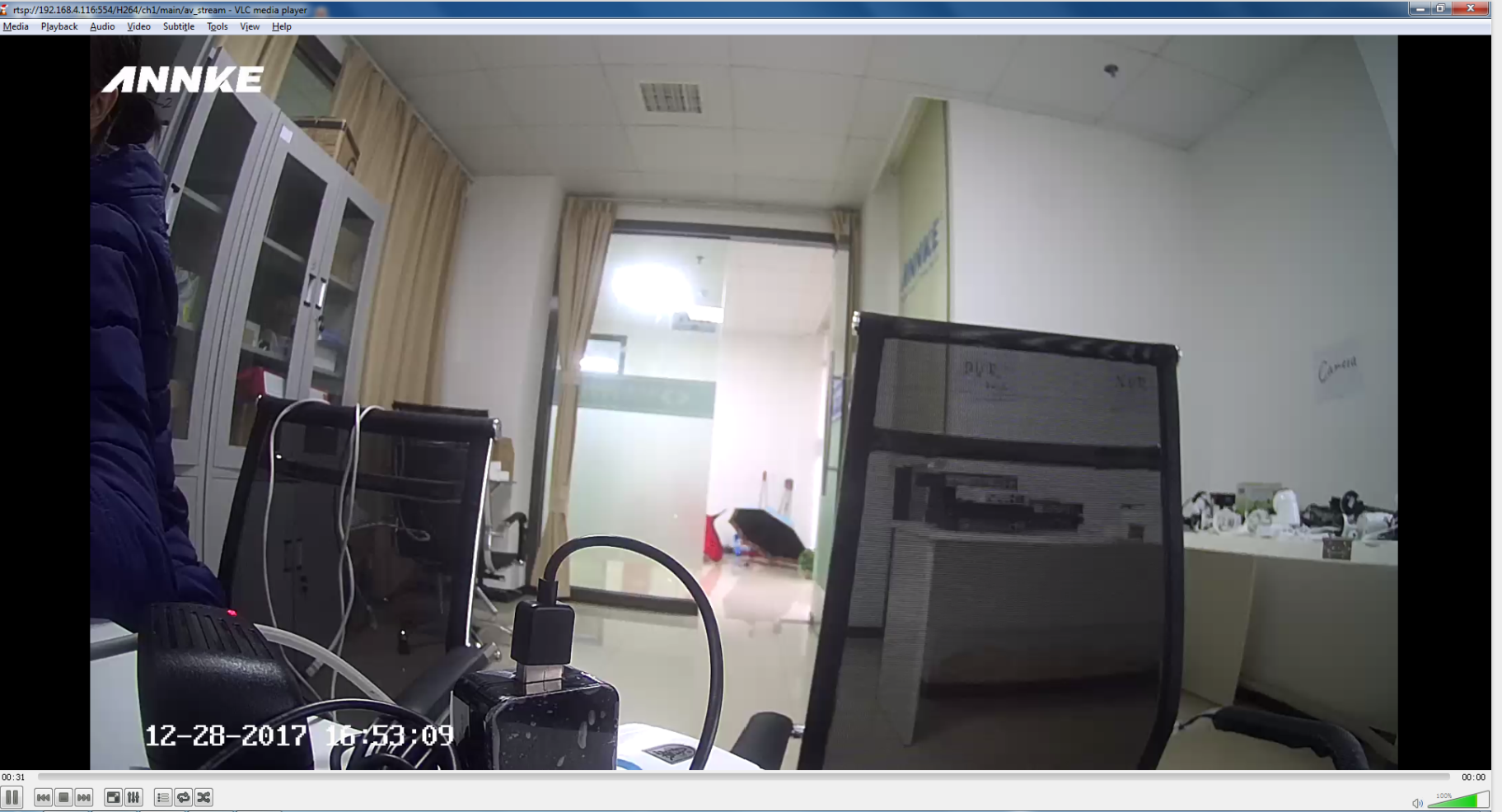
I41HG (Nova S) can support RTSP, it can play on VLC player by RTSP.
RTSP://[username]:[password]@[ip]:[port]/[codec]/[channel]/[subtype]/av_stream
Fox example: rtsp://admin:ARGDAK@192.168.133.48:554/H264/ch1/main/av_stream
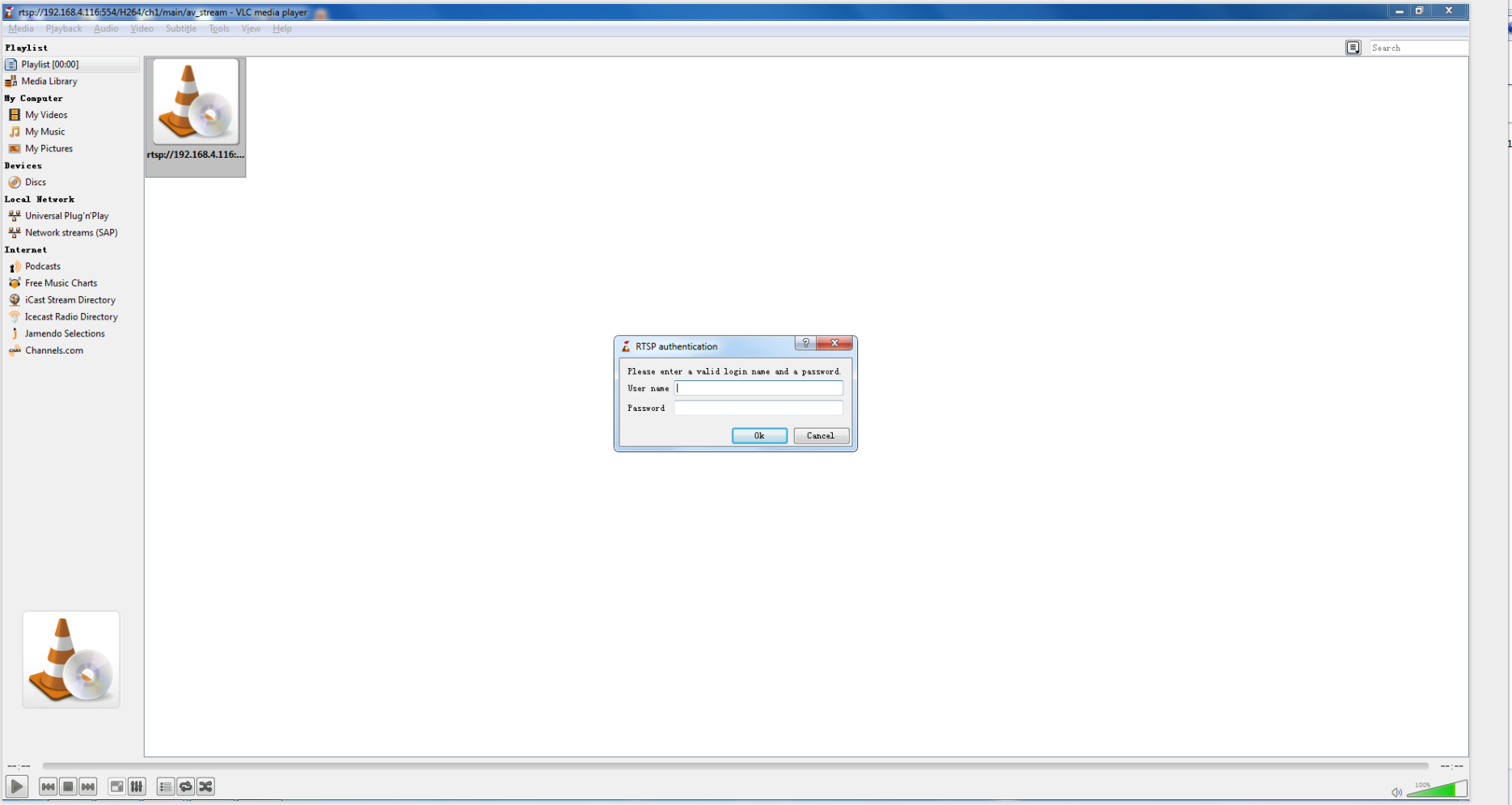
user name: admin (default)
password: password is the verification code which you can find it on the white label at the button of this camera
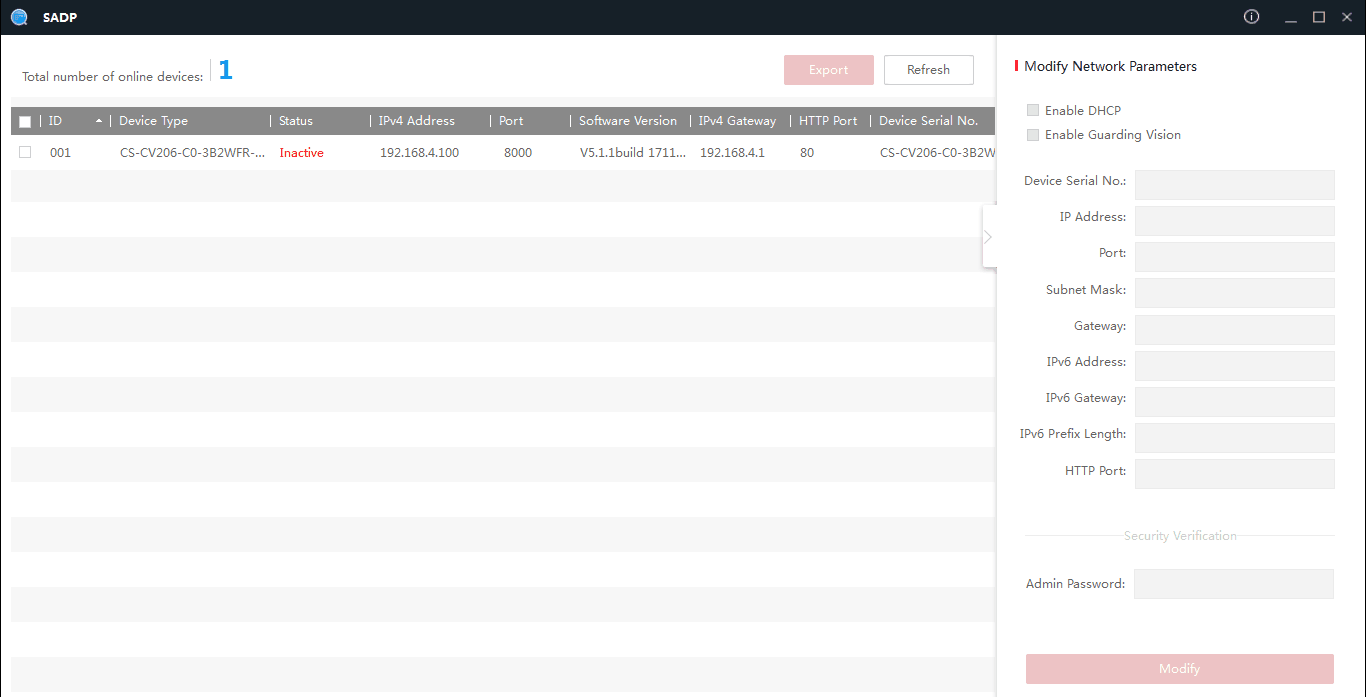
IP: the camera's IP address which you detect on the SADP tool.
port: 554
code: H264 (MPEG-4、mpeg4)
channel: CH1 (or the channel which you want to add it to, for example, ch2)
subtype: main (sub)
1. Please connect the camera to the network by the following link:
2. Please install the search tool SADP and detect the IP of this camera on the computer which is in the same network as the camera.
SADP tool download link:
https://download.annke.com/CMS/SADP_v3.0.2.4.zip
3. Please install VLC player on the computer.
VLC download link: http://support.annke.com/document/download/vlc-2-2-6-win32.exe
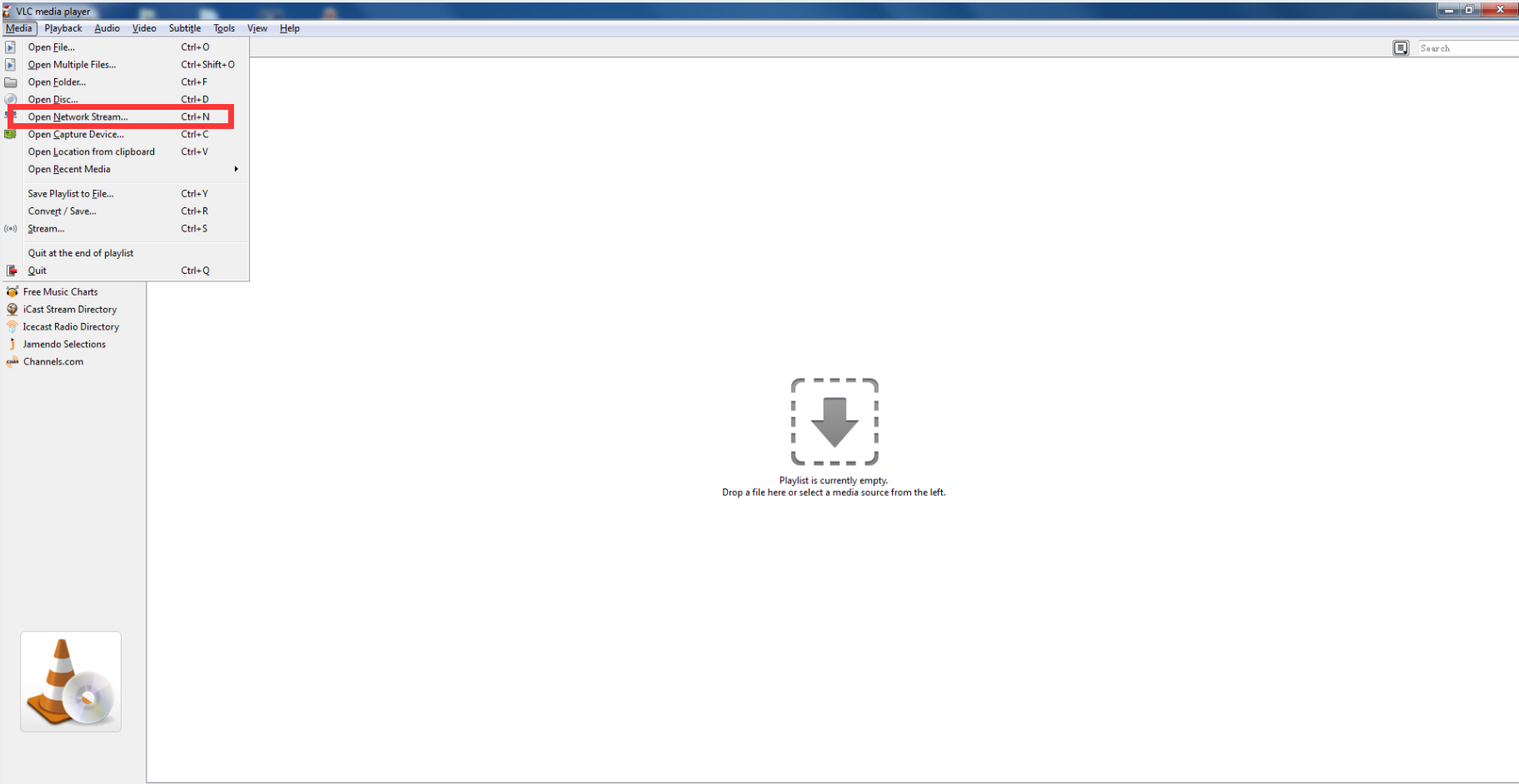
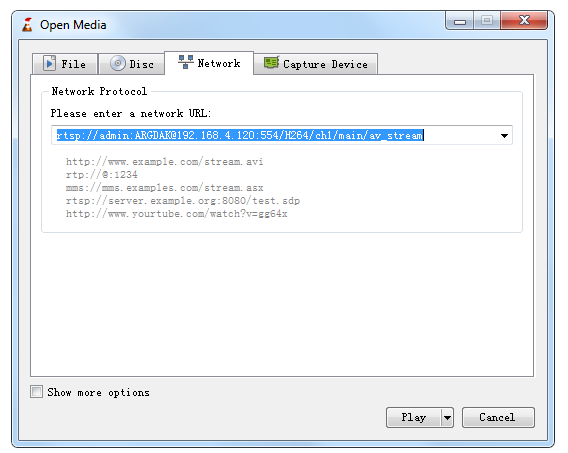
4. Pls open the VLC player-Media-Open Network Stream and then input the RTSP URL.
The format is:
rtsp://[username]:[password]@[ip]:[port]/[codec]/[channel]/[subtype]/av_stream
rtsp://admin:ARGDAK@192.168.133.48:554/H264/ch1/main/av_stream
Was this article helpful?
Bu bilgiler sorununuzu çözmeye yardımcı oldu mu?
Still need help?
Uzman ekibimiz size yardımcı olmak için burada.