Annke Sight - How to Access DVR/NVR System on Computer Browser with its IP Locally?
Applies to: NW41V/N441H/N441K/N28WEB/N441B/N441D/N441L/N44PAN/N44PAJ/N34WDB/N34WDD/N44WEB/N44WED/N44WEC/NW41V/N44WBD/N48WHP/N48WHE
Step 1:
Please connect the NVR to the router by ethernet cable.
Step 2:
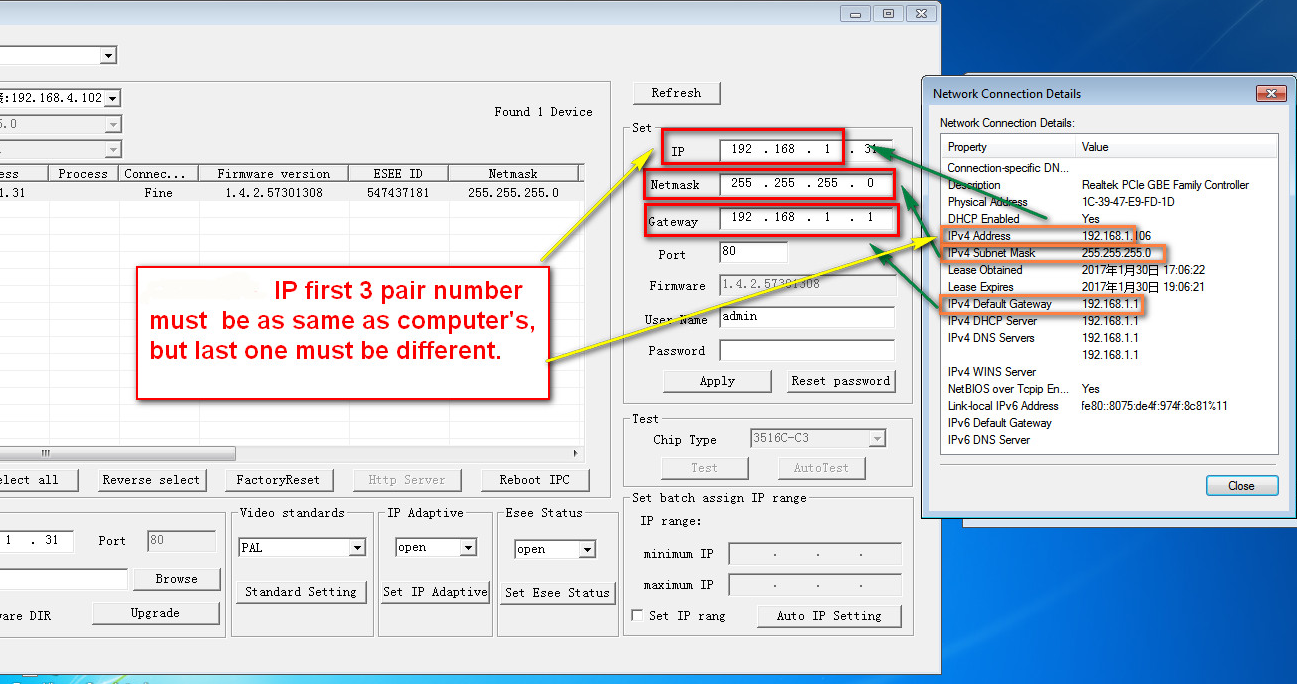
Please get a windows computer which is connected to the same router and check that computer's network information.
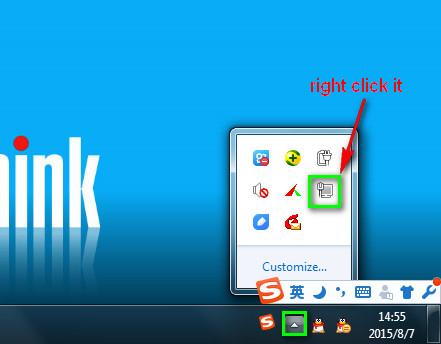
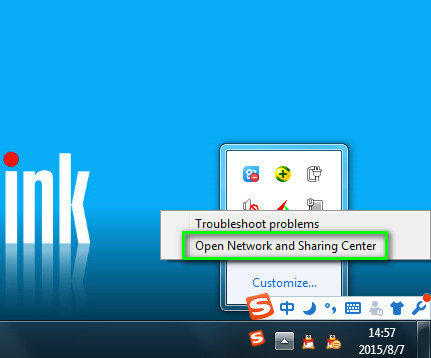
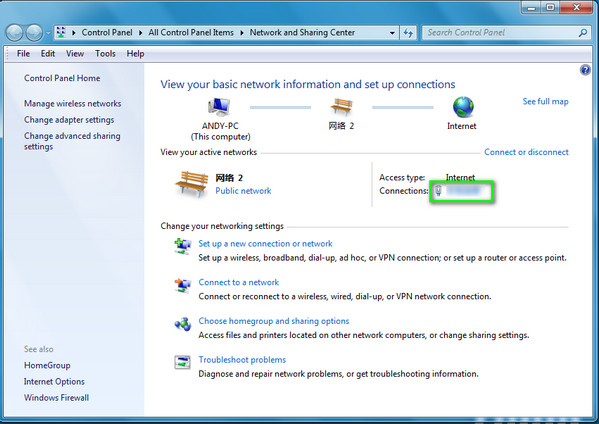
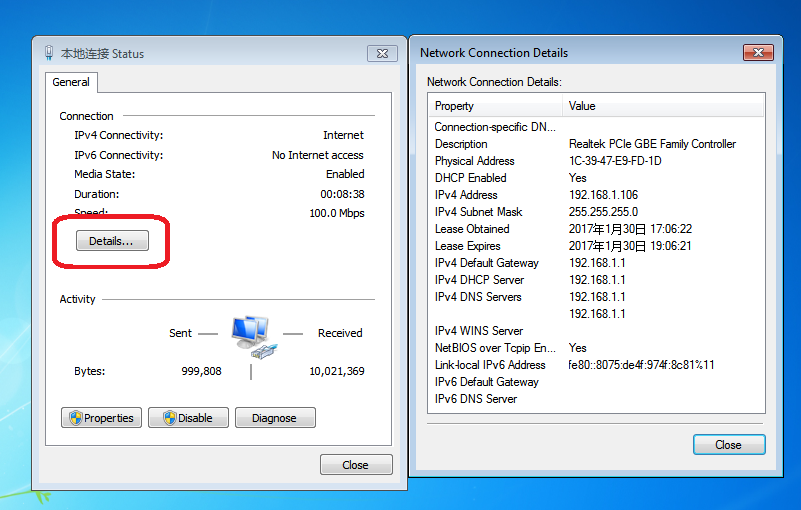
Step 3:
Install the search tool below on the computer to search the NVR's IP.
https://download.annke.com/document/Computer_Software/DvrSuite-1.0.0.4.exe
Step 4:
Check the NVR's IP address and please make sure the computer and the NVR in the same network segment. If not, please change its IP address.
Step 5:
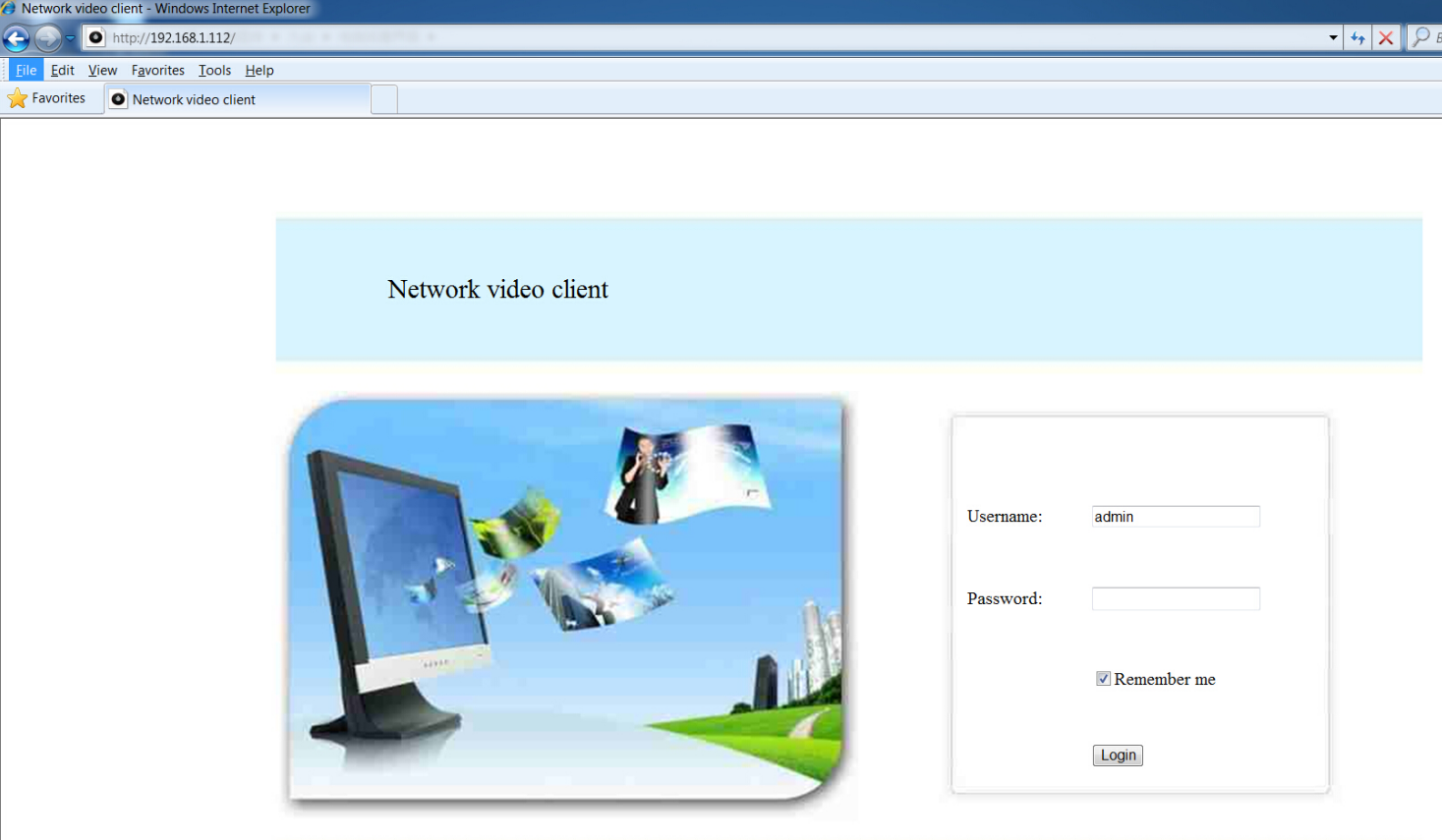
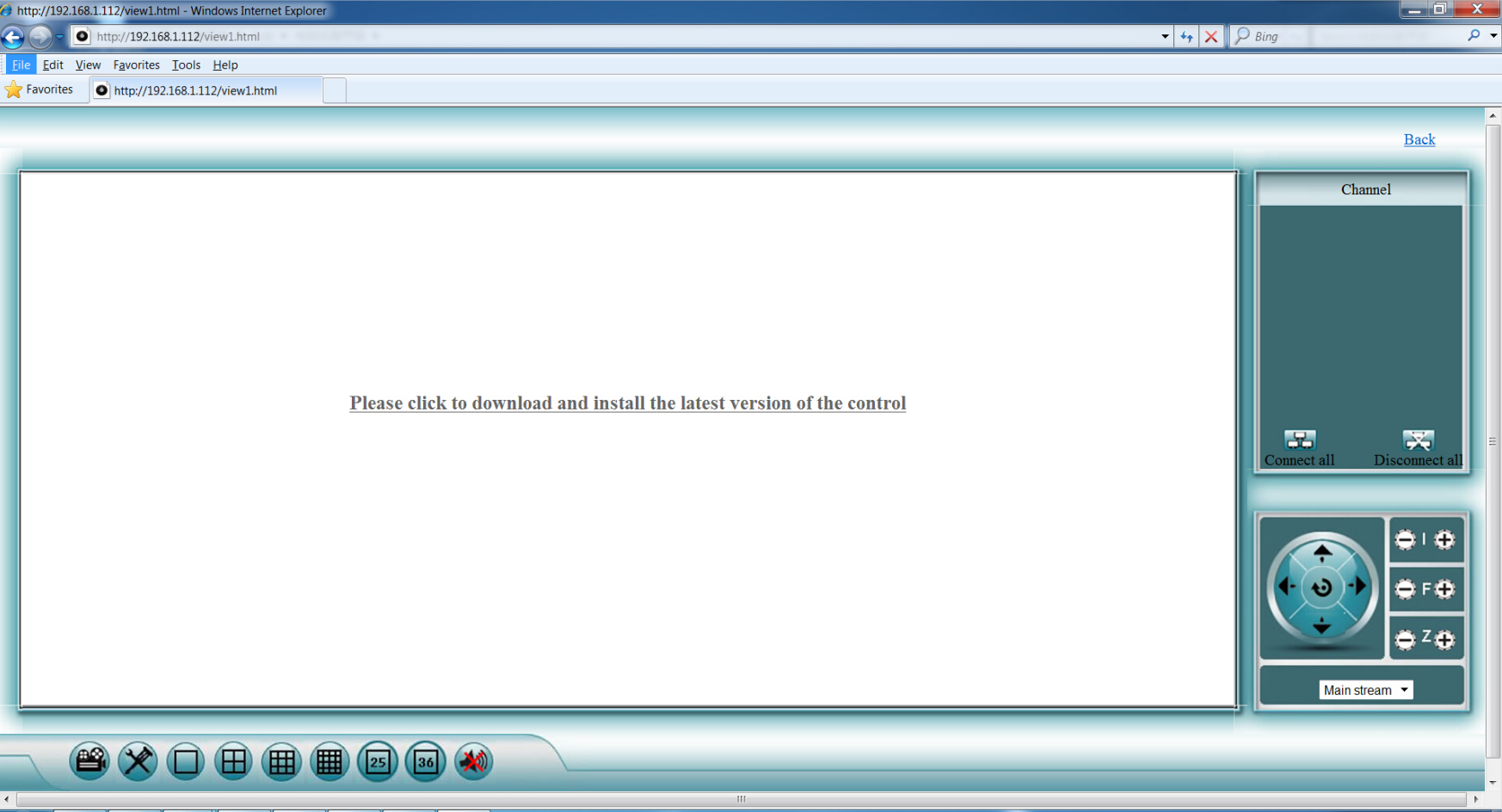
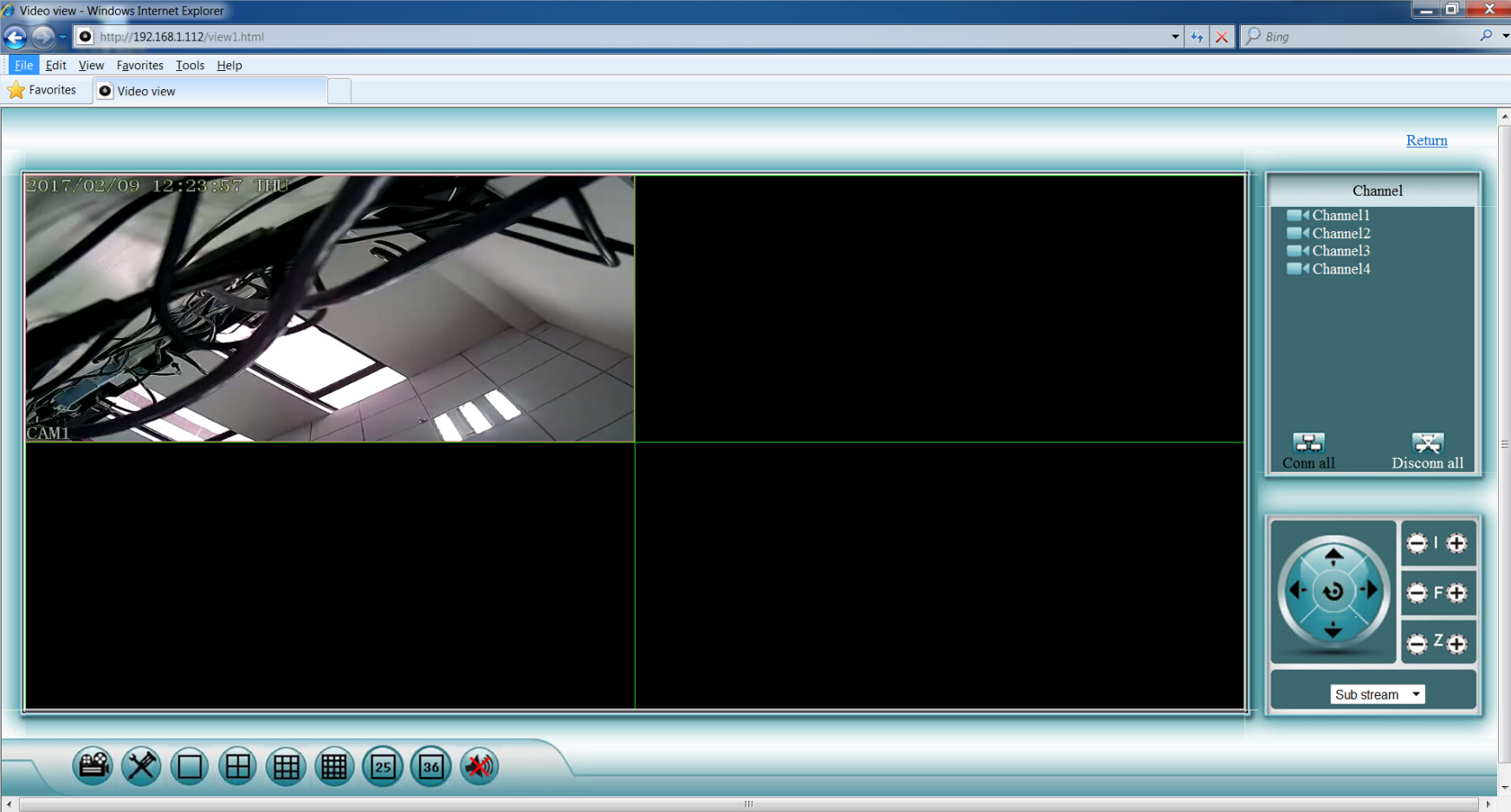
Use the IP such as http://192.168.1.112 to enter your NVR with the IE browser.
Was this article helpful?
Bu bilgiler sorununuzu çözmeye yardımcı oldu mu?
Still need help?
Uzman ekibimiz size yardımcı olmak için burada.