Annke Sight - What to Do if You Forgot Password of System?
Applies to: N441H/N441K/N28WEB/N441B/N441D/N441L/N44PAN/N44PAJ/N34WDB/N34WDD/N34WBB/N44WEB/N44WED/N44WEC/NW41V/N44WBD/N48WHP/N48WHE/N44WHD/N44WEF/N48WHF/N48WHR/N48PBE
1. Input a wrong password so that the system displays a window with an error message
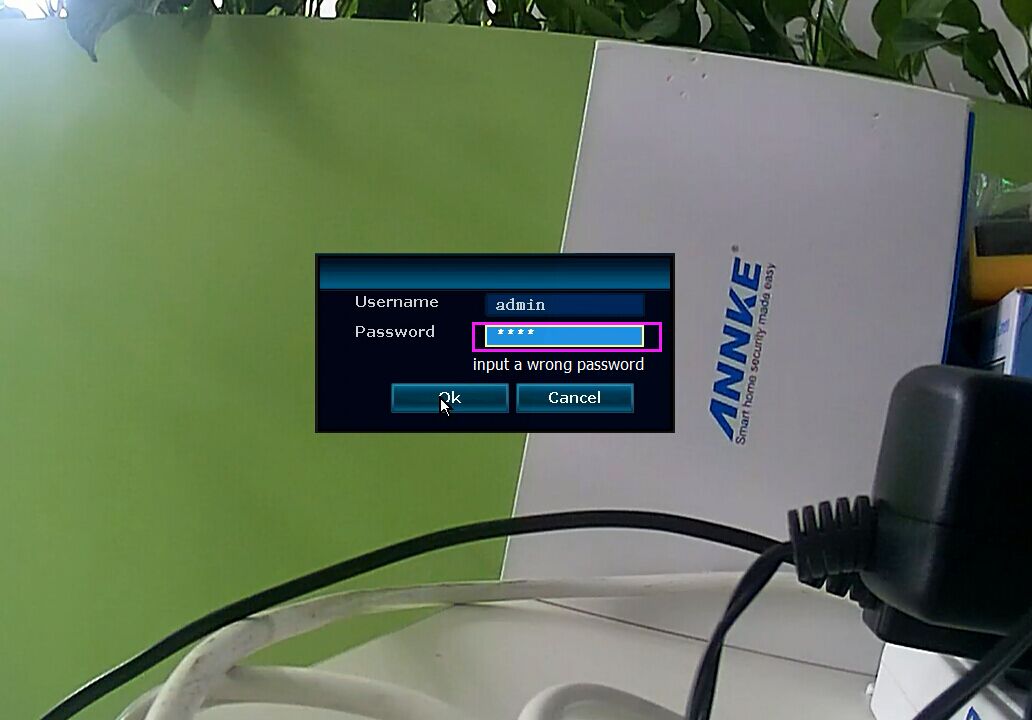
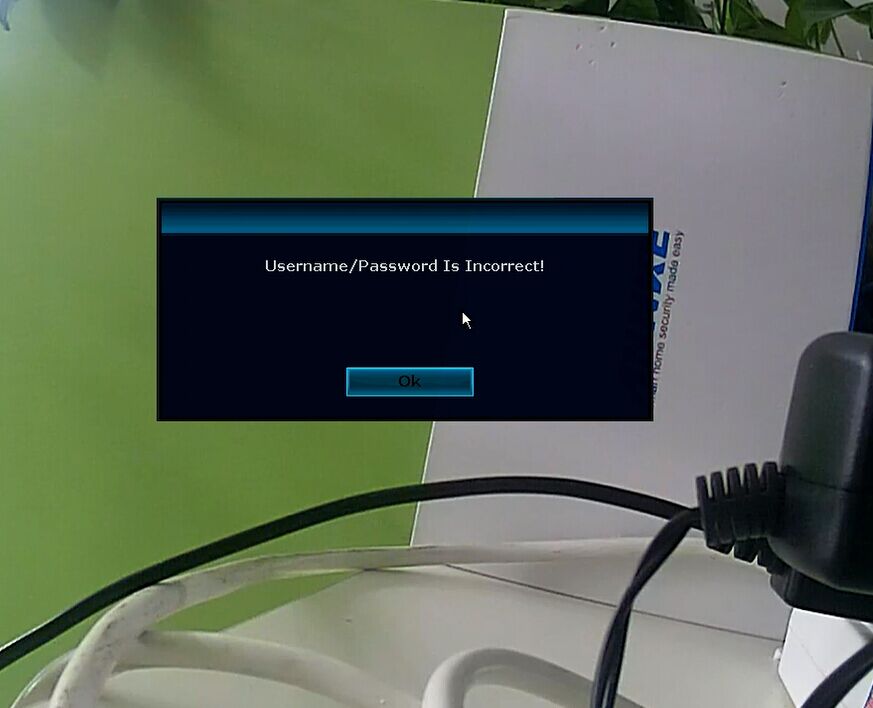
2. Pls use the mouse click on this window, use your mouse interchangeably "left click"-"right-click"-"left click"-"right-click"-"left click"-"right-click"....please do this at least 12 times.
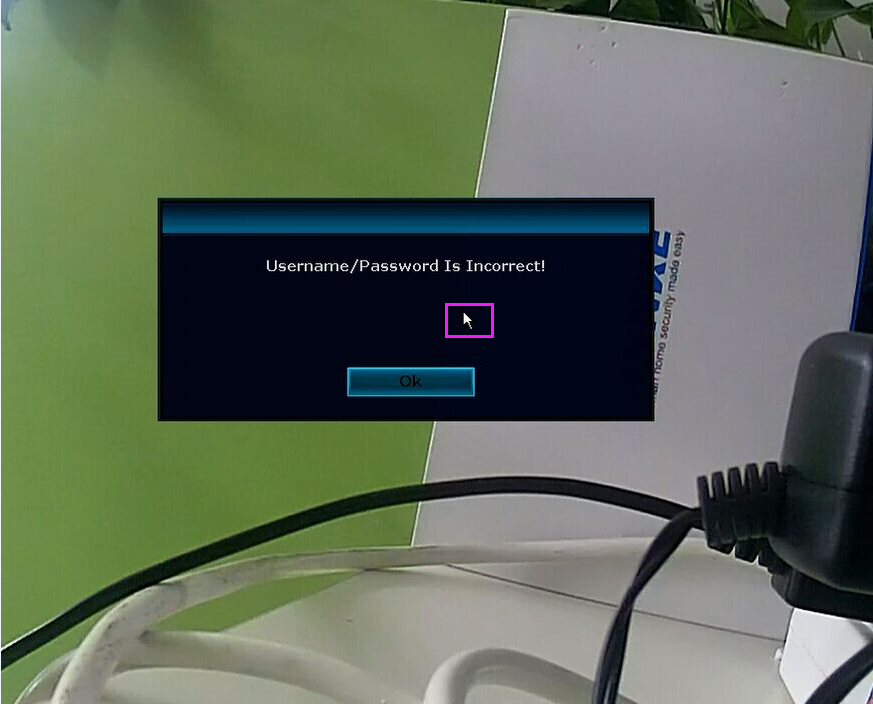
3. Then it will pop up another window, "restore default user", Click YES to restore the system so that password comes back to the default one. The default password is none.
You don‘t need to input anything as the password.

Here is the video for your reference: http://support.annke.com/document/JA/Forget_password.MOV.mp4
Was this article helpful?
Bu bilgiler sorununuzu çözmeye yardımcı oldu mu?
Still need help?
Uzman ekibimiz size yardımcı olmak için burada.