Annke Vision - Receiving Sharing Messages on Annke Vision App
19 Aug 2026
401 views
Applies to: DT41Y/DT61Y/DT81Y/DN41R/DN61R/DN81R/DT41GB/DT81GB/DT61GB/DT41DB/DT81DB/DT61EQ/DW41JD/DW81KD/DW61LD/DT81DP/N48PI/N44PI/N46PI/N44PAM/N48PAW/N46PCK/N88PCH/N441Y/N481Y/I21AE/I21AF/I41DQ/I61DQ/I61DR/I61DS/S500/S300/FC200/NCK800/H800/H500
Purpose: You will receive the sharing messages if others' accounts have shared devices with you.
Before you start:
- Run and have logged in to your account.
- Another account has shared the device to you. (How to share devices with others?)
Steps:
- On the Annke Vision Page, you will receive the message,
Tap View Now, you will enter the Others' Device page.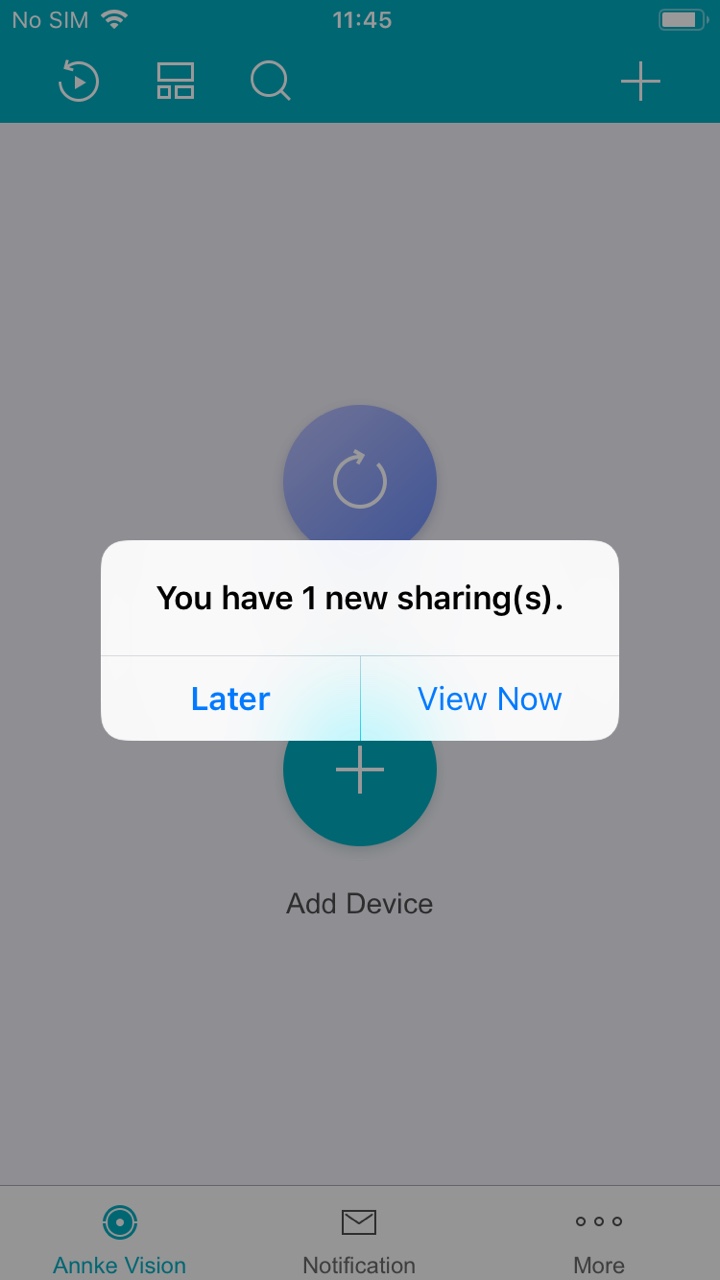
- The sharing messages will be listed on the page.
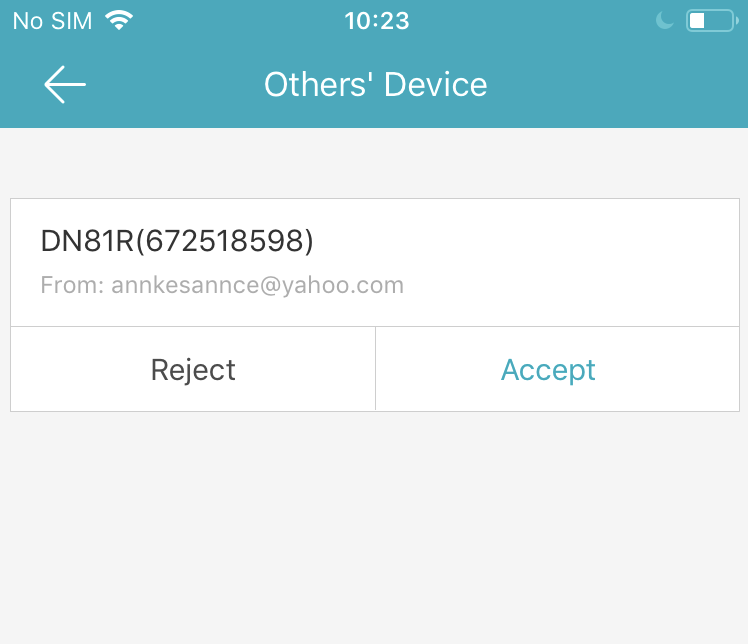
- Tap Accept. The device will be listed on the Annke Vision page.
You can view the device live video, playback video, and perform other operations.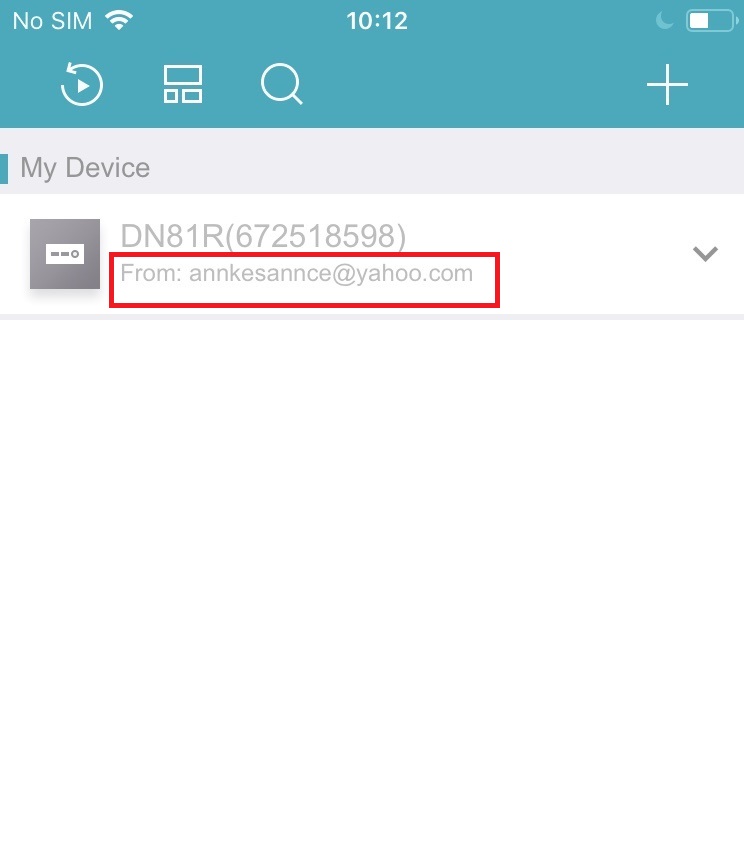
- Or tap Reject to reject the sharing.
Note: If you don't check the sharing immediately, you can click Later. When you want to check the shared device, you can click the refresh button on the Annke Vision main page. The message will pop-out.
Was this article helpful?
Bu bilgiler sorununuzu çözmeye yardımcı oldu mu?
Thanks for your feedback!
Still need help?
Uzman ekibimiz size yardımcı olmak için burada.