Annke Vision -- Starting Up for Annke DVR/NVR
20 Aug 2026
389 views
Applies to: N48PI/N44PI/N46PI/N44PAM/N48PAW/N46PCK/N88PCH/N441Y/N481Y/All Annke DVRs
Before you start:
- Check that the voltage of the extra power supply is the same as the DVR’s/NVR's requirement, and the ground connection is working properly.
- It is HIGHLY recommended that an Uninterruptible Power Supply (UPS) be used in conjunction with the device
Steps:
1. Check the power supply is plugged into an electrical outlet.
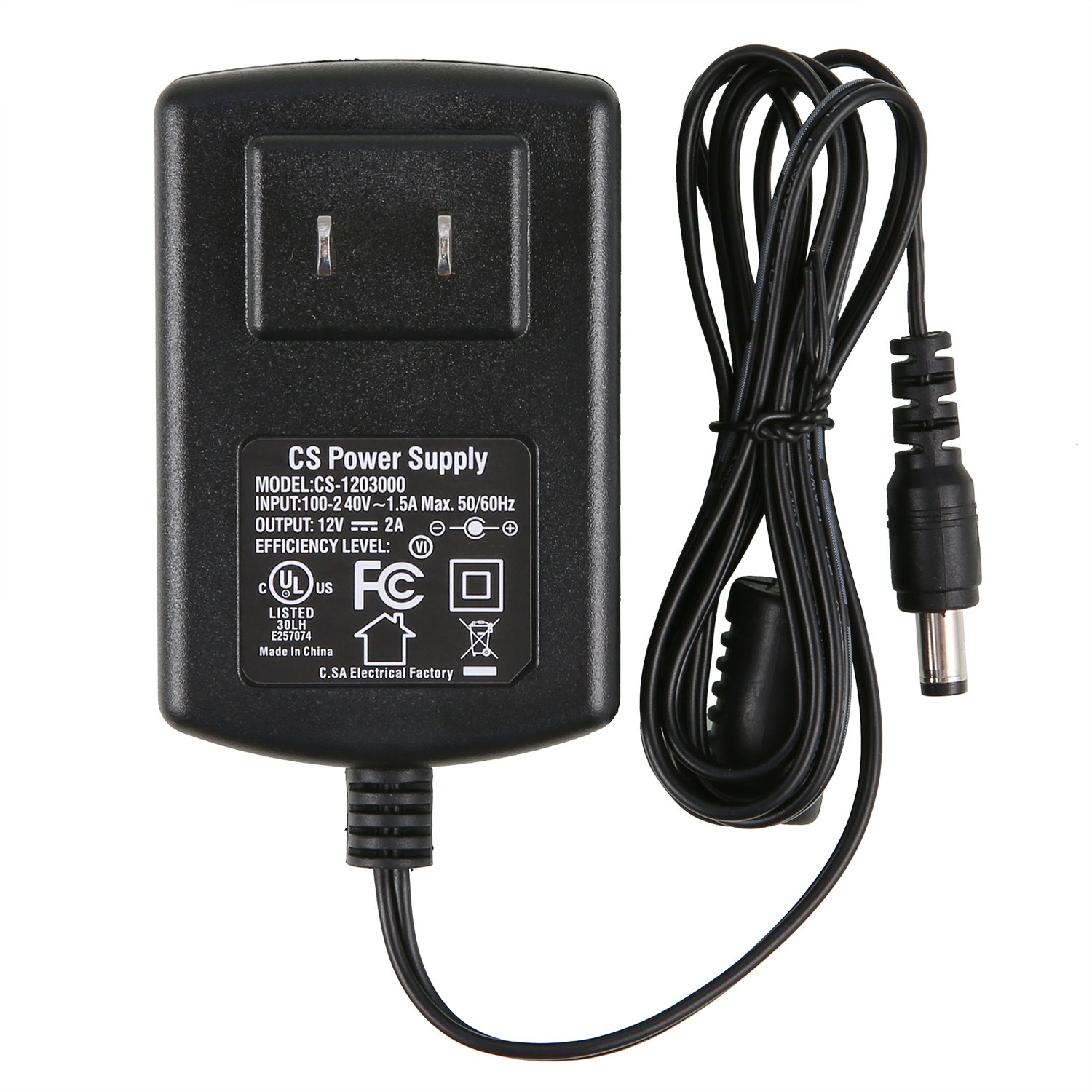
2. Turn on the power switch.
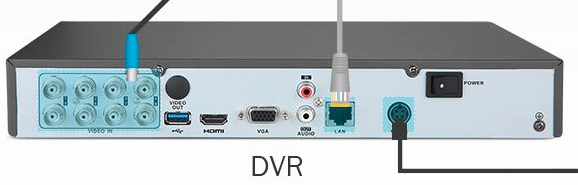
Notes:
- If some DVR doesn't have this switch, just plug in the DC adapter to the DVR on the rear panel.
- If some old model NVR doesn't find this switch, press the button on the front panel, such cases are rare.
3. The power indicator LED should turn on.
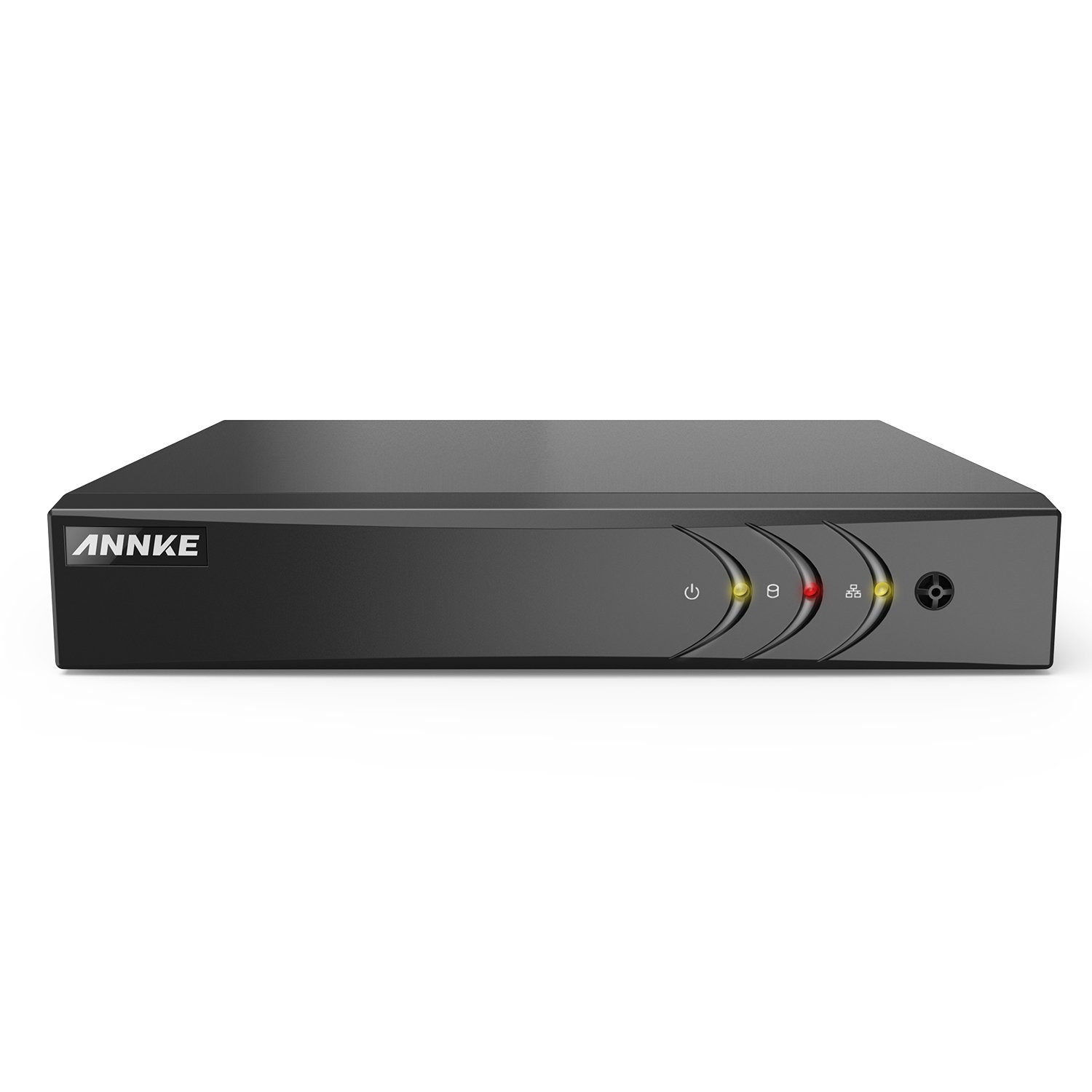
Notes:
- After start-up, the Power indicator LED remains on.
- Proper startup and shutdown procedures are crucial to expanding the life of the DVR.
Was this article helpful?
Bu bilgiler sorununuzu çözmeye yardımcı oldu mu?
Thanks for your feedback!
Still need help?
Uzman ekibimiz size yardımcı olmak için burada.