Camb - How to Control your AI Floodlight Cam with the Camb App?
20 Aug 2026
378 views
Applies to: I41MV/I41MW/I41MX/I41MY
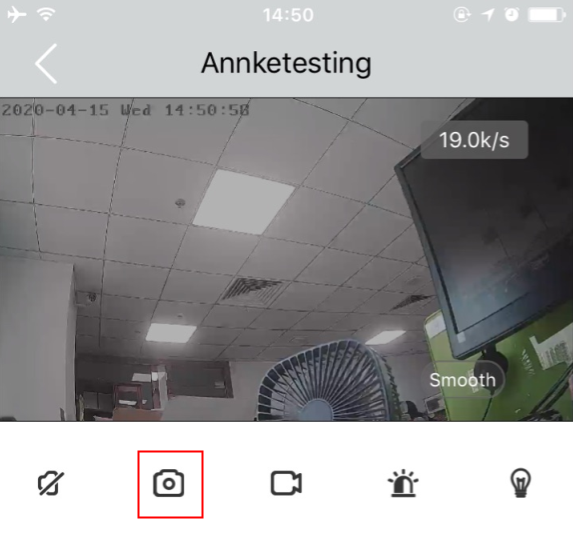
You can view AI Floodlight Cam videos in real time through the Camb App. In the live video, you can access the following features:
Warning light: Activate 100 dB alarm and flash
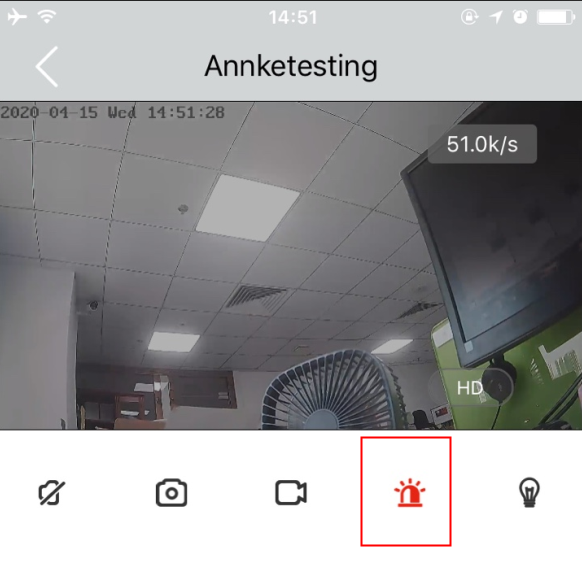
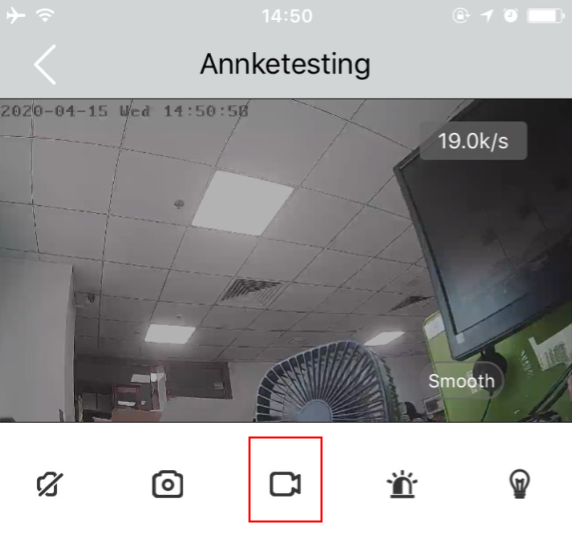
Video recording: Turn this button on and off to manually control the recording
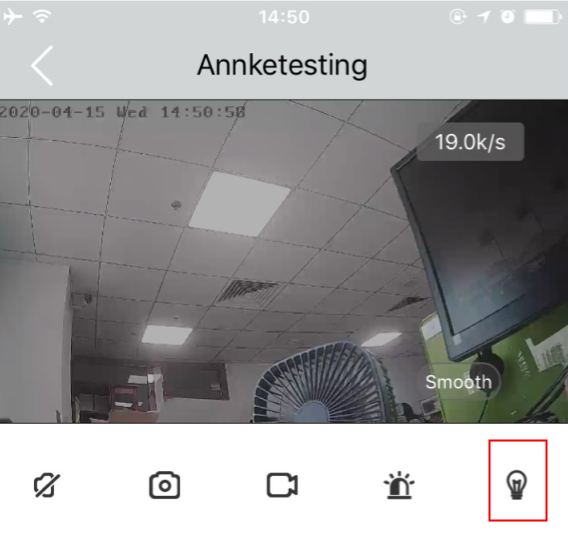
Lighting control: Turn the floodlights on and off
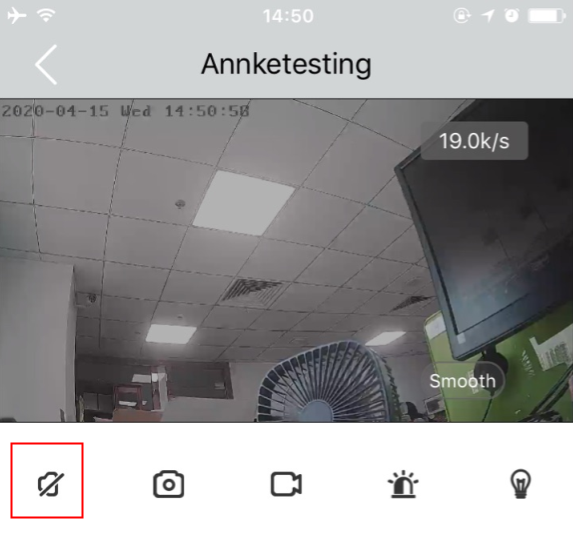
Speaker: You can talk to the visitor and end the two-way call
Screenshot: Capture the image and save it
Was this article helpful?
Bu bilgiler sorununuzu çözmeye yardımcı oldu mu?
Thanks for your feedback!
Still need help?
Uzman ekibimiz size yardımcı olmak için burada.