Configuring two WANs with Failover on Milesight Routers
This article will show the configuration of two Internet outlets in a Milesight router. The main Internet connection will be through an Ethernet port and the secondary or backup connection will be through a 4G line. The objective is that if the main line is no longer operational with Internet access, the router will have to start using the 4G backup output.
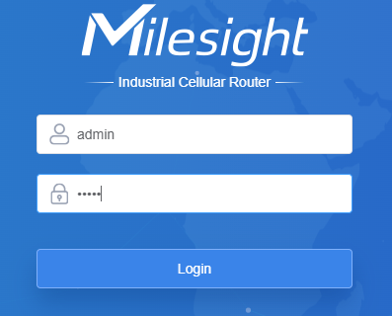
First access the web interface of the Milesight device with a browser and the following data: IP Default: 192.168.1.1.1 User: admin / Password: password
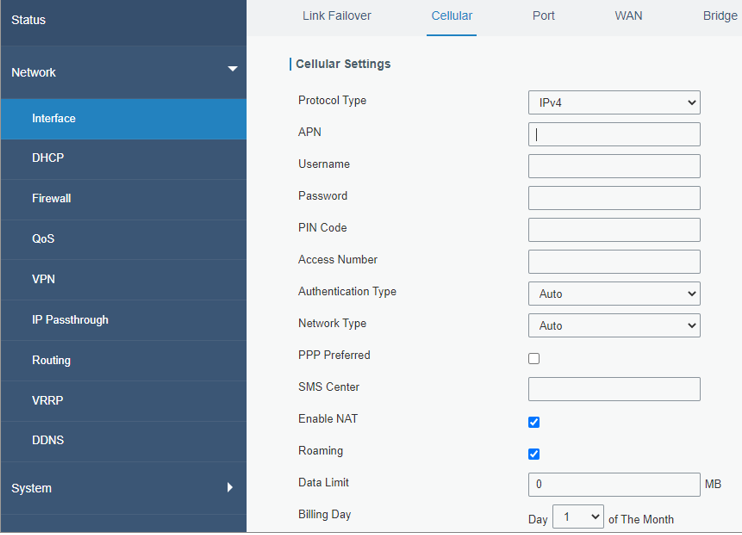
From the Network -> Interface -> Cellular section, configure the Cellular interface with the APN data of the SIM card operator. Click Save.
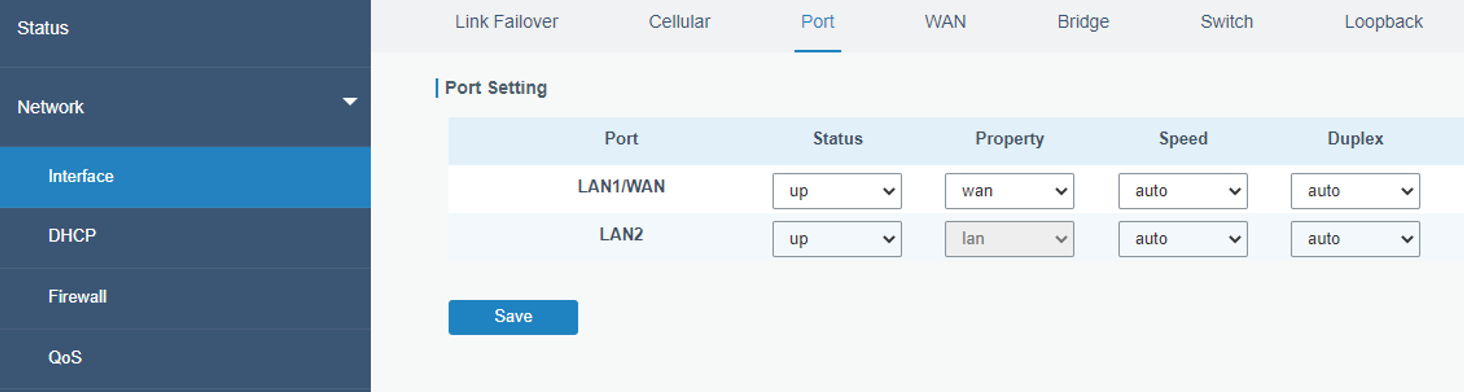
From the Interface -> Port section configure the Property field of the LAN1/WAN port as WAN since this will be the main line. Once this is done, connect the Internet output to this port. Click Save.
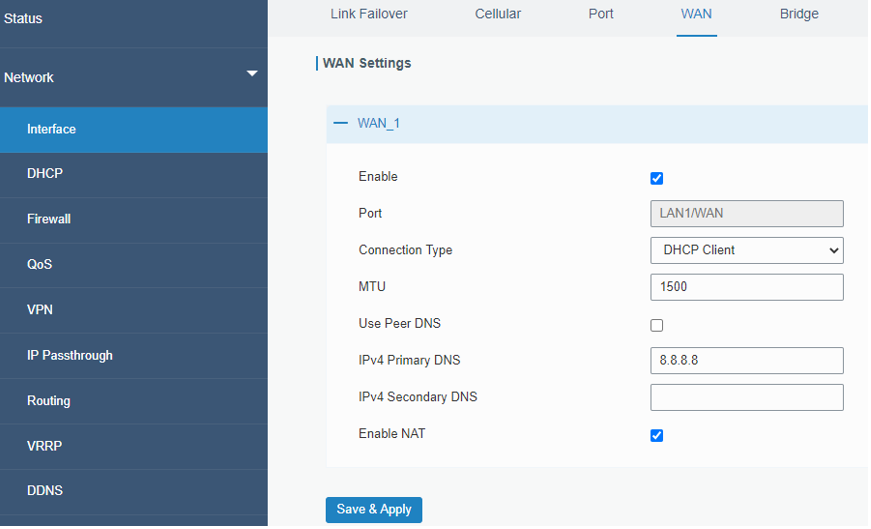
The main WAN is configured with the necessary parameters, in our case it will be a DHCP client. Click Save & Apply.
In the Network -> Interface -> Link Failover section you can increase the priority of the Ethernet WAN with the arrows in the Operation field

From the previous section you can edit the two Link Failover rules in the Operation field. For both Internet outlets (WAN and Cellular-SIM1) we reduce the Interval to 10 seconds.
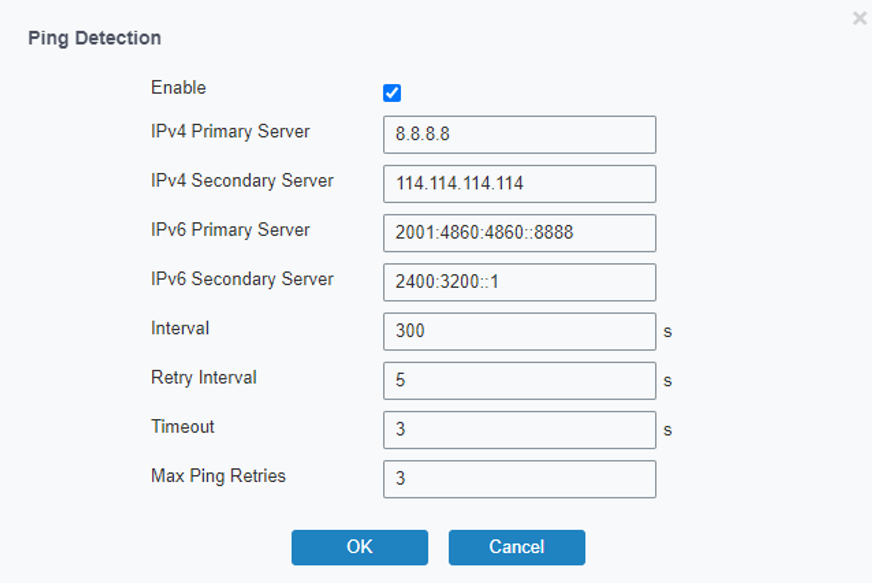
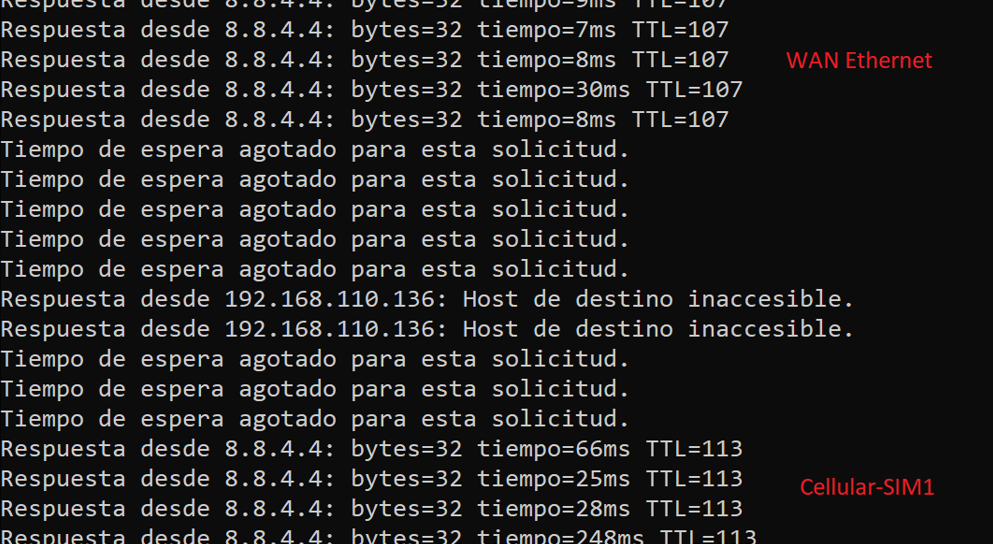
The correct operation of the Failover is checked
Was this article helpful?
Bu bilgiler sorununuzu çözmeye yardımcı oldu mu?
Still need help?
Uzman ekibimiz size yardımcı olmak için burada.