(DPI issue) - How to make IP Portal Font display correctly?
20 Aug 2026
332 views
If you are running 4K resolution monitor and the font size is too small, or the IP portal font size display incorrectly. How to fix it?
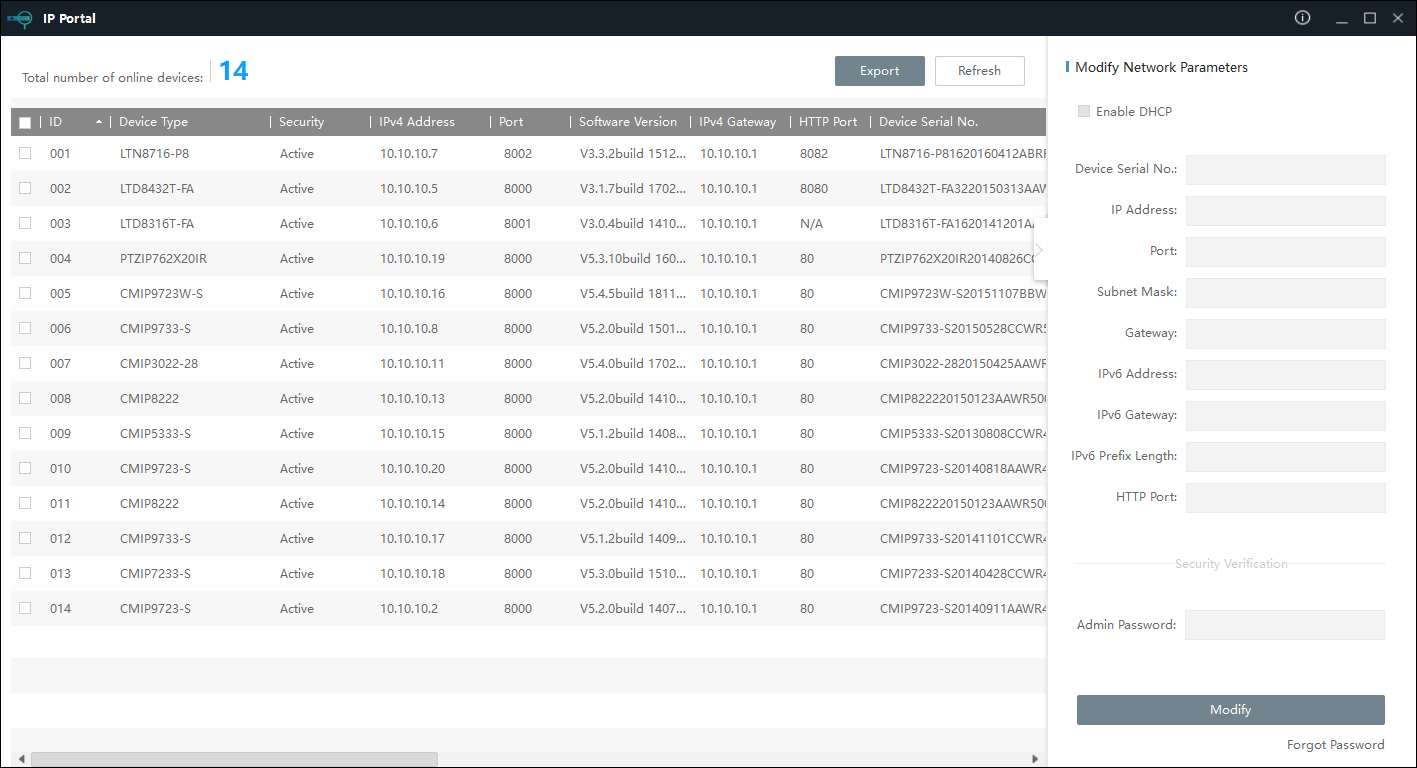
Change from this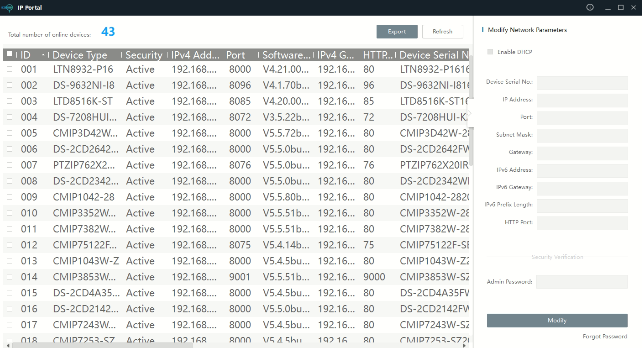
To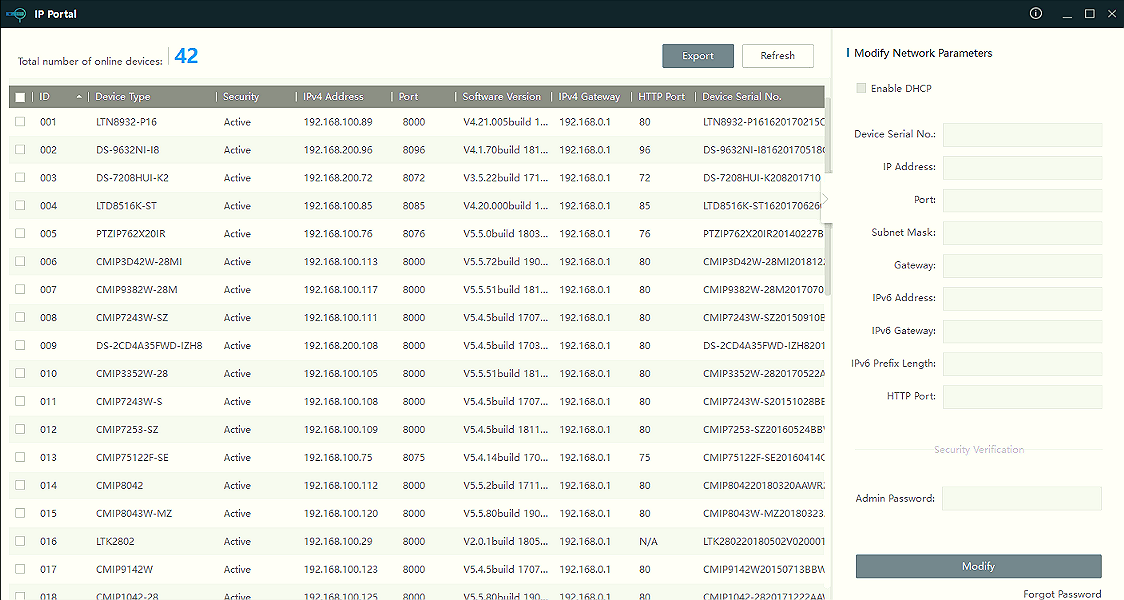
Right Click on the icon, go to Properties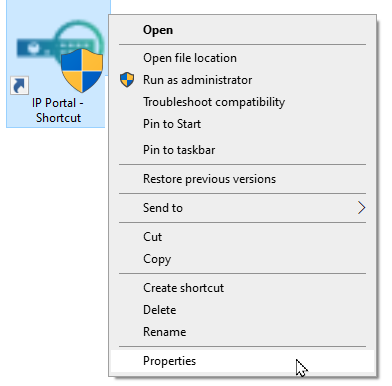
Go to Compatibility > change high DPI settings > High DPI scaling override.
Check the box and select System. Then, OK everything.
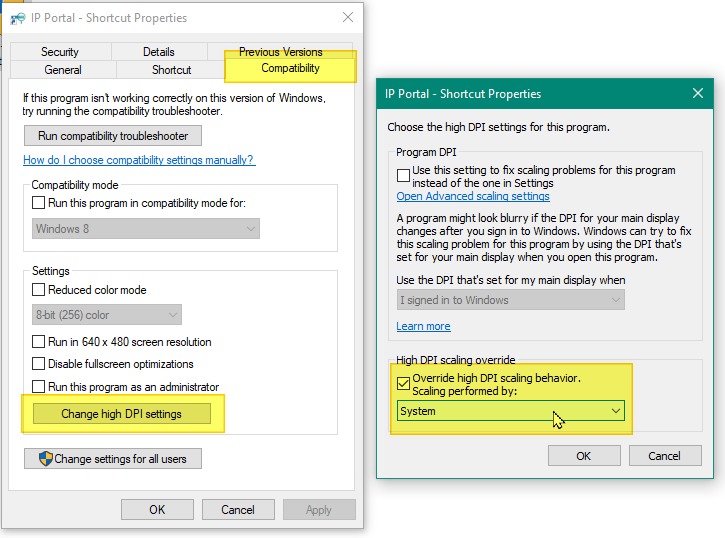
Then, Run the software again. That should be it !!!
Was this article helpful?
Bu bilgiler sorununuzu çözmeye yardımcı oldu mu?
Thanks for your feedback!
Still need help?
Uzman ekibimiz size yardımcı olmak için burada.