DR41BC-How to reset the password
20 Aug 2026
373 views
Apply to: DR41BC
1.Click ” Forgot pass”.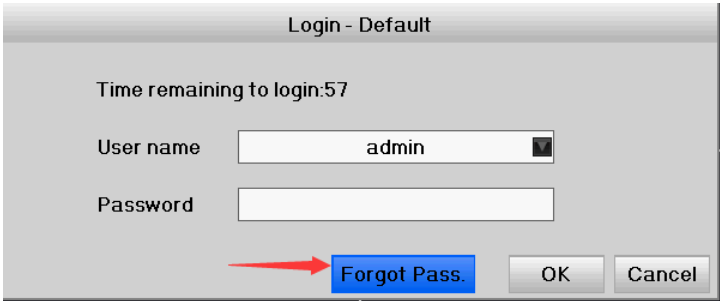
2. Get serial number: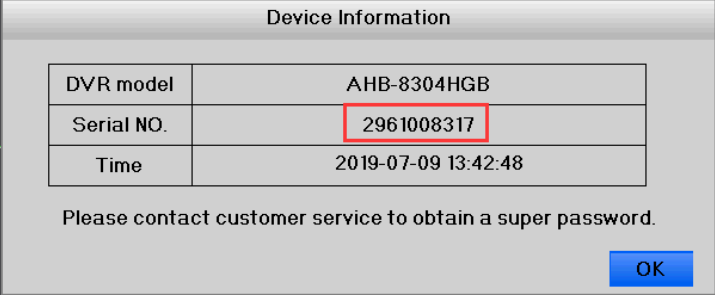
3. Download the super password tool from here:
http://support.annke.com/document/Computer%20Software/SuperPasswordGenerator.exe
Run the software and input serial number/DVR date-time, valid time, click “Generate” to get the super password.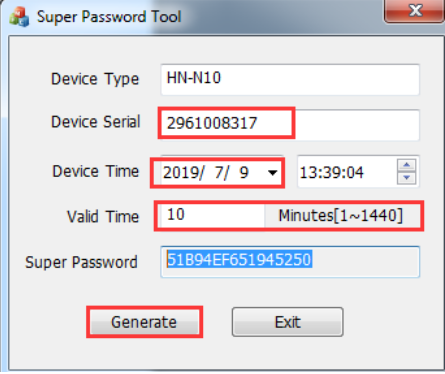
4. Back to the login window and input the super password, click “ok” to log in the system.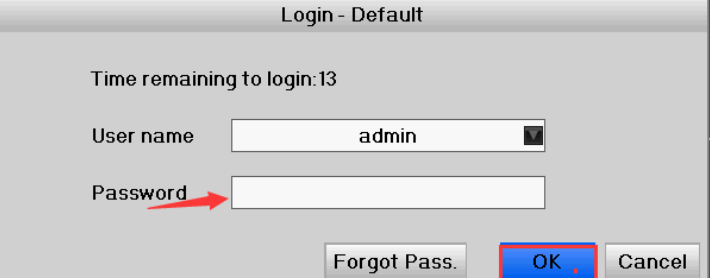
5. Reconfigure the password in the user management window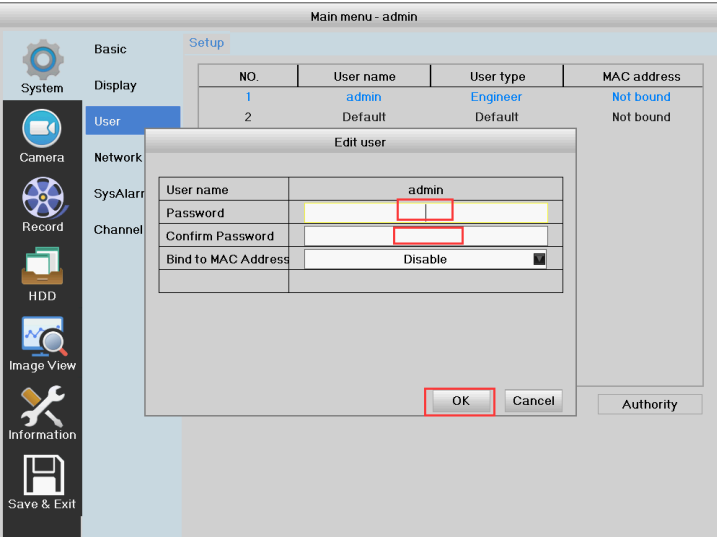
Was this article helpful?
Bu bilgiler sorununuzu çözmeye yardımcı oldu mu?
Thanks for your feedback!
Still need help?
Uzman ekibimiz size yardımcı olmak için burada.