How to bypass the Authorization Code
20 Aug 2026
407 views
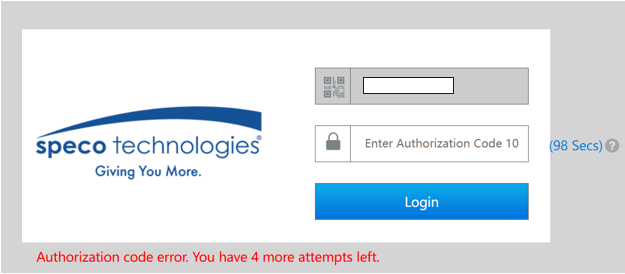
To bypass the authorization code seen above, it is required to unbind the NVR from its corresponding Speco Blue account. This can be done by following the instructions from the following article: How to unbind your NVR from the Speco Blue app
Original Publish Date: Nov 1, 2024

Published by Armand Juliani
To bypass the authorization code seen above, it is required to unbind the NVR from its corresponding Speco Blue account. This can be done by following the instructions from the following article: How to unbind your NVR from the Speco Blue app
Original Publish Date: Nov 1, 2024

Published by Armand Juliani
Was this article helpful?
Bu bilgiler sorununuzu çözmeye yardımcı oldu mu?
Thanks for your feedback!
Still need help?
Uzman ekibimiz size yardımcı olmak için burada.