If you are having an issue with your Kami Wire-Free Outdoor camera or Kami Wire-Free camera kit and not receiving Alerts for Motion Detection, please refer to the steps below.
1. Launch YI Home/Kami App.
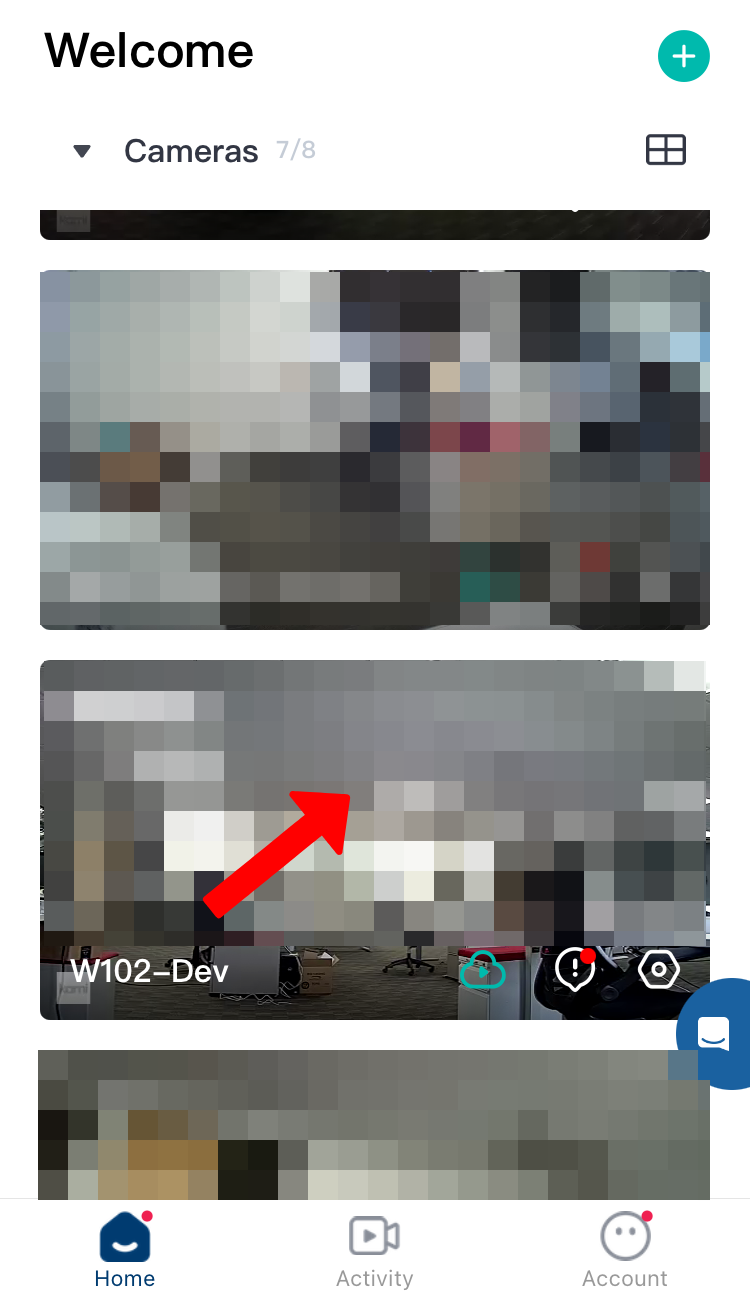
2. From the home screen, click inside the camera thumbnail for your Kami Wire-Free camera.
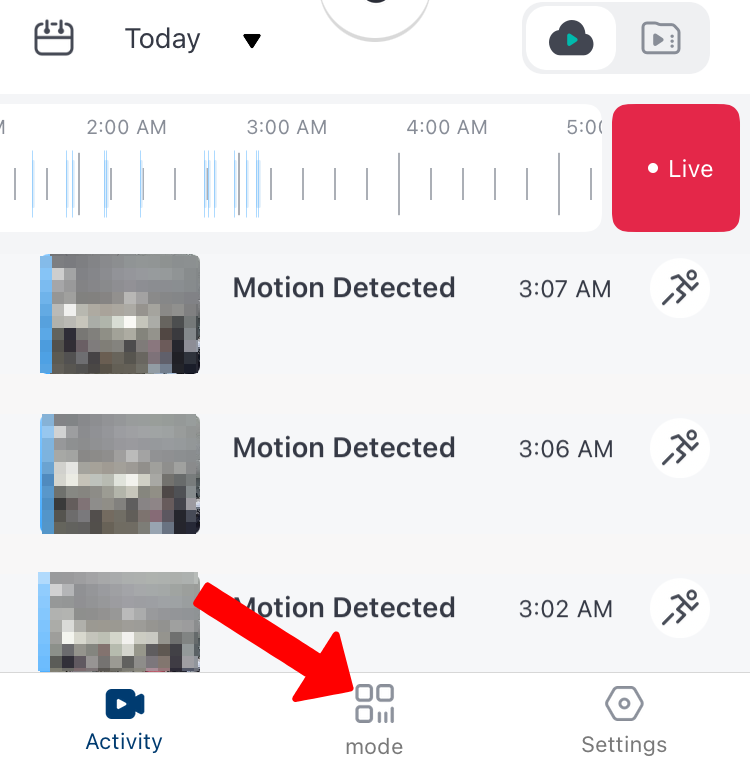
3. Click on Mode at the bottom of the screen.
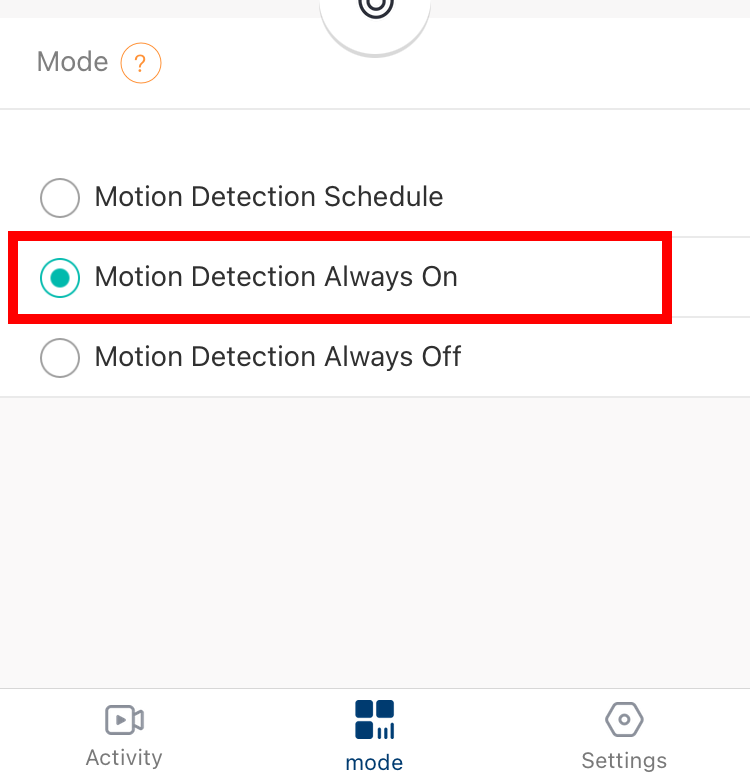
4. Make sure "Motion Detection always On" is enabled with a green circle. If not, click on "Motion Detection always On" to enable it.