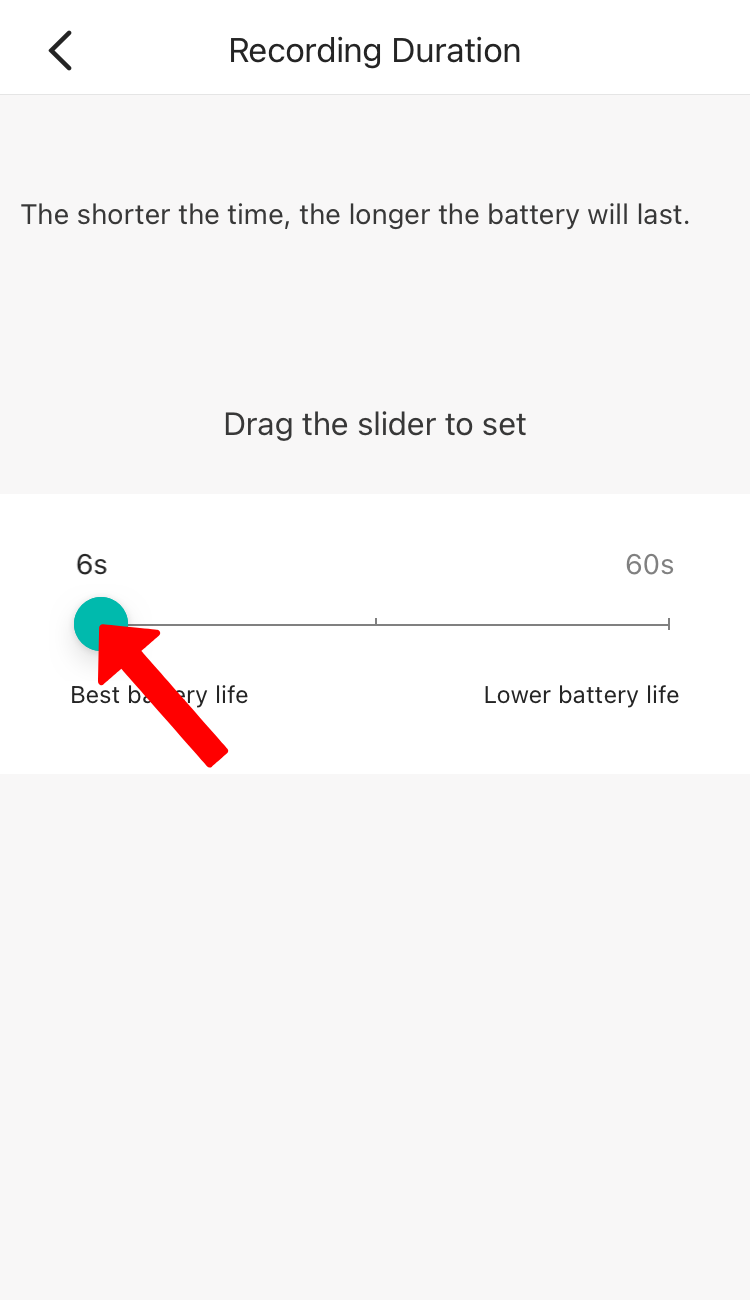
When motion is detected, how long do you want to record.
Note: The Shorter the time, the longer the battery will last.
To increase the Recording Duration of the camera, please follow the steps below:
1. Launch YI Home/Kami App.
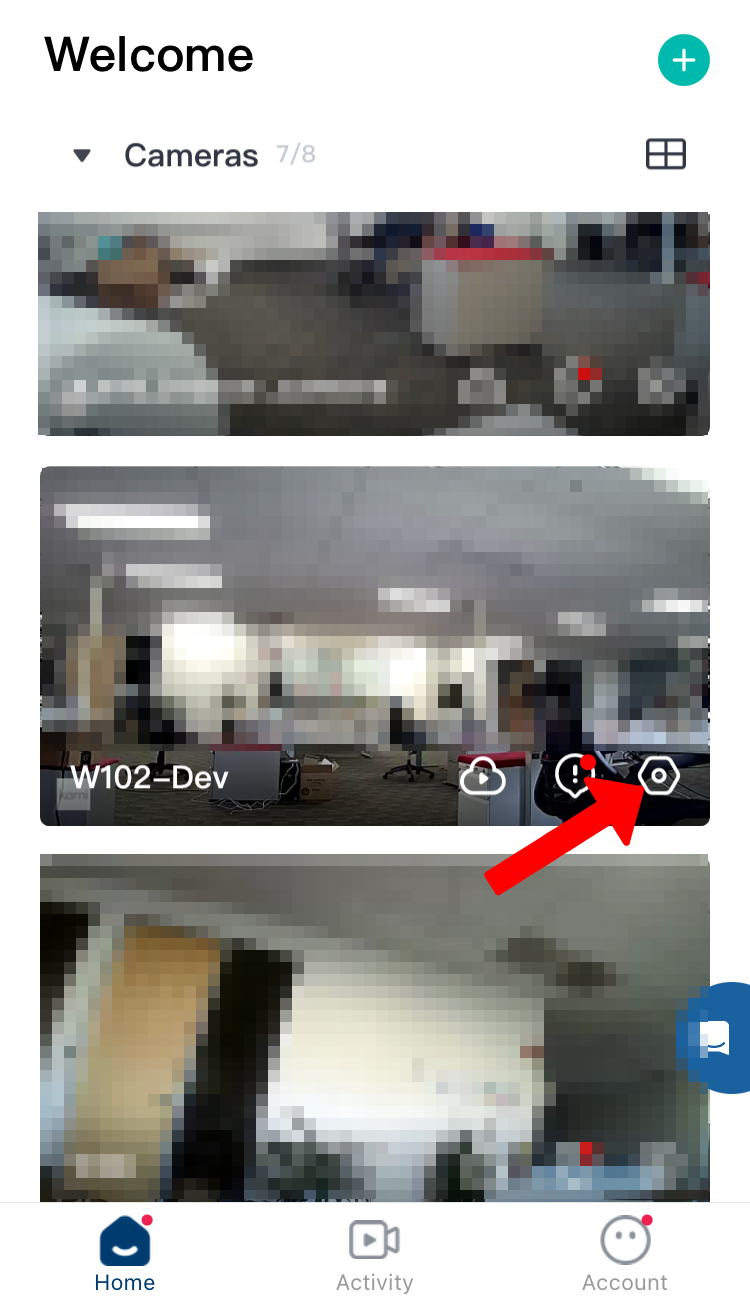
2. Click on the gear icon of the camera to access the camera/device settings.
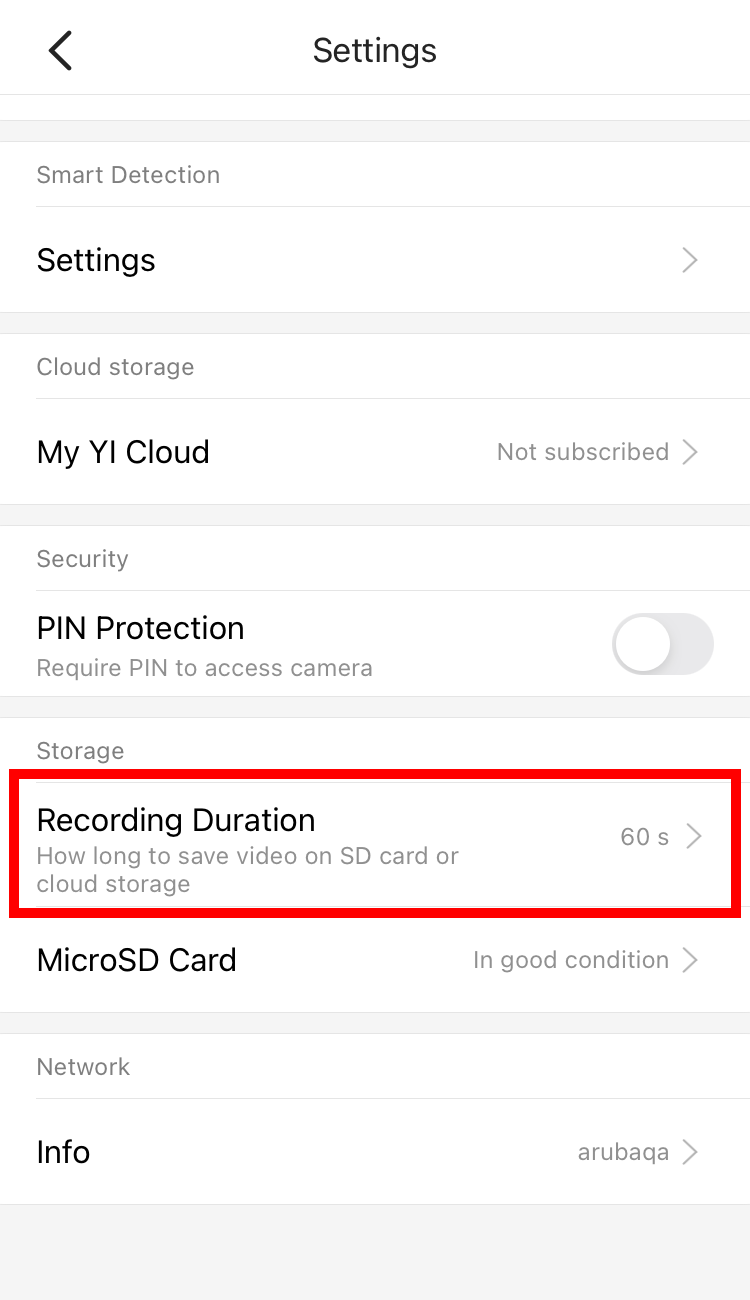
3. Under camera/device settings, Click on Recording Duration.
4. By default the Recording Duration is set to 6-seconds. Drag the slider to increase the Recording Duration.