How To Launch The Speco Blue App in Landscape Mode.
20 Aug 2026
416 views
Step 1:
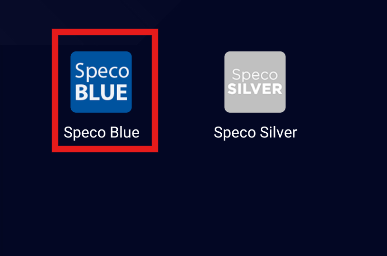
Launch the Speco Blue App on your device.
Step 2:
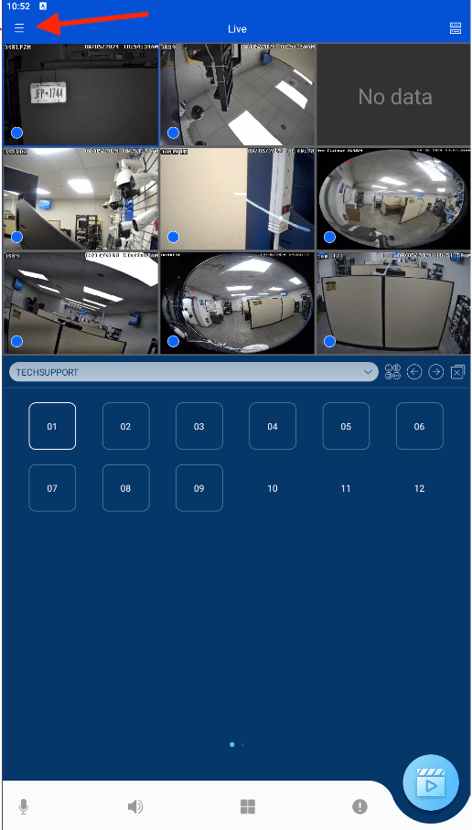
Tap on the Hamburger Menu icon to access additional options.
Step 3:
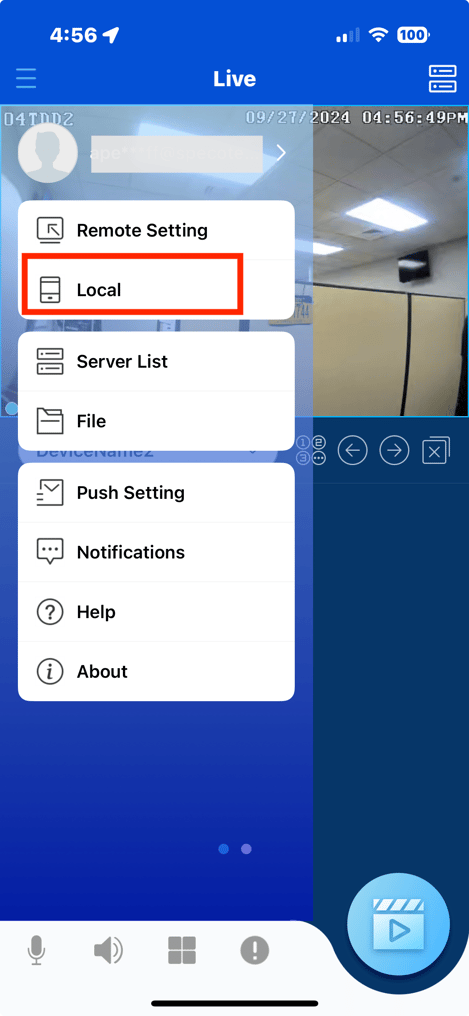
Select the "Local" option from the menu.
Step 4:
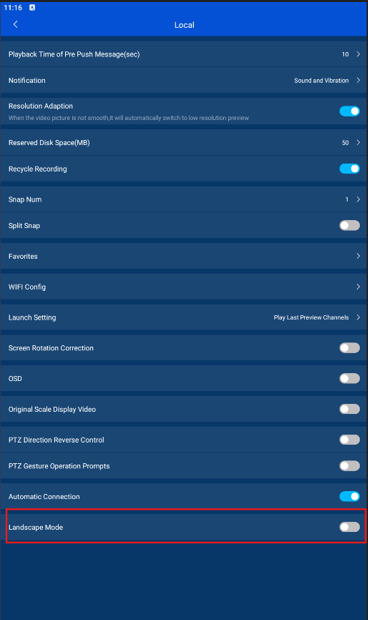
Locate the "Landscape Mode" option and toggle the feature to enable it.
Submission Date: September 27, 2024

Article authored by: Curtis Armstrong, Tier 2
Step 1:
Launch the Speco Blue App on your device.
Step 2:
Tap on the Hamburger Menu icon to access additional options.
Step 3:
Select the "Local" option from the menu.
Step 4:
Locate the "Landscape Mode" option and toggle the feature to enable it.
Submission Date: September 27, 2024

Article authored by: Curtis Armstrong, Tier 2
Was this article helpful?
Bu bilgiler sorununuzu çözmeye yardımcı oldu mu?
Thanks for your feedback!
Still need help?
Uzman ekibimiz size yardımcı olmak için burada.