iCsee - How to reset the camera
18 Aug 2026
326 views
Applies to:
I31CB/I41ED
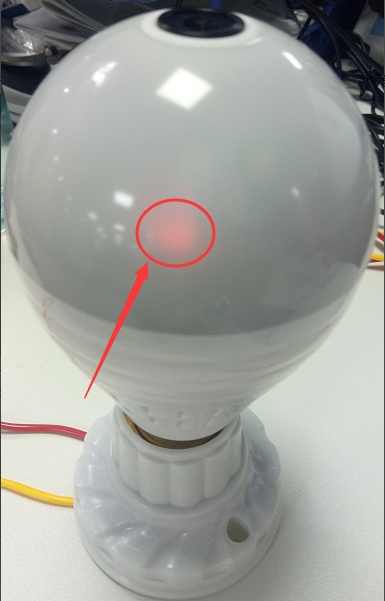
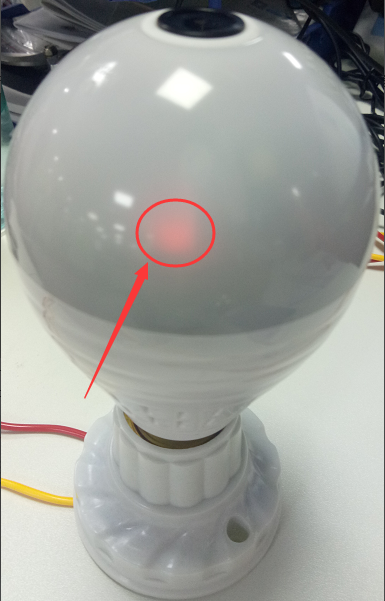
1. Power on the camera, the red indicator light will lit up.
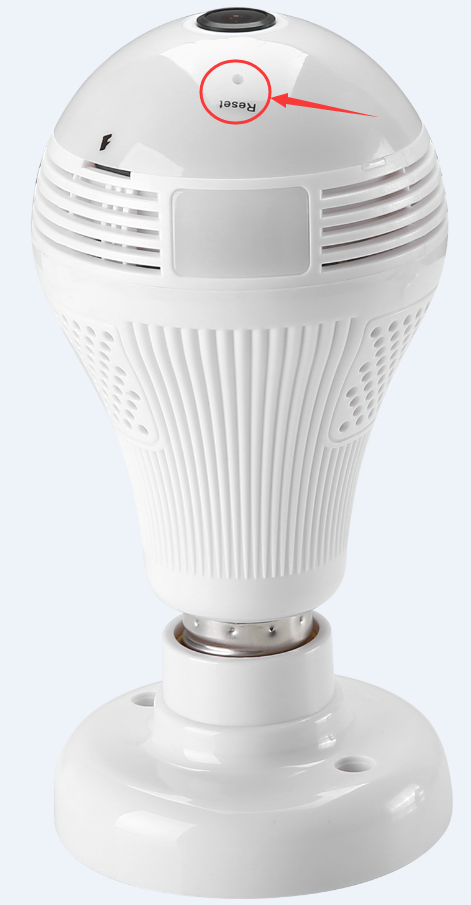
2. Using a pin to hold on press the reset button for 10 seconds until you hear the voice:
Restore factory settings, pls don't power up. And the red indicator light will flash which indicator the camera is ready to connect to the phone app.
Was this article helpful?
Bu bilgiler sorununuzu çözmeye yardımcı oldu mu?
Thanks for your feedback!
Still need help?
Uzman ekibimiz size yardımcı olmak için burada.