Joylite - How to connect camera to the phone without ethernet cable?
Applies to:
I21AG_V7/I21AG_V8/I41CB_V2/I41CB_V3/I41DH
First of all, please ensure your mobile phone has been connected to the network. (take iPhone as an example here)
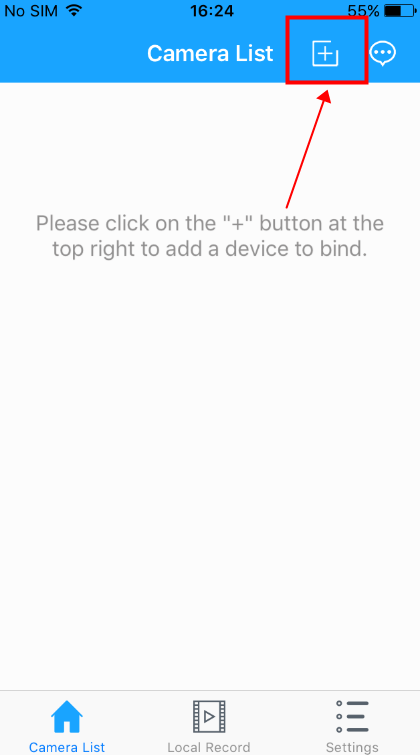
1. Open the “Joylite” APP and click the "+" button.

2. Scan the QR code on the camera.

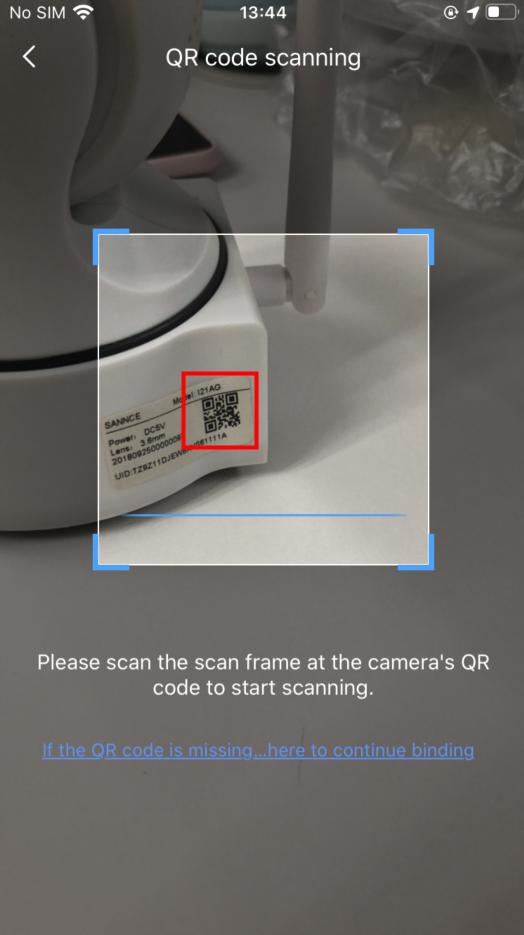
Note: If the QR code can't be recognized, please input the UID manually.
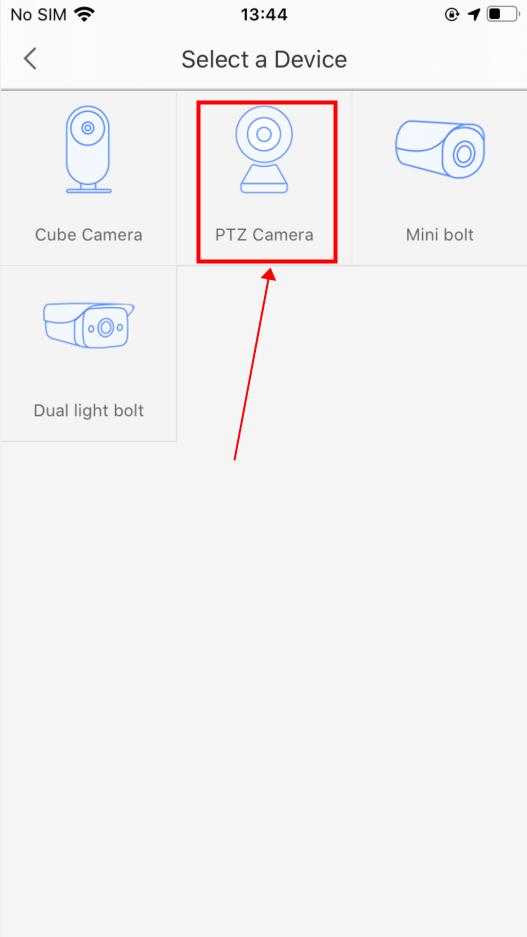
3. Click "PTZ Camera".

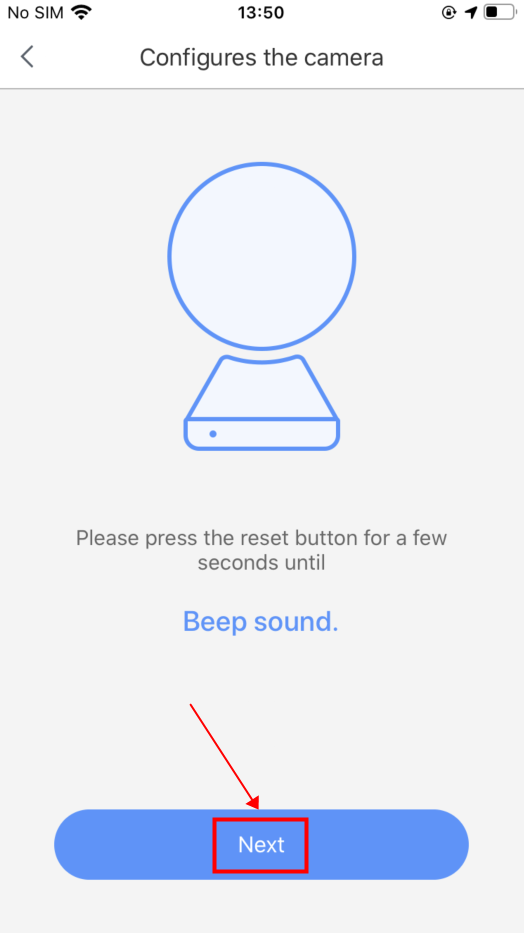
4. Please put a pin into the reset hole of the camera and push and hold it until you hear a beep sound:
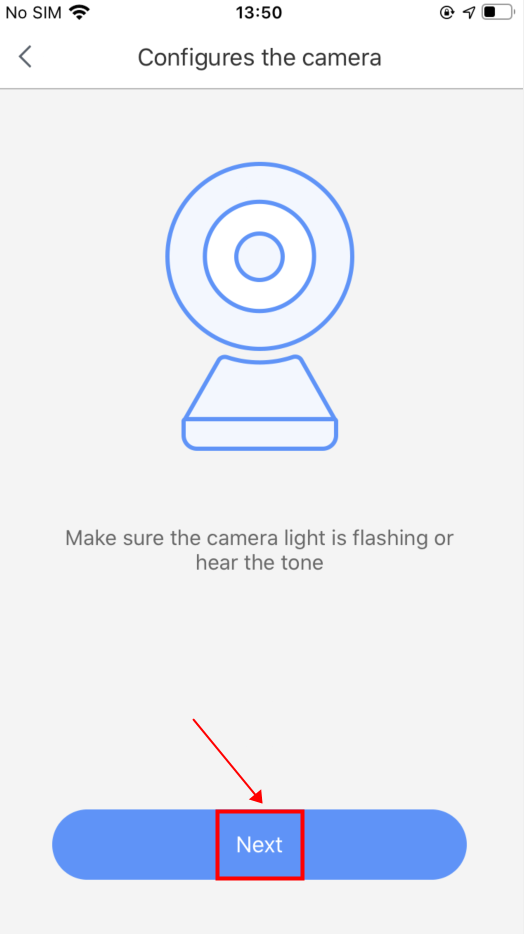
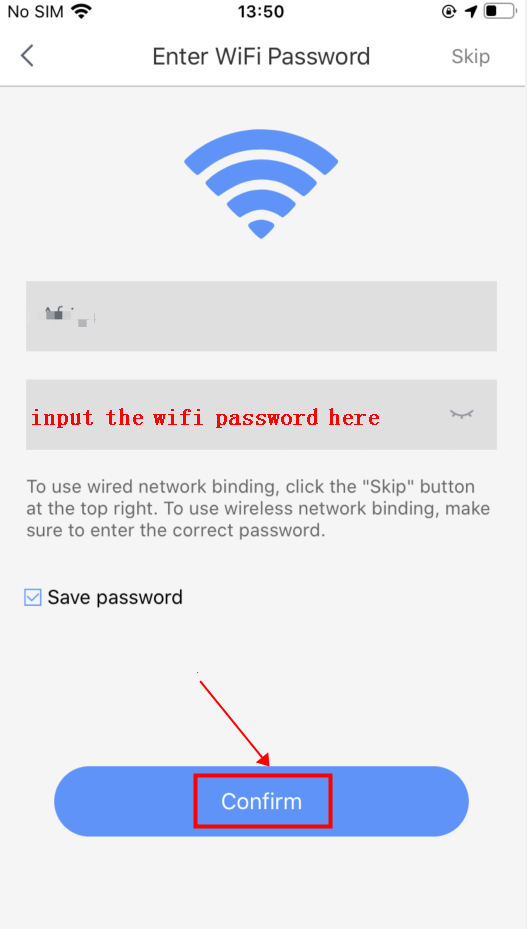
5. Input your Wi-Fi password and click "Confirm".

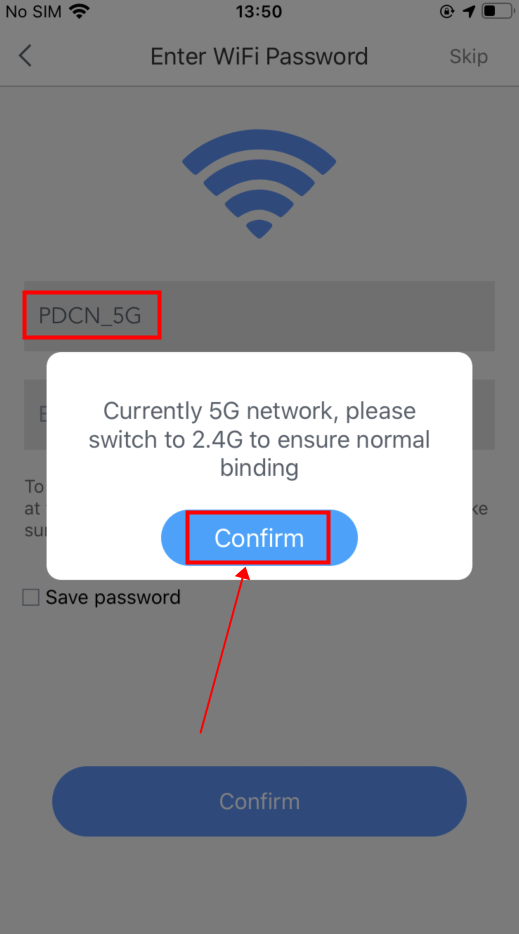
Note: If the mobile phone didn't connect to the 2.4GHz wifi, the APP will pop out a tips, and please click confirm to switch the network.
6. Click the button to release wave sound and put the mobile phone near to the camera:
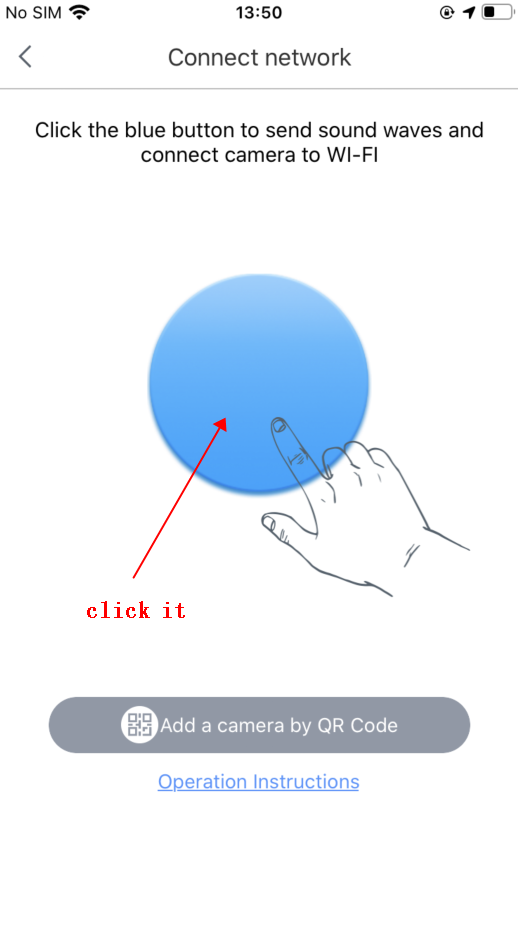
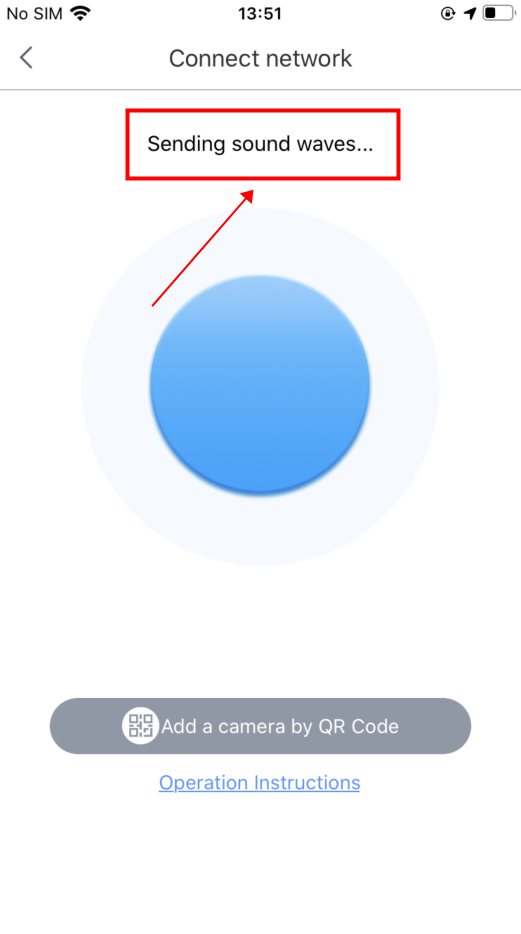
Note: When the mobile phone is sending the sound wave, please turn up the speaker of the mobile phone.
7. Finally, the device will be added to your phone, and you can start the live preview
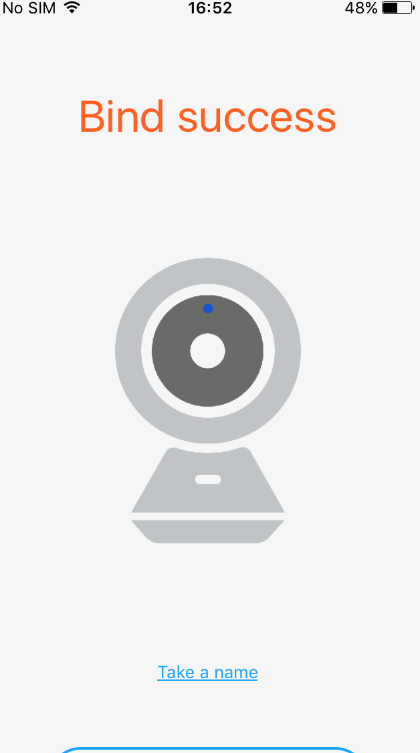
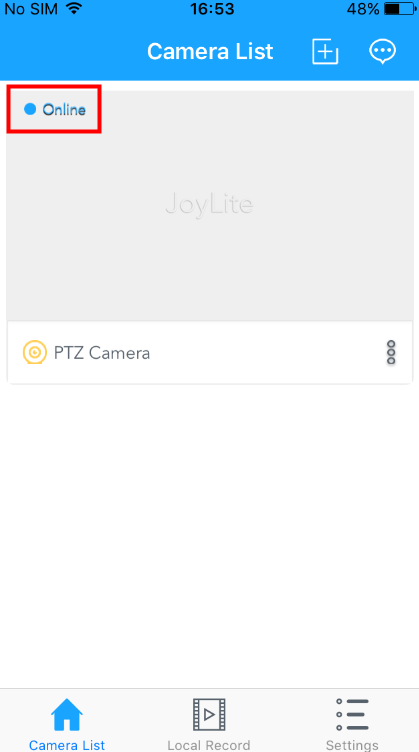
If the camera is failed to bind to the APP, please reset the camera to the factory default settings and try again.
Was this article helpful?
Bu bilgiler sorununuzu çözmeye yardımcı oldu mu?
Still need help?
Uzman ekibimiz size yardımcı olmak için burada.