MIPC - How to check the recordings in my SD card or phone storage?
20 Aug 2026
348 views
Applies to: I41EU/SP1/SP2/I21AZ/I21CF/I21BJ/I41CZ/I41CY/I41CR
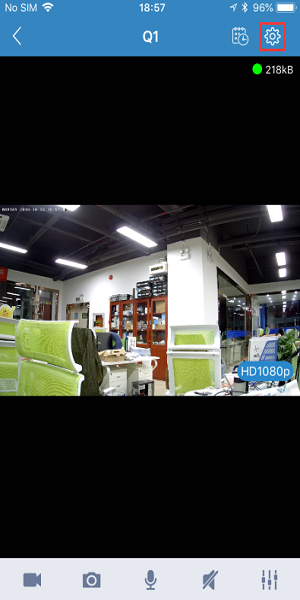
1. After the device is successfully connected, please click the settings button.
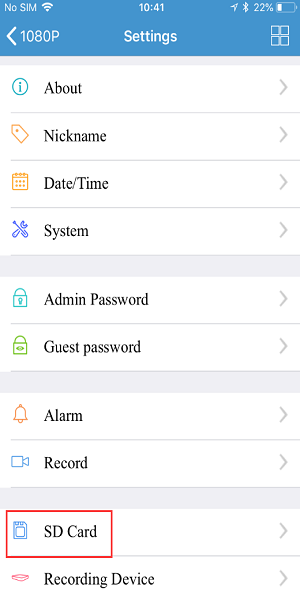
2. Please click “SD Card” to check the SD card’s storage status.
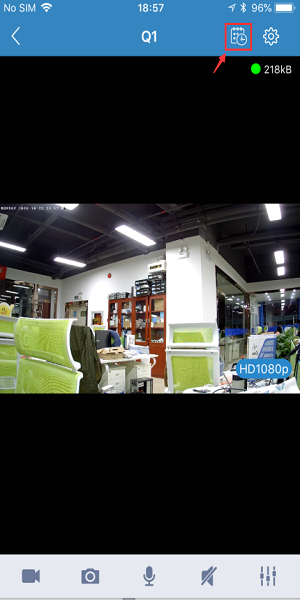
3. Please click the video playback menu to view the SD card’s recording files.

4. You can click the local recording button to record local videos.
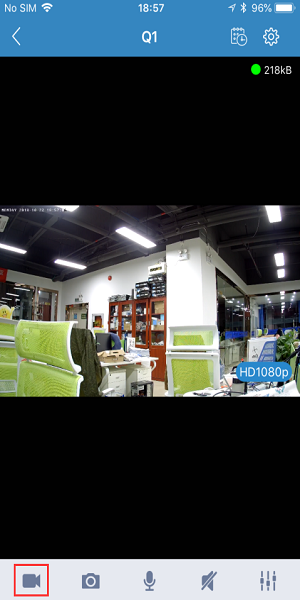
5. You can also click snapshot button to take a screenshot.
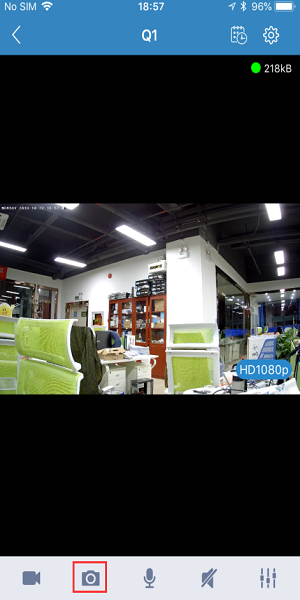
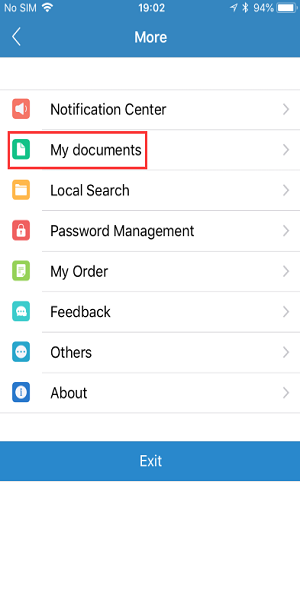
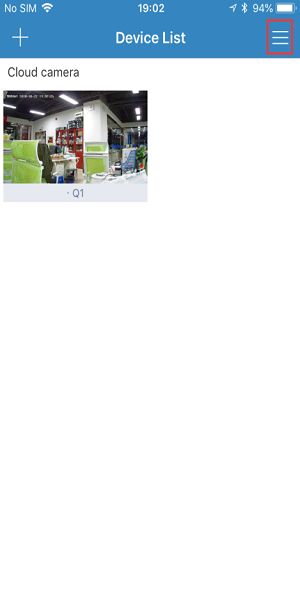
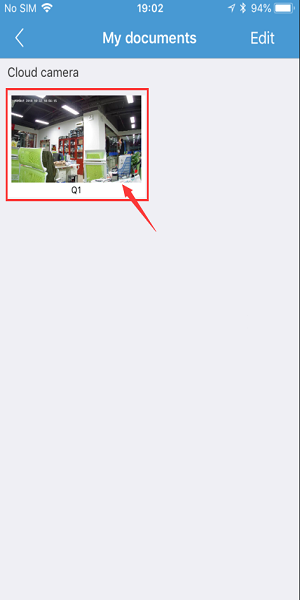
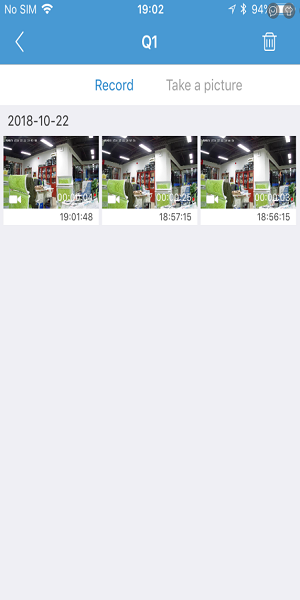
6. Return to the main interface, click the settings button in the upper right corner, then click "My Documents" to view local recordings and screenshots.
Was this article helpful?
Bu bilgiler sorununuzu çözmeye yardımcı oldu mu?
Thanks for your feedback!
Still need help?
Uzman ekibimiz size yardımcı olmak için burada.