Myannke - Creating an Account on Myannke App
20 Aug 2026
443 views
Applies to: I41EJ
Purpose: To use the camera, you will need to set up an account with Myannke.
Before you start: You have installed the App Myannke on your mobile phone.
Steps:
- Tap the app Myannke on your phone to go to the sign-in screen.
Tap 'Sign up' and go to the sign-up screen.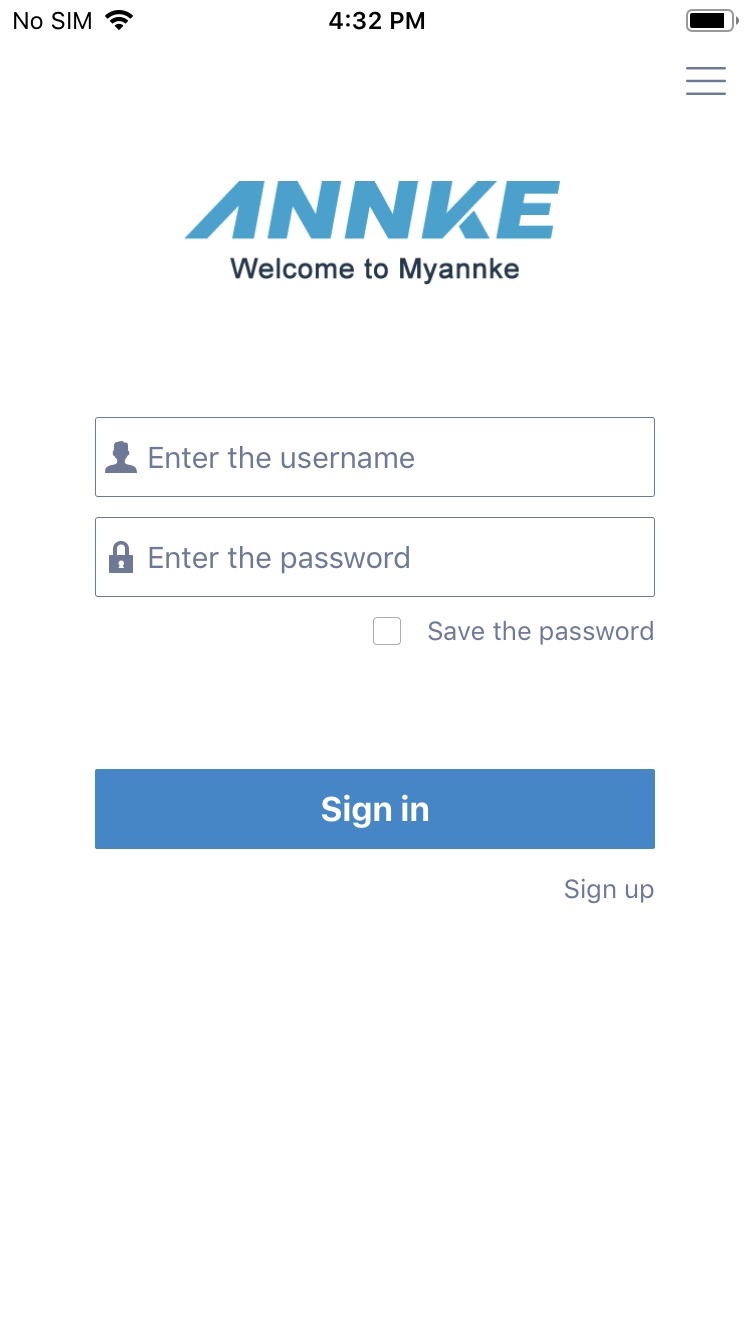
- In the sign-up screen, create a username and a password.
Click sign up to create a new account.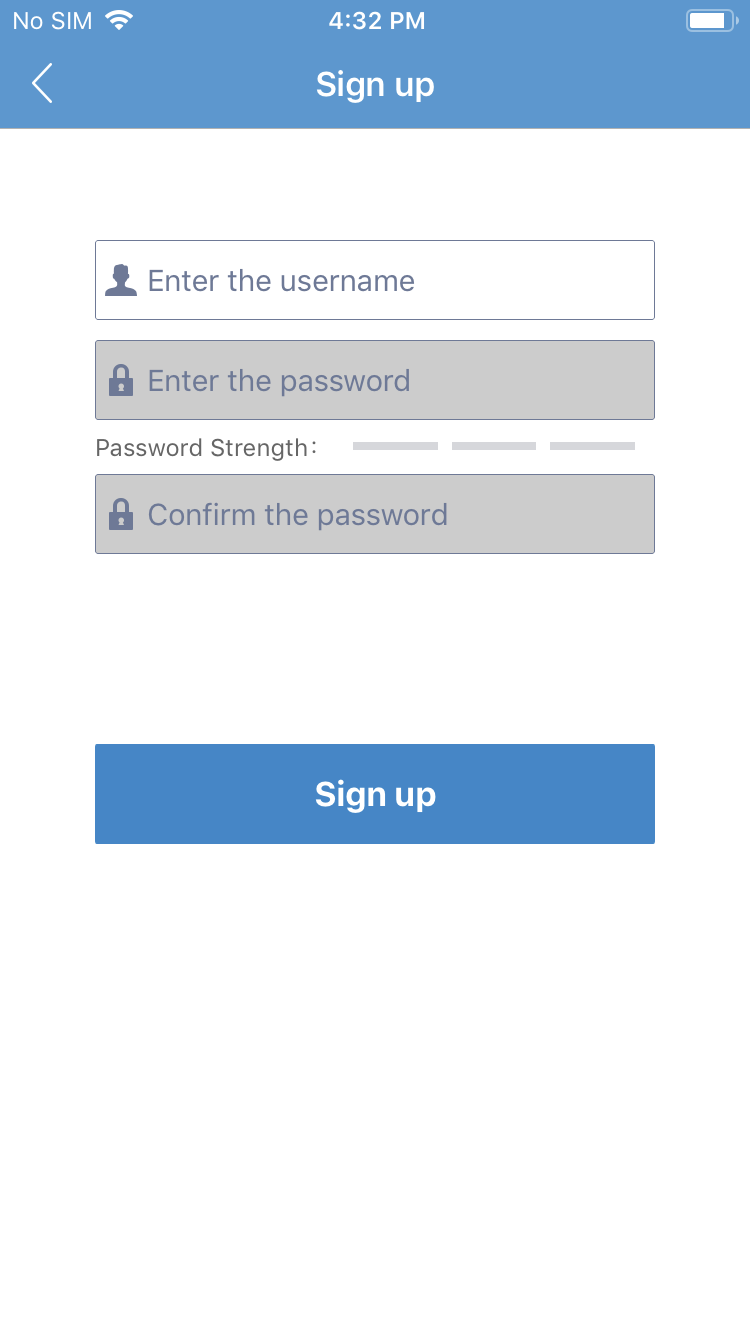
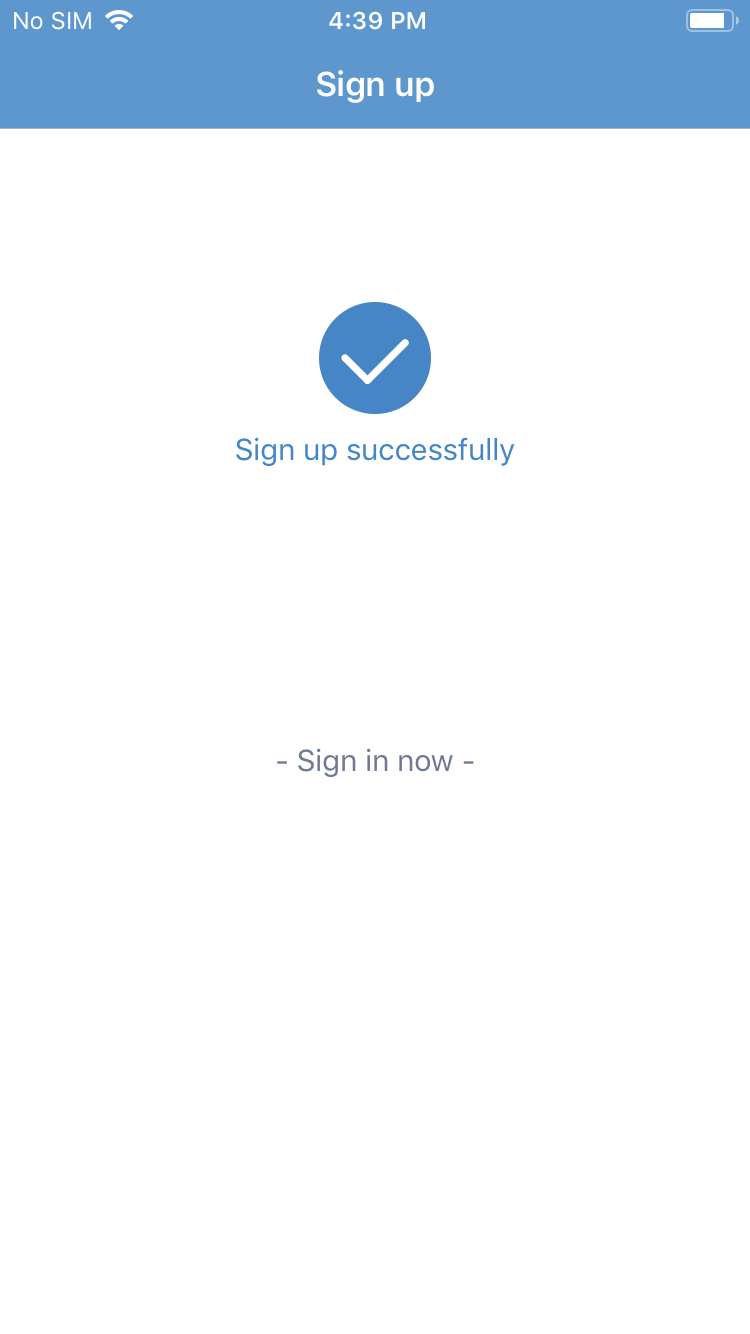
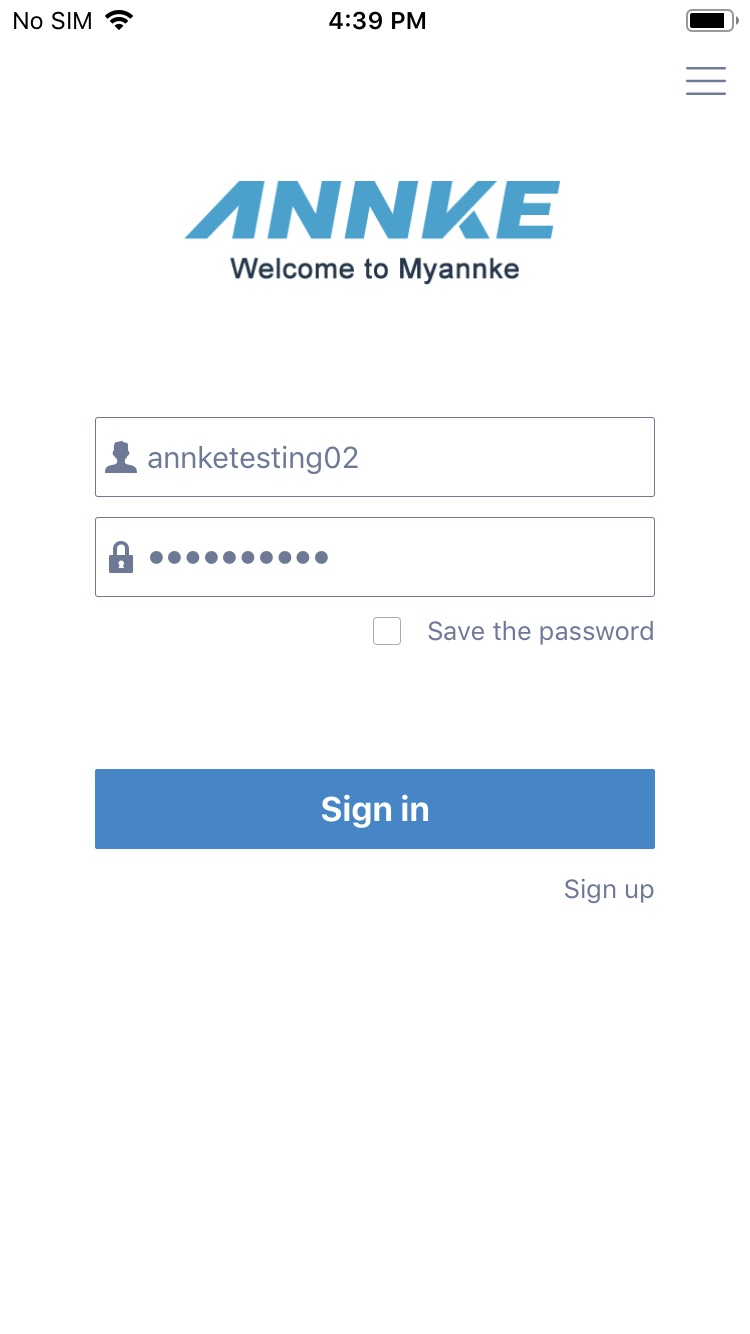
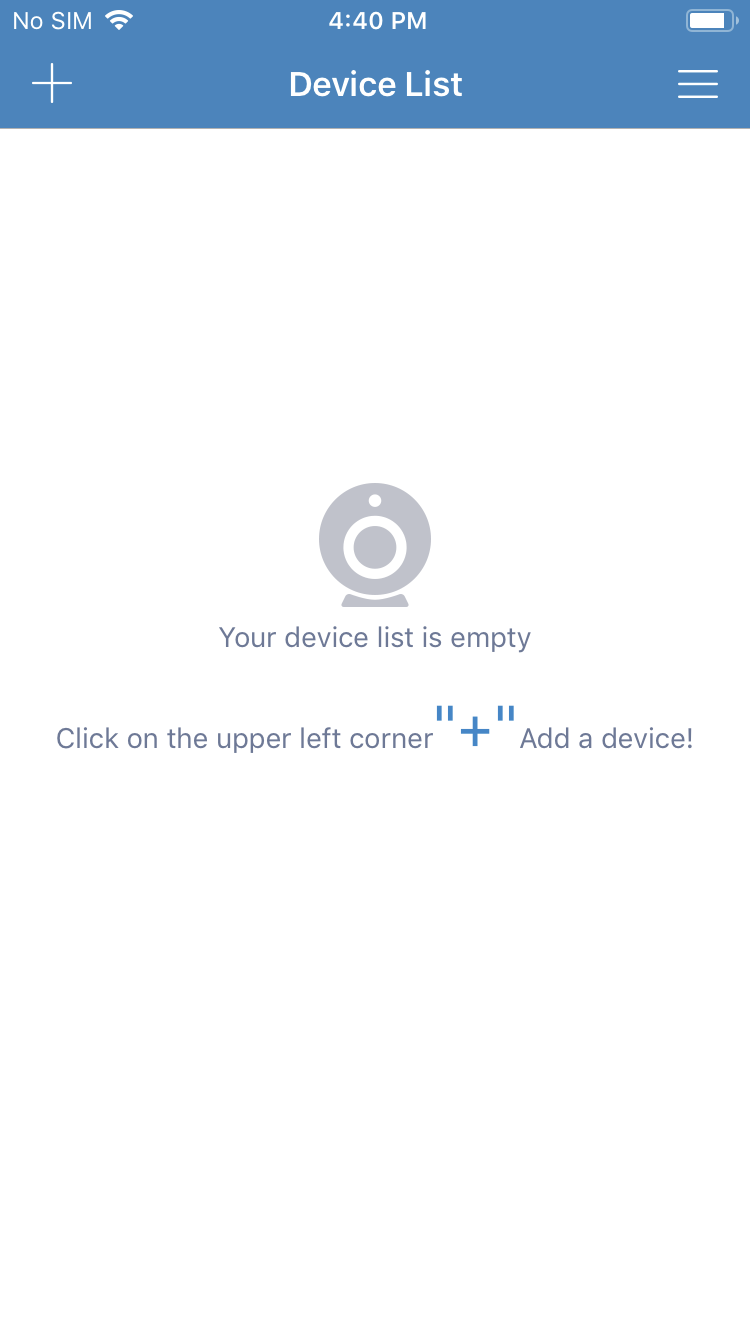
- Input the registered user name and account on the sign-in screen to enter the main screen of Myannke.
Was this article helpful?
Bu bilgiler sorununuzu çözmeye yardımcı oldu mu?
Thanks for your feedback!
Still need help?
Uzman ekibimiz size yardımcı olmak için burada.