Myannke - More(Account Settings) on Myannke App
Applies to: I41EJ
Before you start:
You should log in to the Myannke app, then click More enter the More page.
Interface: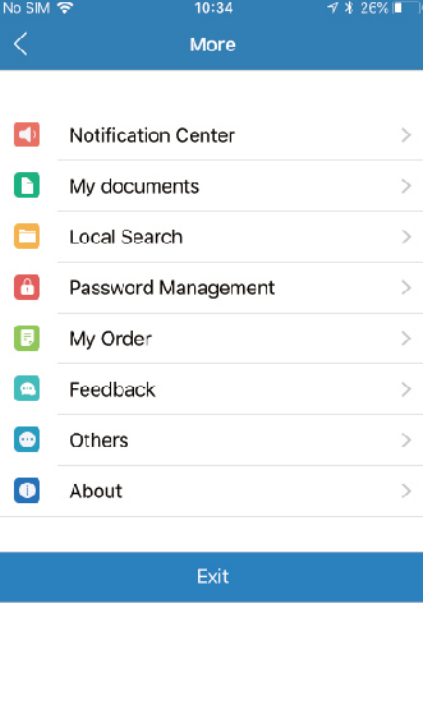
The Settings page for iOS and Android are very similar. Minor differences are Account Settings for Mobile Devices indicated below.
The More page contains the following options:
Notification Center: Set thethe sound or vibration and set notification ringtone.
My documents: Cloud Camera Storage can be found.
Local Search: Search for the local devices.
Password Management: You can set the admin account and guest account
My Order: The information about your order.
Feedback: If you have any problem, you can write down and submit it.
Others: Set the transmission protocol and call mode
About: Find the software version.
Was this article helpful?
Bu bilgiler sorununuzu çözmeye yardımcı oldu mu?
Still need help?
Uzman ekibimiz size yardımcı olmak için burada.