(PC) - Fix NVMS7000 video enlarge/cropped issue (v2 v3)
20 Aug 2026
427 views
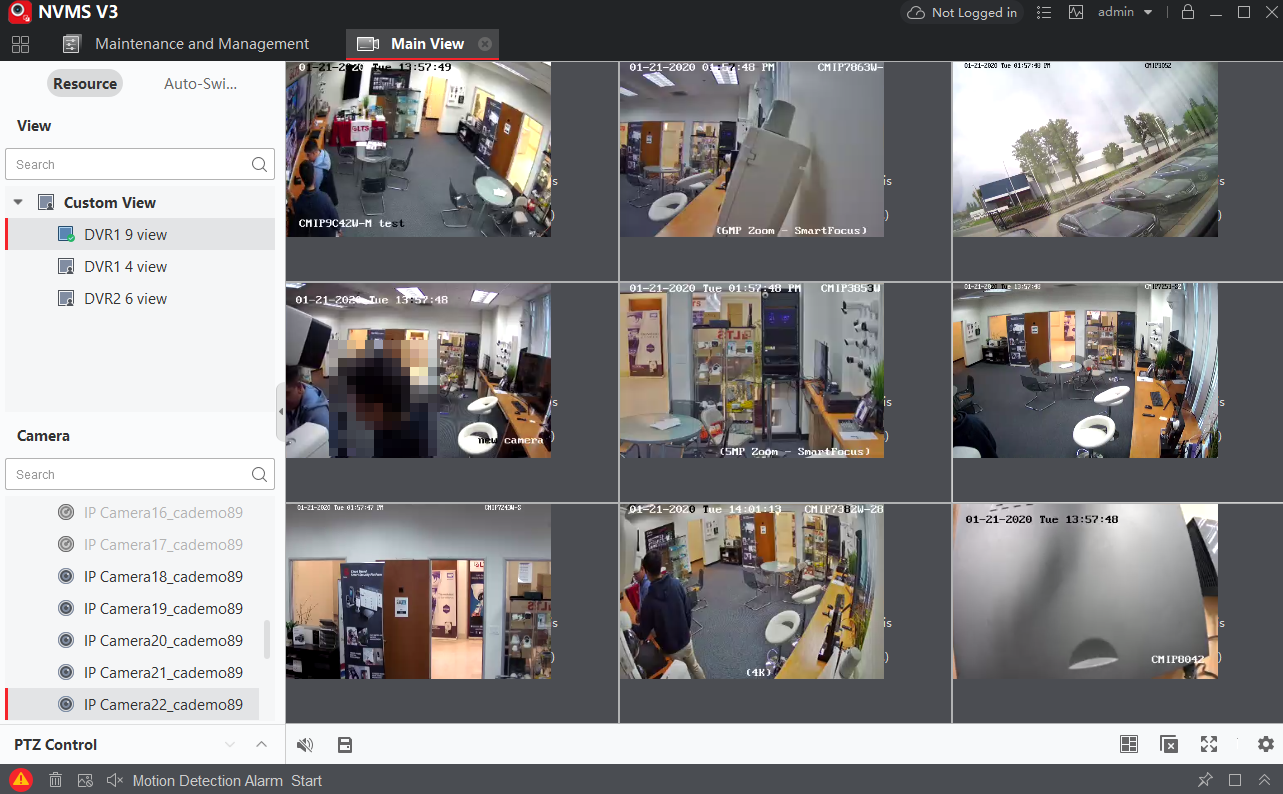
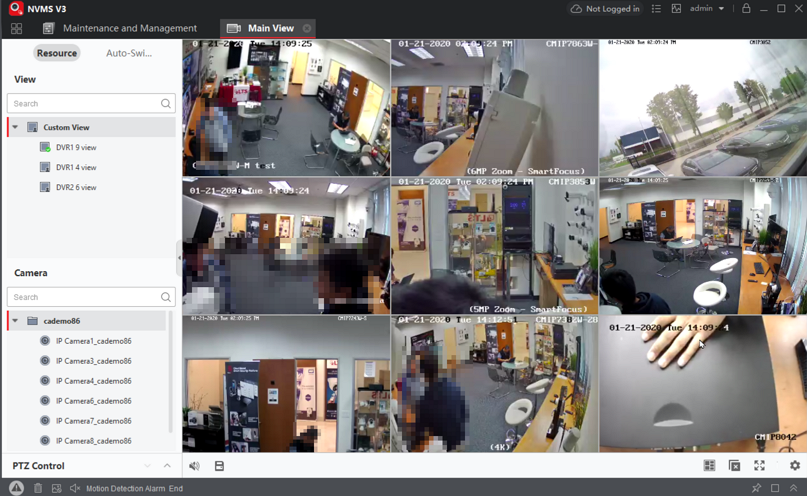
If your video image has been enlarging/cropped/not filled (dark area), how to fix it?
This problem could be caused by the Windows PC Screen DPI issue.
- Stop the NVMS7000 software first.
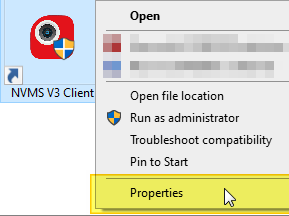
- Mouse Right-click the NVMS7000 icon from the Desktop
- Select Properties
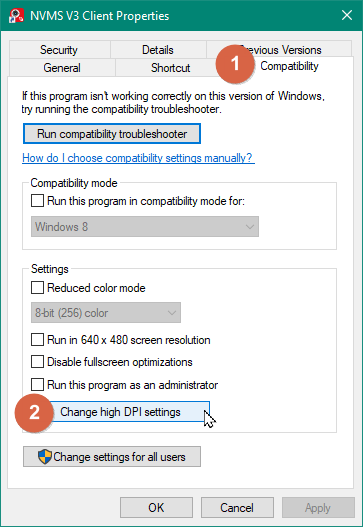
- Go to the Compatibility > Change high DPI settings
- Enable the Override > System
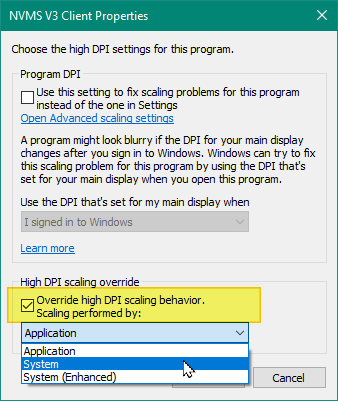
- OK, OK to close the Properties.
- Open the NVMS7000. That should fix the issue.
Was this article helpful?
Bu bilgiler sorununuzu çözmeye yardımcı oldu mu?
Thanks for your feedback!
Still need help?
Uzman ekibimiz size yardımcı olmak için burada.