[Shepherd2][3.0.0.1] How to change the Shepherd's UI size when it is too large?
20 Aug 2026
314 views
QUESTION
How to change the Shepherd's UI size when it is too large?
ANSWER
Shepherd will change the UI size automatically when the monitor size is large(upper or equal to 3840*2000).
If you want to change the UI, you can press "F11" to adjust it.
If you open Shepherd in a system using four screens, you will see the Shepherd's UI become large.
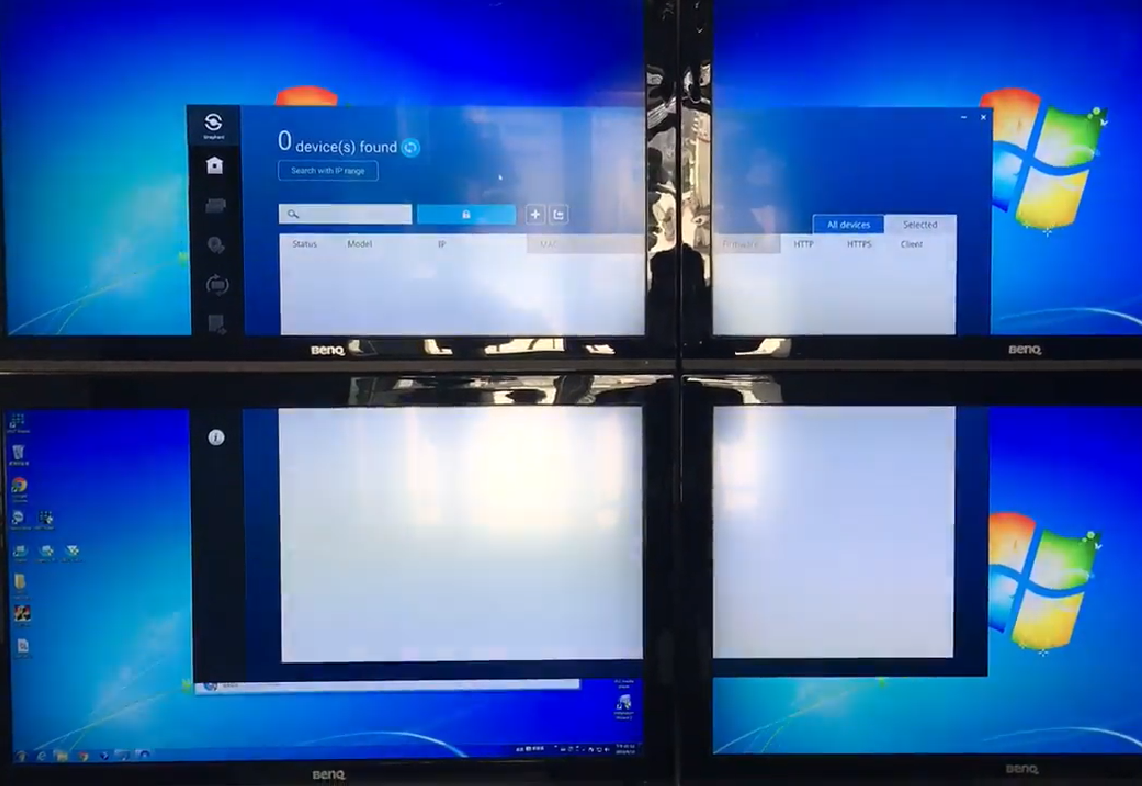
In order to make it become smaller, you can press "F11" to adjust the Shepherd's UI size.
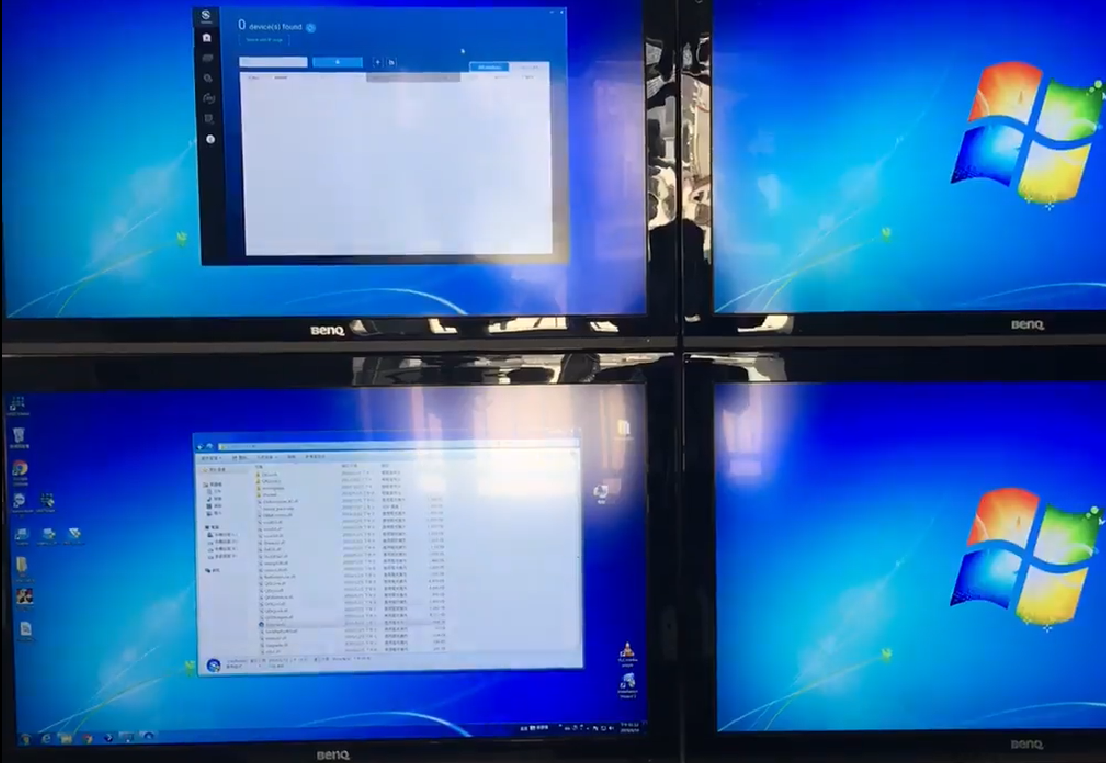
Also refer the following video: ftp://fae:fae@ftp.vivotek.com/software/TechnicalReview/2019/Shepherd%20with%204%20monitor.MOV
If you want to change the UI, you can press "F11" to adjust it.
If you open Shepherd in a system using four screens, you will see the Shepherd's UI become large.
In order to make it become smaller, you can press "F11" to adjust the Shepherd's UI size.
Also refer the following video: ftp://fae:fae@ftp.vivotek.com/software/TechnicalReview/2019/Shepherd%20with%204%20monitor.MOV
Was this article helpful?
Bu bilgiler sorununuzu çözmeye yardımcı oldu mu?
Thanks for your feedback!
Still need help?
Uzman ekibimiz size yardımcı olmak için burada.