Troubleshooting- Email Test Failed on ANNKE DVR/NVR
There are several possible causes for the Email Test failed when configuring email settings on DVR/NVRs. You may follow the troubleshooting tips listed below to solve the problem.
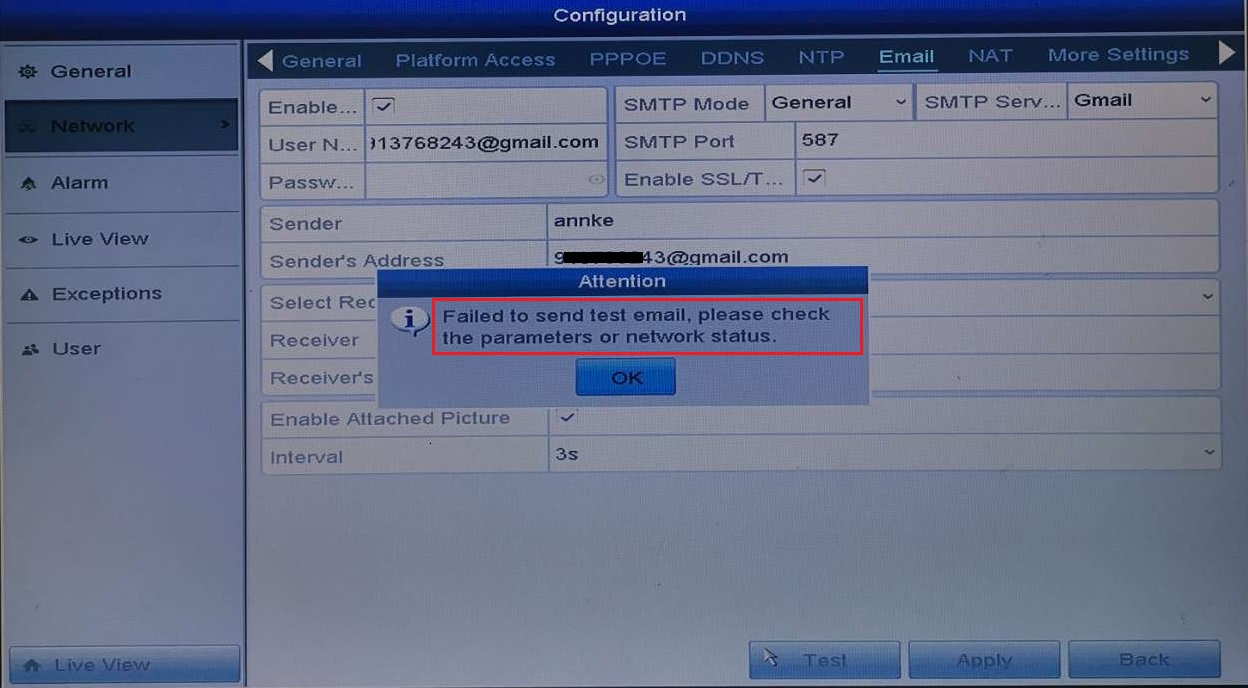
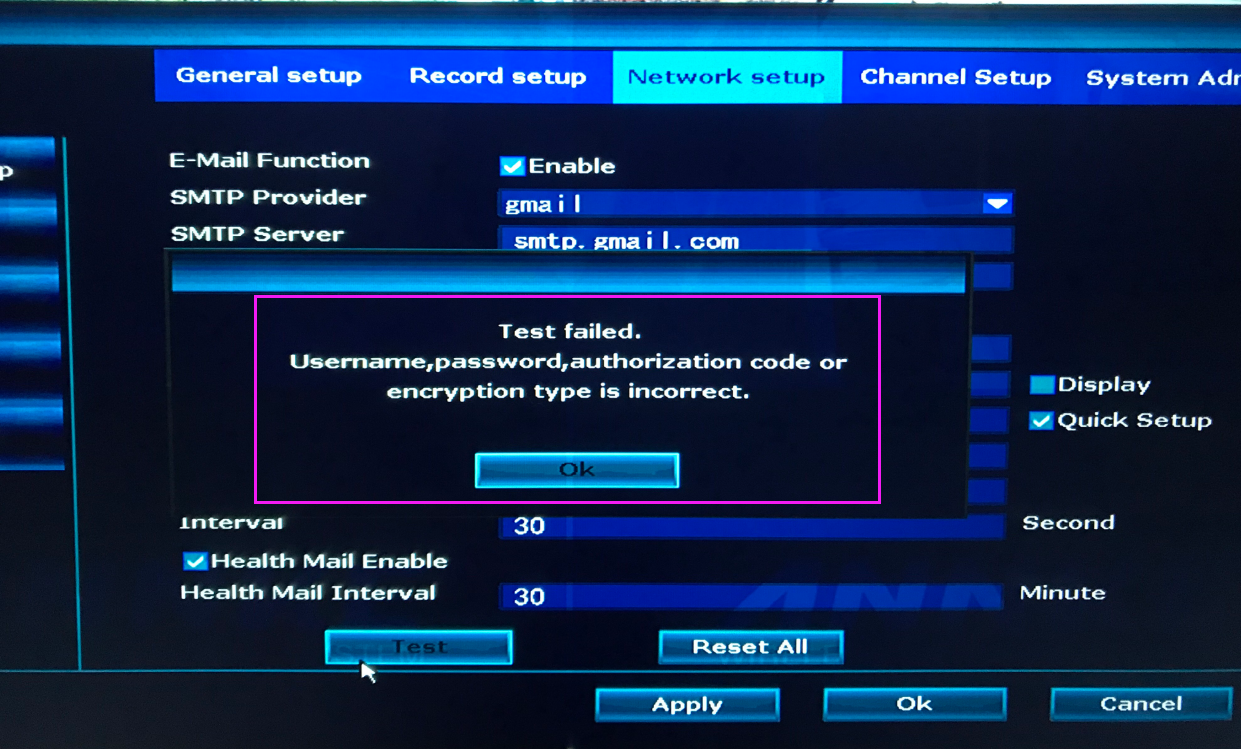
About the email configuration settings interface and the information which you need to fill in. Refer to the form below.
|
Model |
Setting Method |
|
DT41Y/DT61Y/DT81Y/DN41R/DN61R/DN81R/DT41GB/DT81GB/DT61GB DW41JD/DW81KD/DW61LD/DT81DP/N48PI/N44PI/N46PI/N44PAM/ N48PAW/N46PCK/N88PCH/S500/S300/FC200/NCK800/H800/H500 |
How to set up email alert? |
|
NW41V/N441H/N441K/N28WEB/N441B/N441D/N441L/N44PAN/N44PAJ N34WDB/N34WDD/N44WEB/N44WED/N44WEC/NW41V/N44WBD N48WHP/N48WHE |
How to set up email alert? |
Cause 1. The P2P status is not online
Solution: Different Models have different ways to solve the problem.
|
Model |
Setting Method |
|
DT41Y/DT61Y/DT81Y/DN41R/DN61R/DN81R/DT41GB/DT81GB/DT61GB DW41JD/DW81KD/DW61LD/DT81DP/N48PI/N44PI/N46PI/N44PAM/ N48PAW/N46PCK/N88PCH |
What to do if P2P status shows offline? |
|
NW41V/N441H/N441K/N28WEB/N441B/N441D/N441L/N44PAN/N44PAJ N34WDB/N34WDD/N44WEB/N44WED/N44WEC/NW41V/N44WBD N48WHP/N48WHE |
What to do if P2P shows offline? |
Cause 2. Access for less secure apps is turn off
Solution: Go to your email account settings to enable less secure apps to access the account. See an example of how to configuring Gmail security settings.
Cause 3. Incorrect SMTP Server & Port
Solution: Recommend use Gmail Mailbox. Input the correct SMTP Server & SMTP port info, and Then you may click on the E-mail Test to see if it works.
| Email Service Provider | SMTP Server | SMTP Port (SSL or TLS Enabled) |
| Gmail | smtp.gmail.com | 587 or 465 |
Cause 4. Incorrect email address or password.
Solution: Double-check your address and password to make sure that they are correct.
- If the problem persists after going through the steps above, please take photos of the troubleshooting results and the device mail settings interface and send it to us as an attachment so that we can help you solve the problem better.
- You can contact our support team for additional help by submitting a request.
Was this article helpful?
Bu bilgiler sorununuzu çözmeye yardımcı oldu mu?
Still need help?
Uzman ekibimiz size yardımcı olmak için burada.