Type 3-How to connect the system to the software on computer
Applies to: DN81Q/DN41Q
The software only works on Windows system, not MAC
1. Plug DVR to router by ethernet cable.
2. Check P2P status on the monitor. It must be online.

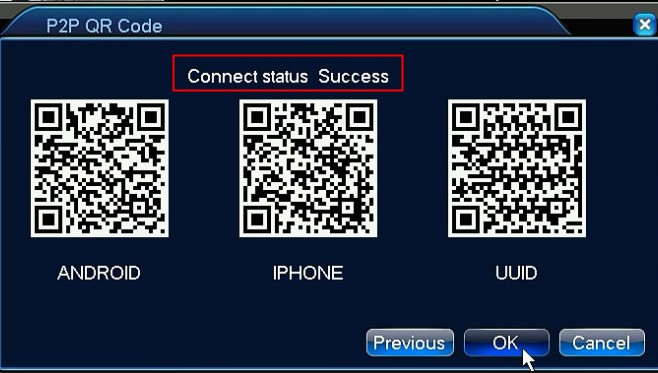
 3. Download software. Here is the download link.
http://www.sanncegroup.com/document/Computer%20software/CMS2000_5.0.0.7_20160314_all.exe
4. Run software. The default user name is admin and so does password.
5. Go to monitor manager.
6. Select P2P and click ADD.
7. Input system's information
the device name can be anything
the user name is admin
the password is system's password(default is blank)
UID can be found on the system's setting
8. Double click device on left of the interface and right-click it to select open all channels.


Was this article helpful?
Bu bilgiler sorununuzu çözmeye yardımcı oldu mu?
Still need help?
Uzman ekibimiz size yardımcı olmak için burada.