White Light Intensifier Cameras
20 Aug 2026
490 views
Setting White Light Schedule
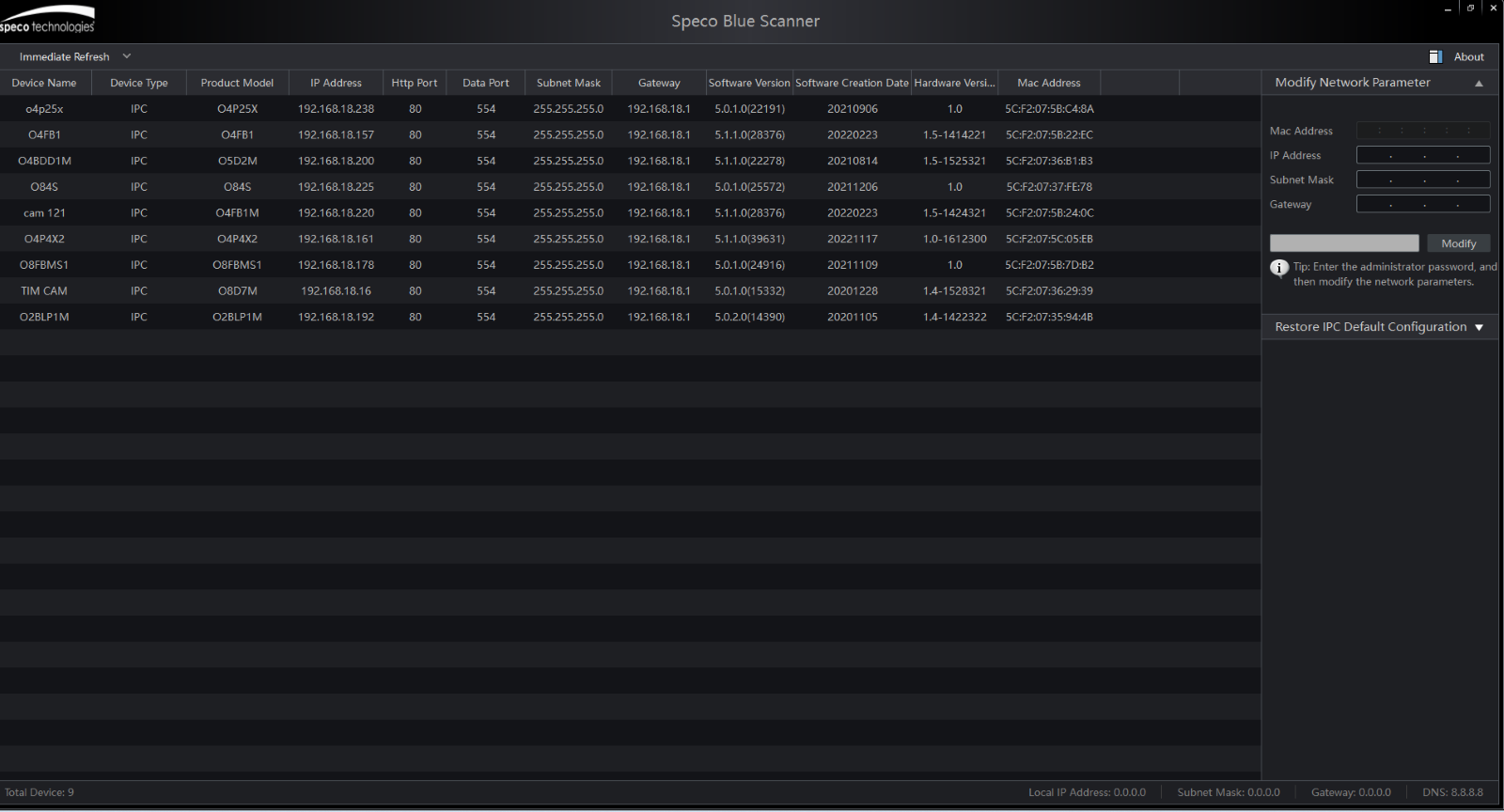
- Find the IP address of the white light camera with SecureGuard CMS or Speco Blue Scanner.
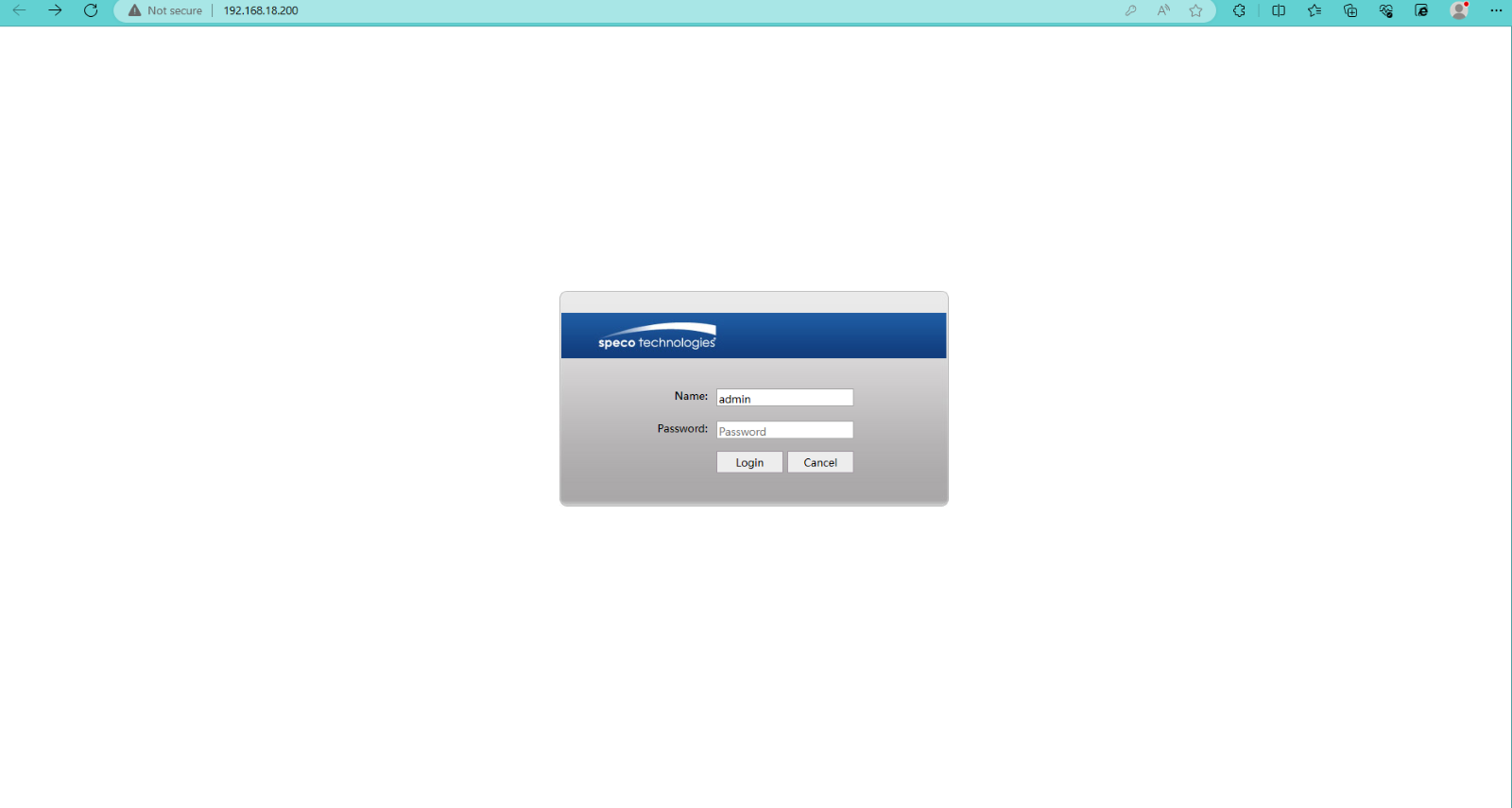
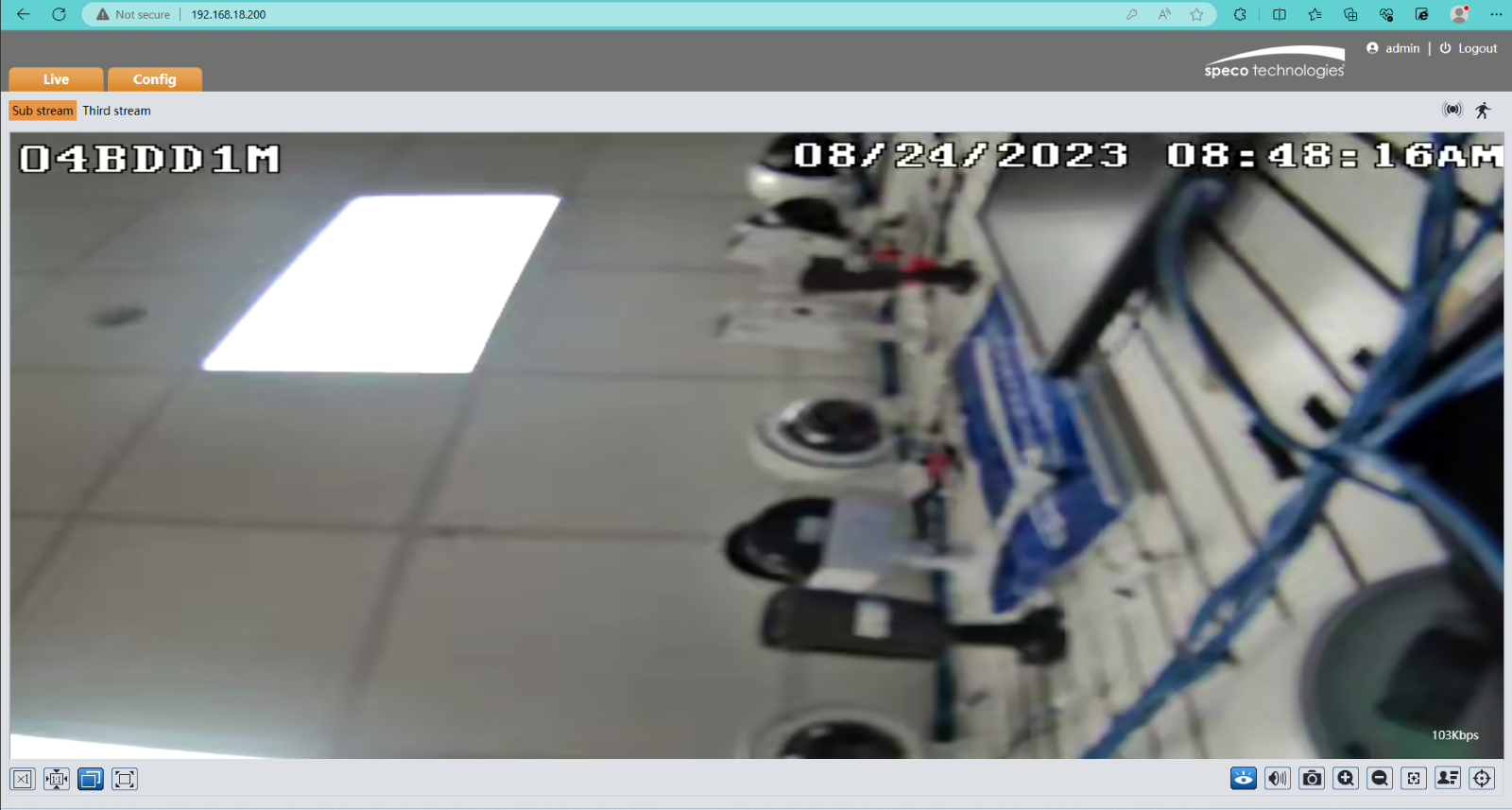
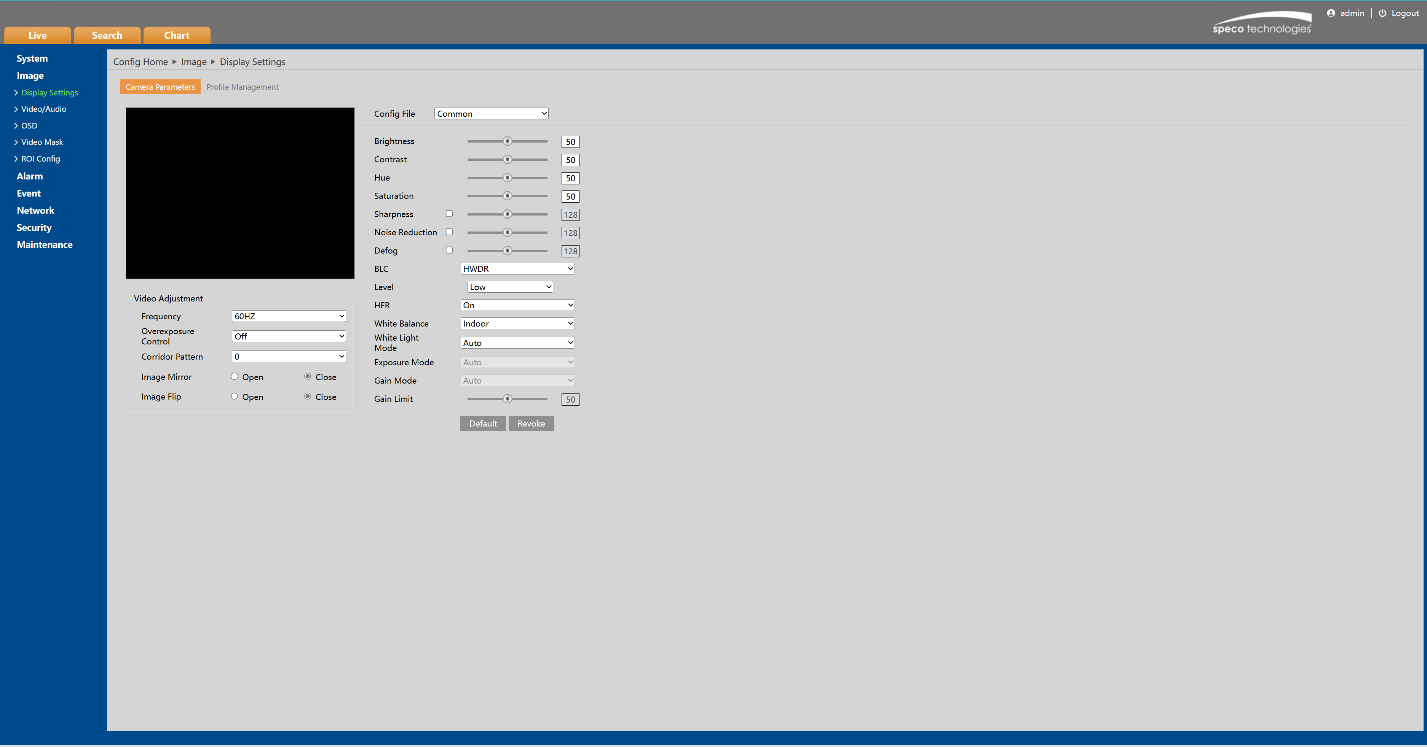
3. Click on the configuration tab as shown below.
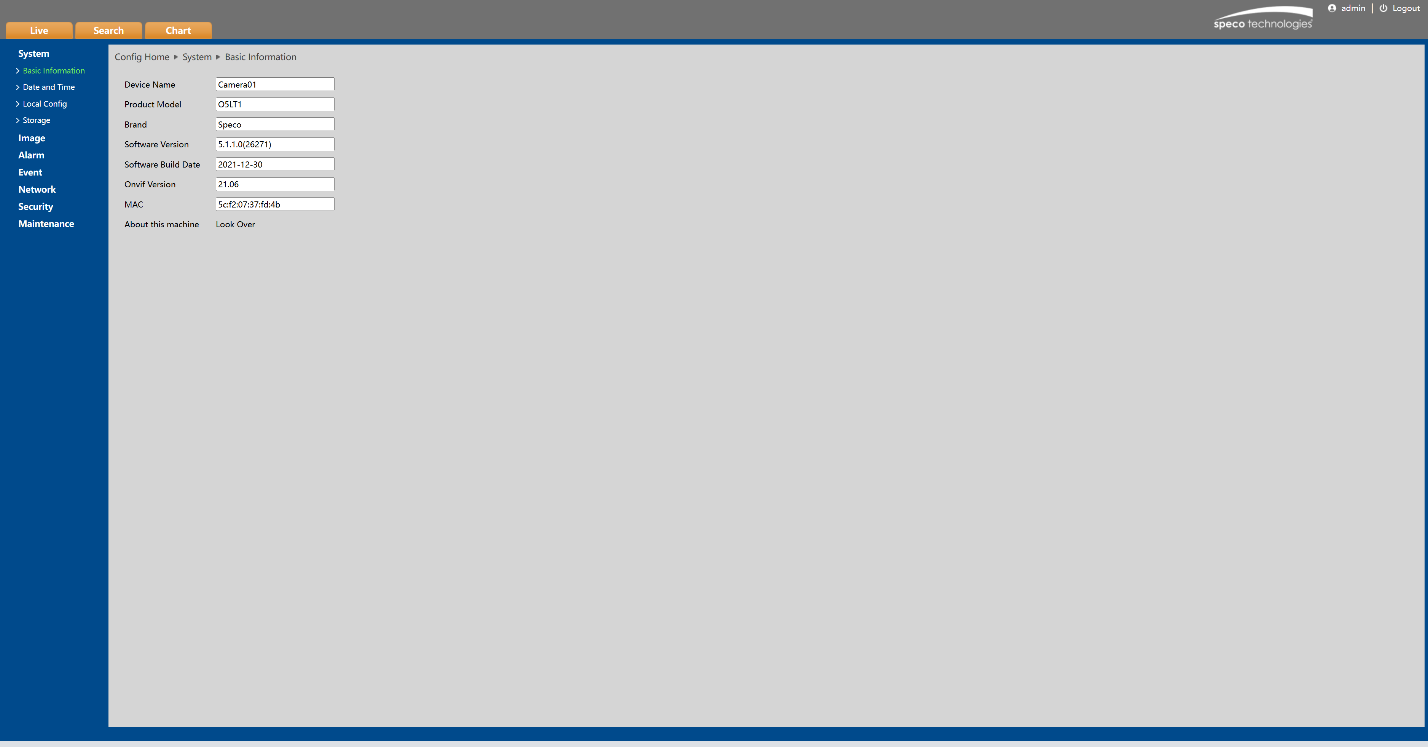
Initial Publish Date: Aug 24, 2023
Published By Corey Mutterperl
Setting White Light Schedule
- Find the IP address of the white light camera with SecureGuard CMS or Speco Blue Scanner.
3. Click on the configuration tab as shown below.
Initial Publish Date: Aug 24, 2023
Published By Corey Mutterperl
Was this article helpful?
Bu bilgiler sorununuzu çözmeye yardımcı oldu mu?
Thanks for your feedback!
Still need help?
Uzman ekibimiz size yardımcı olmak için burada.