White Light Intensifier Cameras

Super Admin
07 May 2026
2 views

White Light Intensifier Cameras

How to setup a schedule for Speco Blue White Light Intensifier Cameras

Setting White Light Schedule 

  1. Find the IP address of the white light camera with SecureGuard CMS or Speco Blue Scanner.  
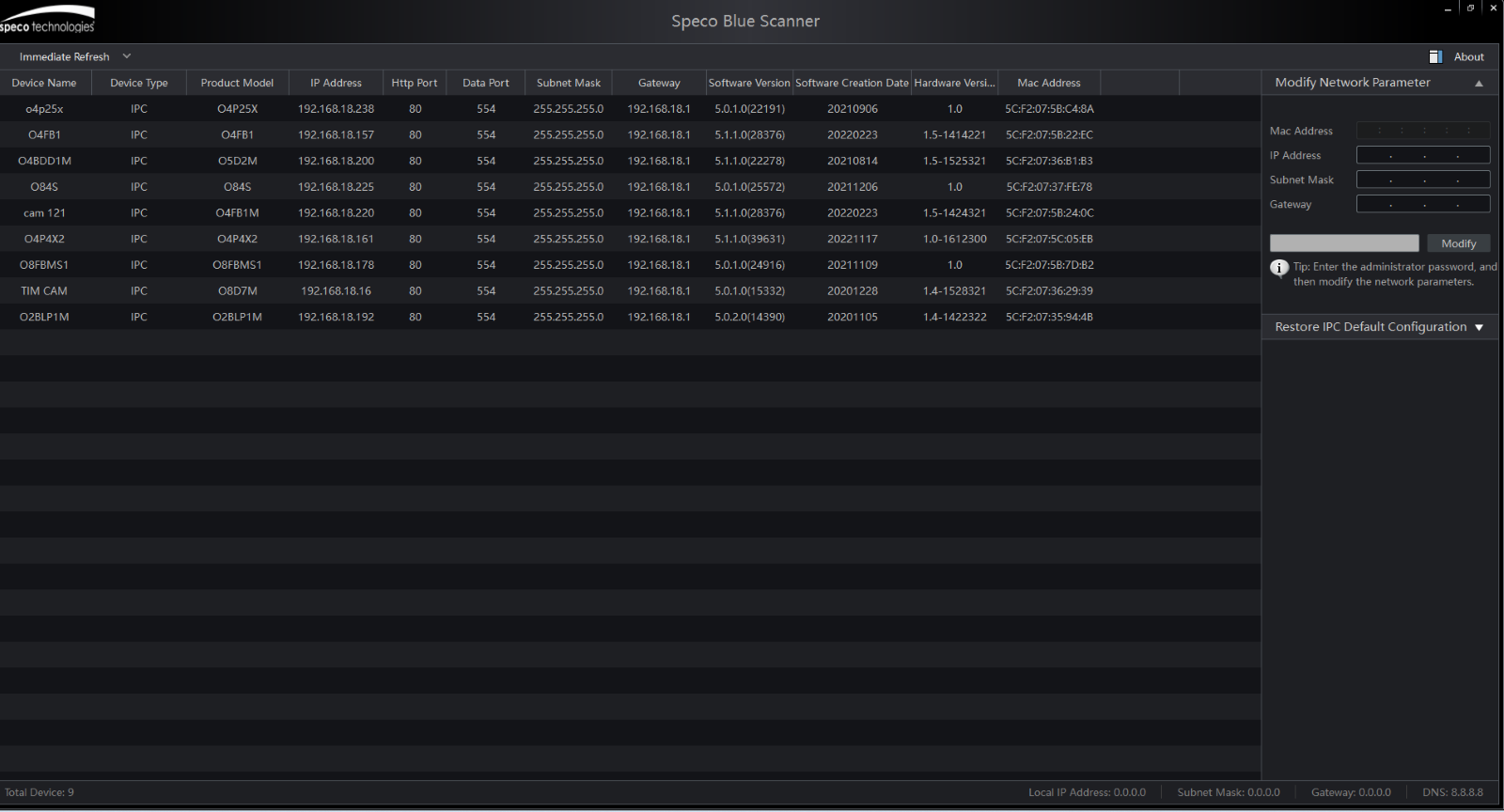
A screenshot of a computer

Description automatically generated

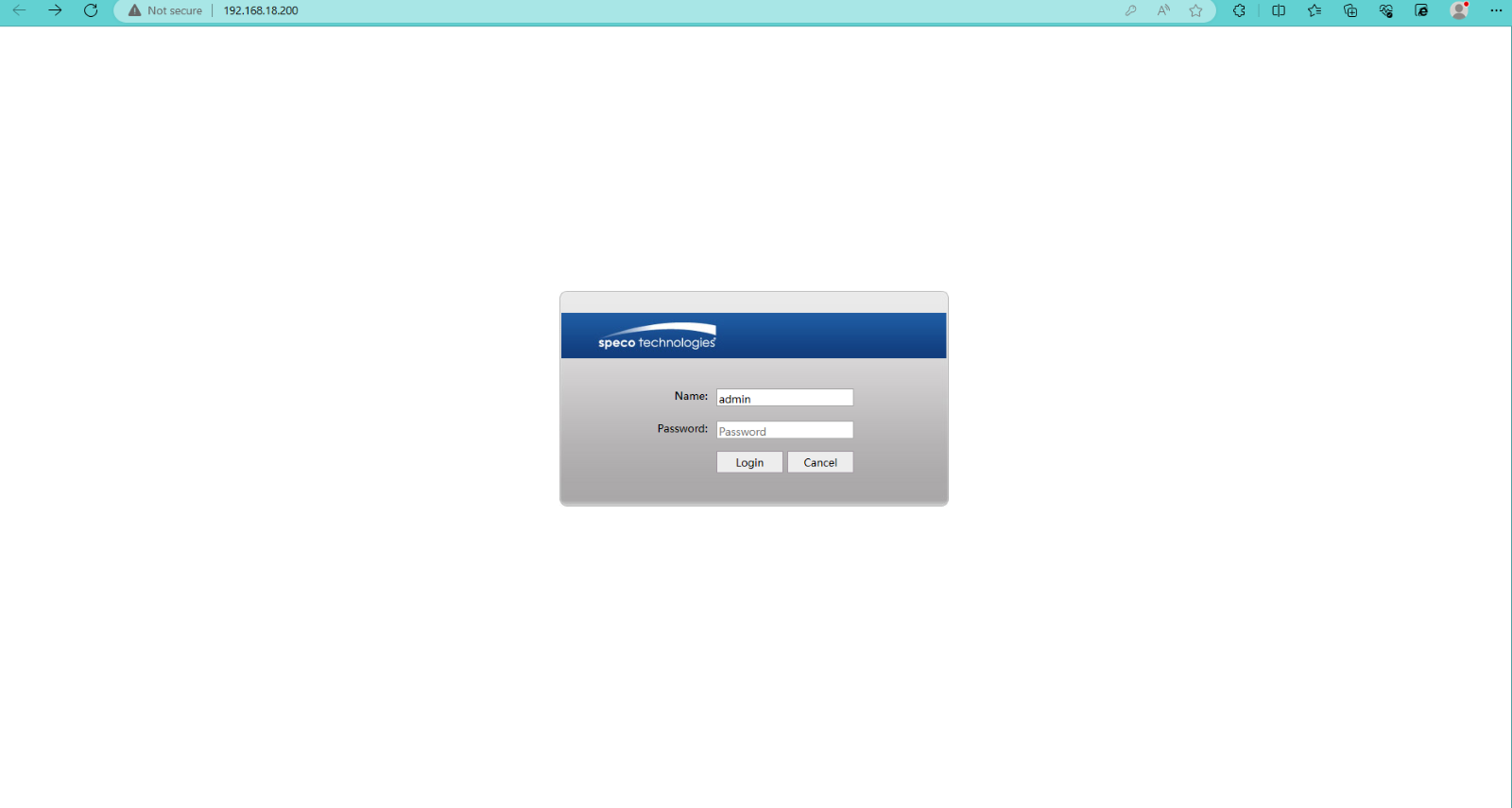
2. Type in the camera's IP address and log in with the username and password. The default username is admin, and the password is 1234.  

A screenshot of a computer

Description automatically generated
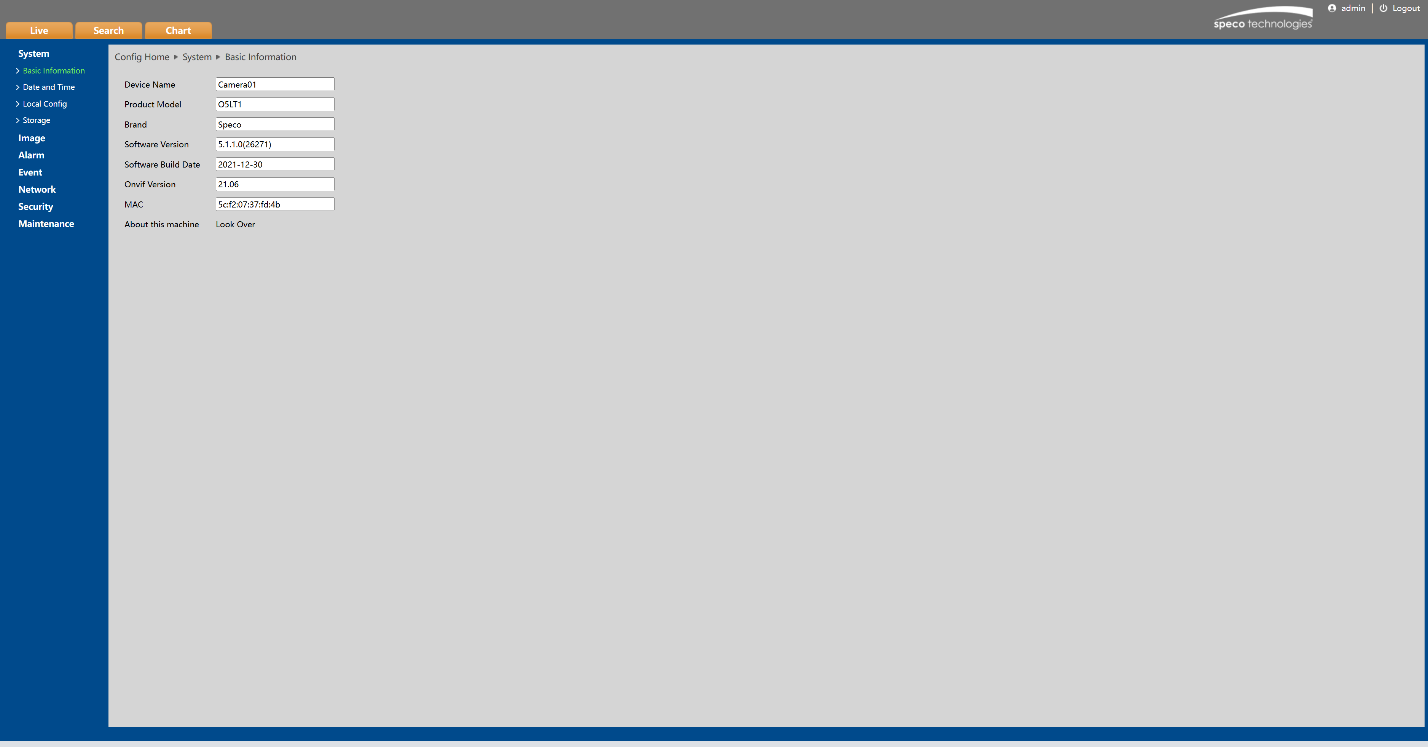
3. Click on the configuration tab as shown below.  

A screen shot of a computer

Description automatically generated

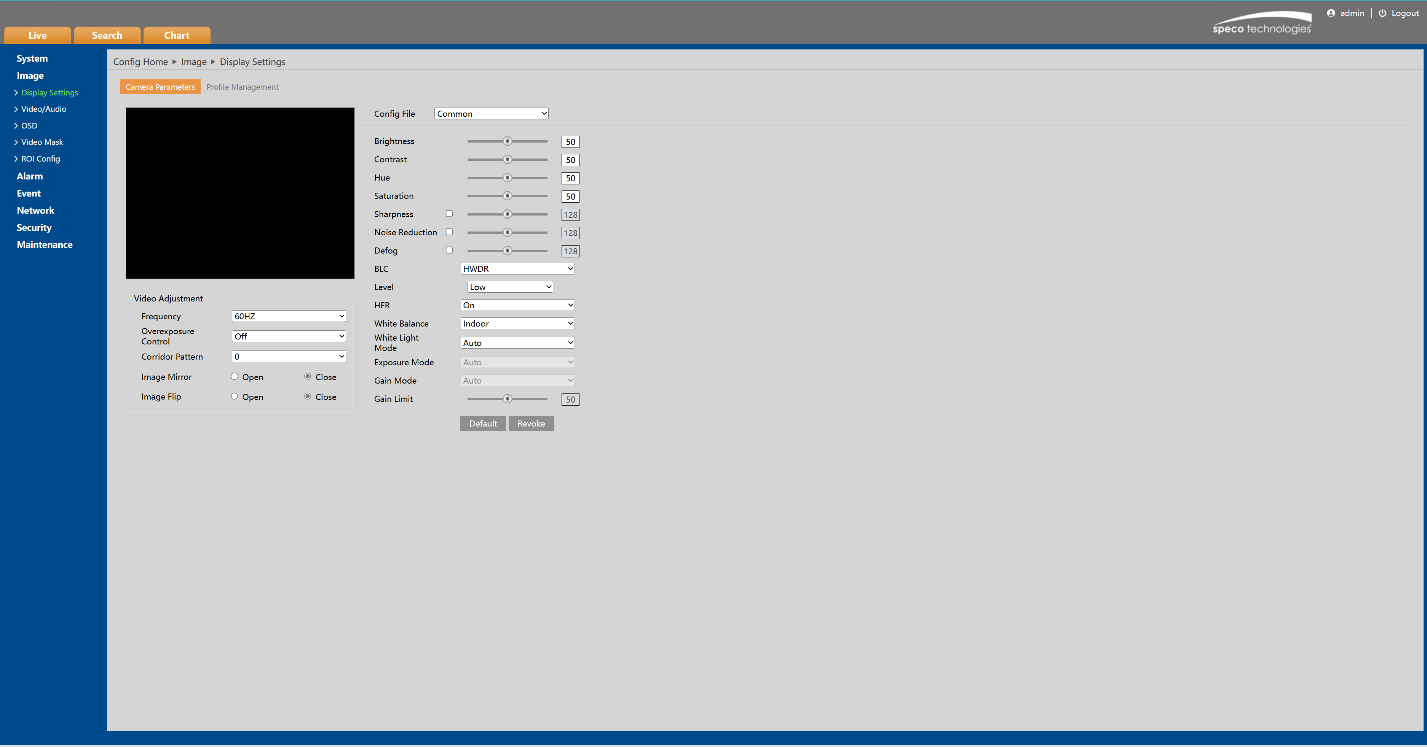
4. Click on “video” tab, click on “image settings as shown below.  

5. Click on “White Light mode” Click schedule.  


Initial Publish Date: Aug 24, 2023
Published By Corey Mutterperl


Setting White Light Schedule 

  1. Find the IP address of the white light camera with SecureGuard CMS or Speco Blue Scanner.  
A screenshot of a computer

Description automatically generated

2. Type in the camera's IP address and log in with the username and password. The default username is admin, and the password is 1234.  

A screenshot of a computer

Description automatically generated
3. Click on the configuration tab as shown below.  
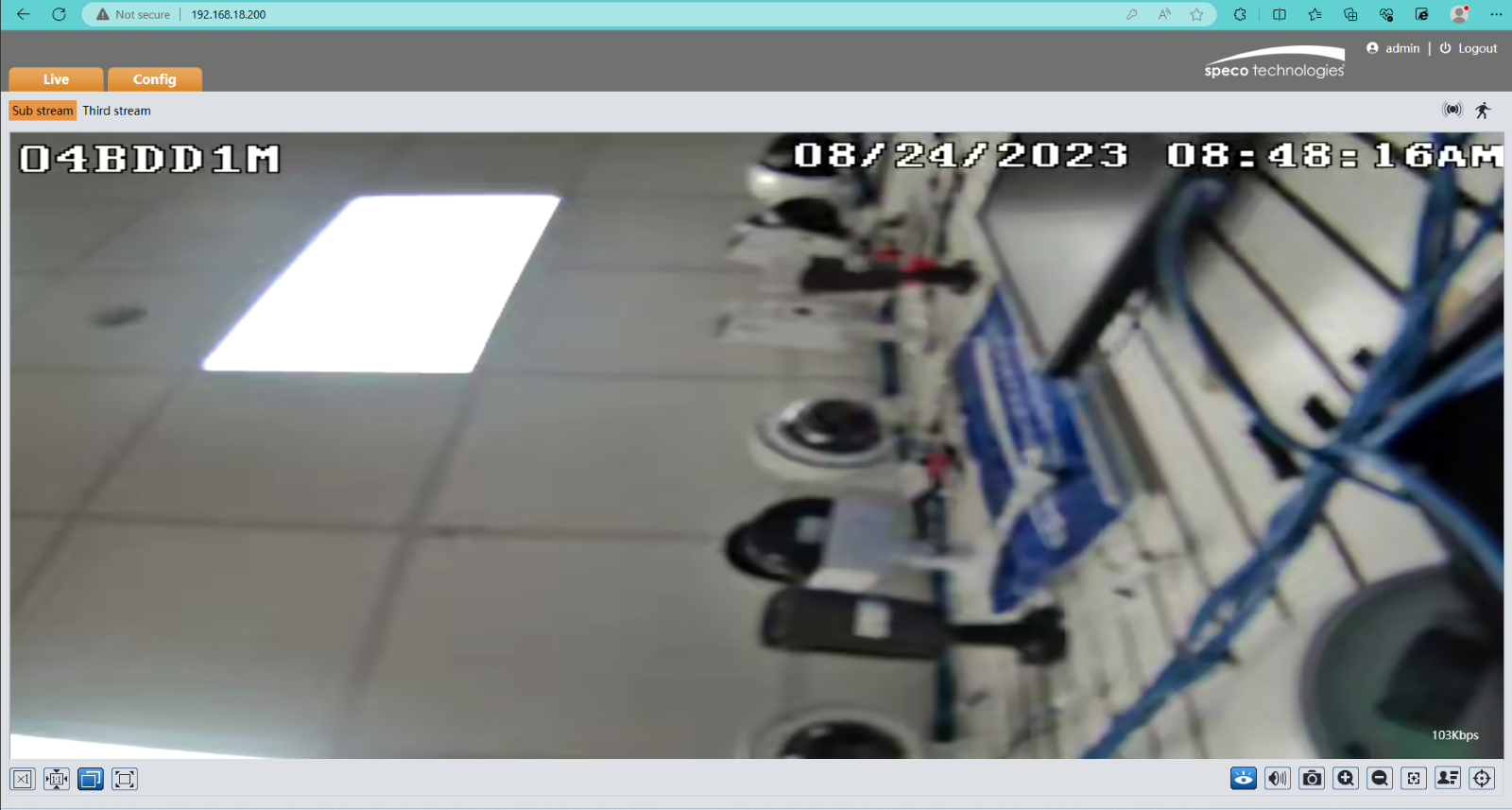
A screen shot of a computer

Description automatically generated

4. Click on “video” tab, click on “image settings as shown below.  

5. Click on “White Light mode” Click schedule.  


Initial Publish Date: Aug 24, 2023
Published By Corey Mutterperl


Was this article helpful?

Bu bilgiler sorununuzu çözmeye yardımcı oldu mu?

Still need help?

Uzman ekibimiz size yardımcı olmak için burada.

New Ticket