Why can't I record and save videos?
20 Aug 2026
390 views
There are two types of videos: Events and Moments.
Events videos are recorded and saved automatically. Moments videos are manually recorded from Live and shared from Events. When Events videos are being recorded automatically, you will not be able to use the manual recording function.
Moments videos may not have been recorded and saved for the following reasons:
-
Failed to tap on the "end recording" after recording session ended
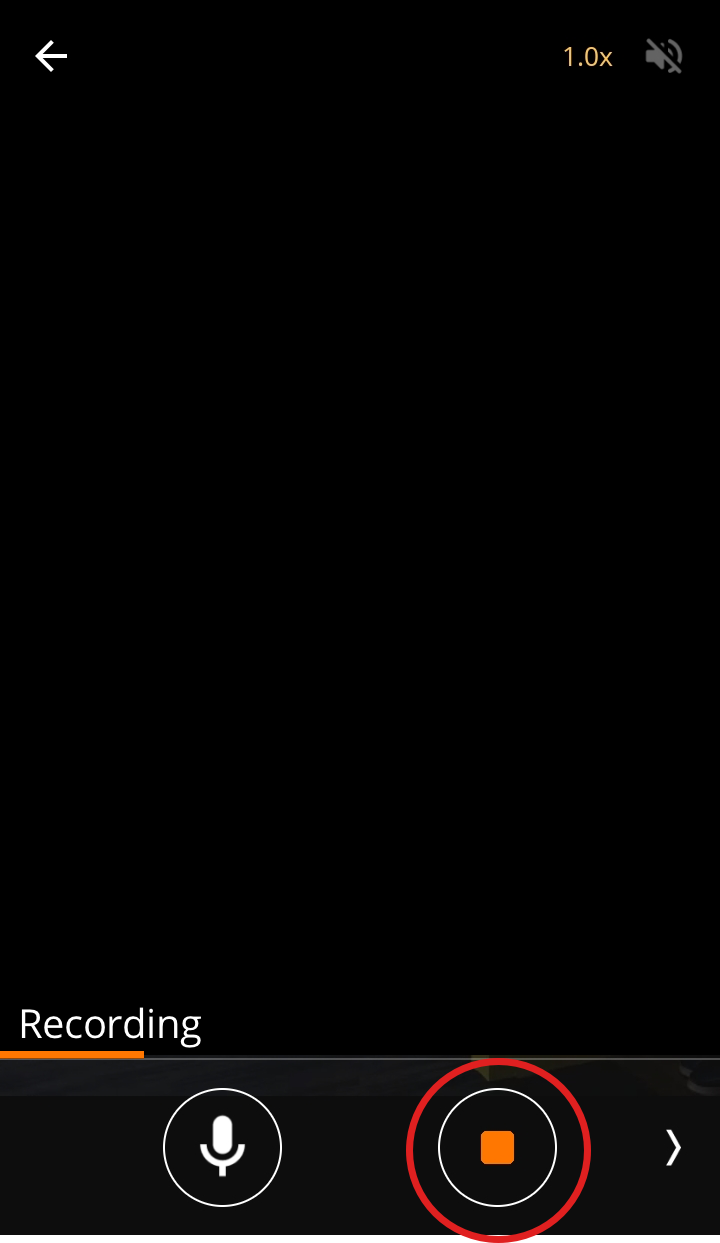
-
Tried to make several recordings in a short time
-
The video is shorter than 5 seconds
The videos must be between 5-30 seconds. - The Camera device is running out of internal storage (RAM)
- The Camera device is overheating
-
The internet connection is unstable
Please refer to this section to troubleshoot offline issues and this section to improve your overall connection stability)
Read this guide on saving Events and Moments videos.
🙋 Still have questions? Please contact us from the More tab in the app.
Was this article helpful?
Bu bilgiler sorununuzu çözmeye yardımcı oldu mu?
Thanks for your feedback!
Still need help?
Uzman ekibimiz size yardımcı olmak için burada.