Annke Vision - Editing the Connected IP Cameras on Annke NVR
20 Aug 2026
369 views
Applies to: N48PI/N44PI/N46PI/N44PAM/N48PAW/N46PCK/N88PCH/N441Y/N481Y
Purpose: After the adding of the IP cameras, the basic information of the camera lists on the page, you can configure the basic setting of the IP cameras.
Before you start:
- Make sure you have connected the IP cameras to the NVR system well.
- You have logged in to your device.
Steps:
- Click Menu > Camera Management > Camera, enter into the IP Camera page.
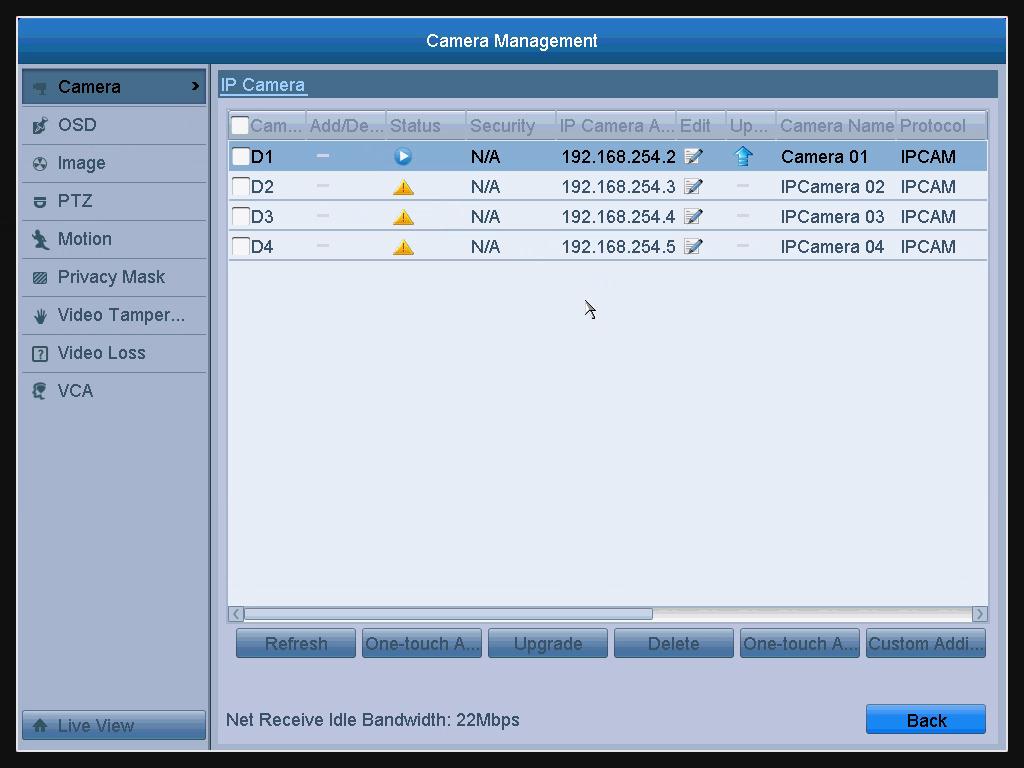
- Click the
 icon to edit the parameters, you can edit the IP address, protocol, and other parameters.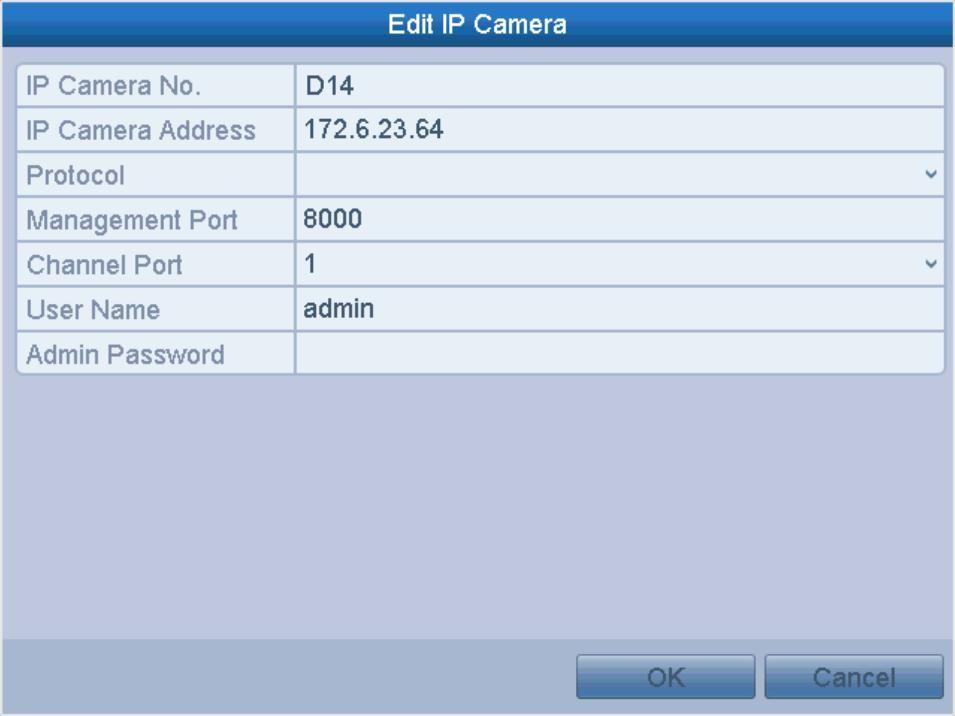
- Click OK to save the settings and exit the editing interface.
To edit advanced parameters
Steps:
- Drag the horizontal scroll bar to the right side and click the
 icon.
icon.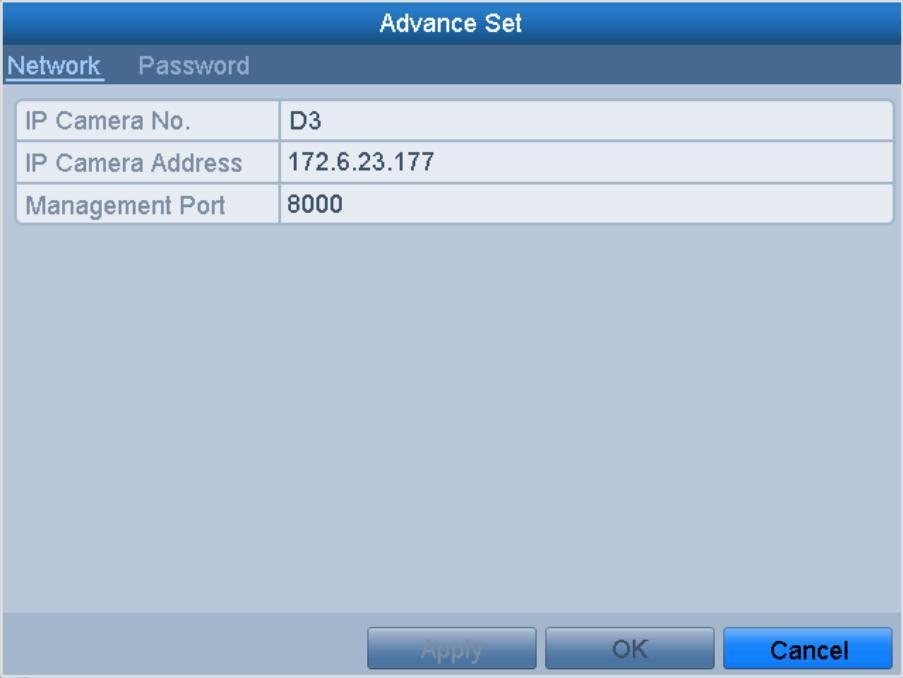
- You can edit the Network information and the Password of the camera.
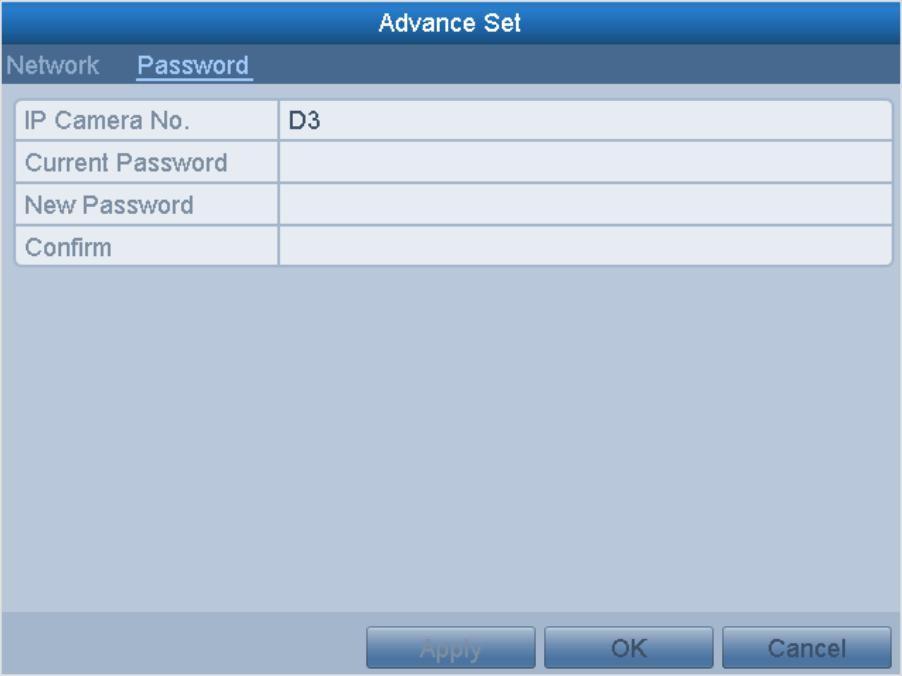
- Click Apply to save the settings and click OK to exit the interface.
Was this article helpful?
Bu bilgiler sorununuzu çözmeye yardımcı oldu mu?
Thanks for your feedback!
Still need help?
Uzman ekibimiz size yardımcı olmak için burada.