ANNKE VISION – General Guide for ANNKE POE Camera
Applies to: I81FB/I81HC/I91BK/I81HB/I51DE/I51DF/I51DK/I51DB/I51DD/I51DJ/I51DL/I51DN/I51DM/I51DP/I91BF/I91BE/I91BG/I91BM/I91BN/I91BL/I41BK/B1200/NC400/CZ400
Purpose
This article introduces the general methods of using the ANNKE POE camera alone or with an NVR.
Catalog
Connect to the phone app (without NVR)
Configure camera (without NVR)
Trivia: Unassemble and mount Turret camera
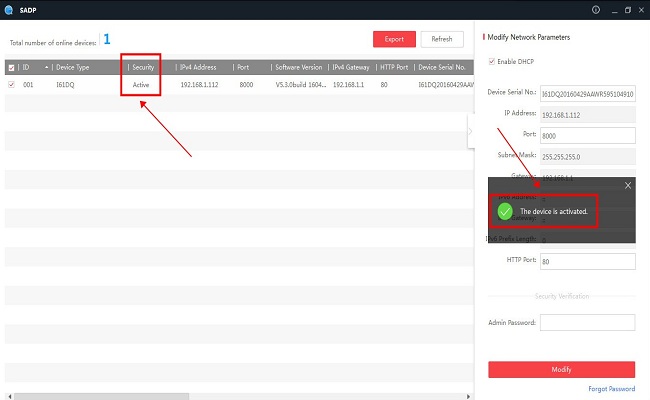
Activate camera (without NVR)
Annke Vision - How to Activate ANNKE IP Camera via Web Browser (Without DVR/NVR)?
Activating the camera is the first step to use the camera properly.
Connect to phone app (without NVR)
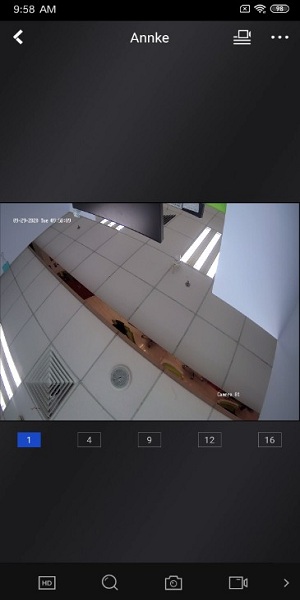
ANNKE VISION - How to Connect IP Cameras Alone with ANNKE VISION Phone App (without Using NVR)?
The camera can be viewed from the phone app remotely.
Configure camera (without NVR)
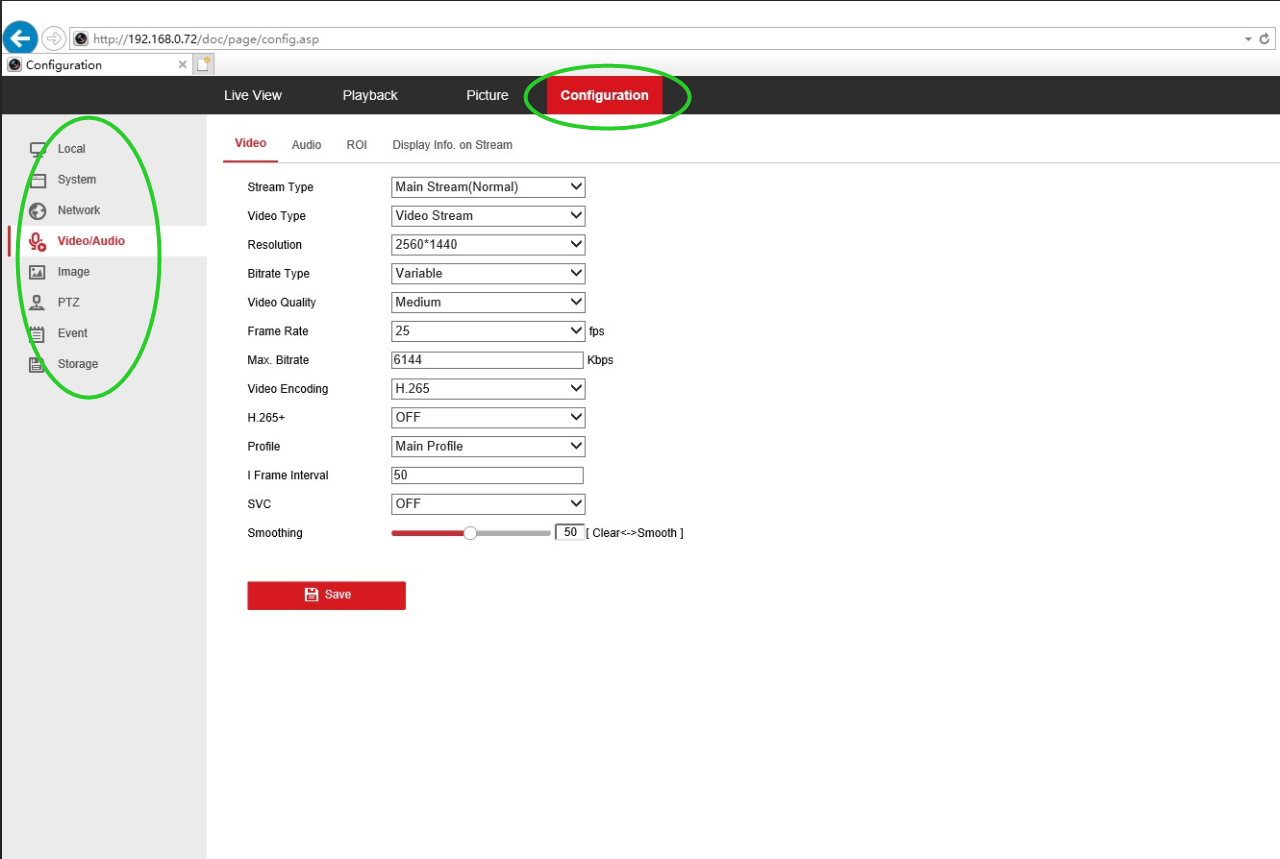
ANNKE VISION - General Guide of Web Interface for ANNKE systems (For New Users)
It’s recommended to visit the camera’s Web interface for the complete configuration.
Connect to ANNKE NVR
ANNKE VISION - Adding ANNKE POE Camera to ANNKE POE NVR (by a direct connection of ethernet cable)
An NVR can manage multi-cameras at the same time and provide larger storage for video recording.
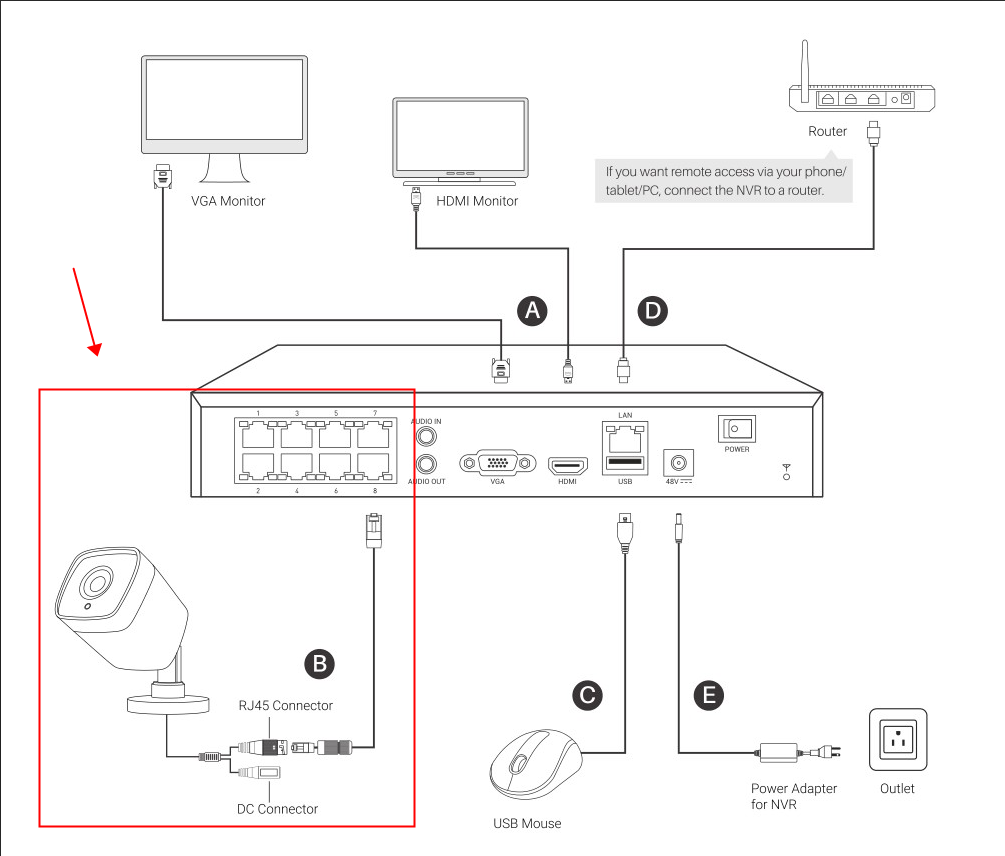
Annke Vision - How to Connect Annke POE NVR with POE Camera via a POE Switch?
Connect to third-party NVR
Some NVRs for different brands that meet the requirements (recording resolution and ONVIF protocol) can also work with ANNKE POE cameras.
Trivia
Unassemble and mount Turret camera
If you find this article helpful, please click 'Helpful' at the end of this article.
If you have any suggestions or questions for this article, please contact ANNKE support here.
Was this article helpful?
Bu bilgiler sorununuzu çözmeye yardımcı oldu mu?
Still need help?
Uzman ekibimiz size yardımcı olmak için burada.