ANNKE VISION - General Guide of Watching Cameras on mobile phones by ANNKE VISION App (For New Users)
Applies to:
DT41Y/DT61Y/DT81Y/DN41R/DN61R/DN81R/DT41GB/DT81GB/DT61GB/DW41JD/DW81KD/DW61LD/DT81DP/N48PI/N44PI/N46PI/N44PAM/N48PAW/N46PCK/N88PCH/S500/S300/FC200/NCK800/H800/H500
Purpose:
This article introduces all the basic skills of using your ANNKE system with the Annke Vision phone APP. Every new user is recommended to read this article carefully :)
Annke Vision - Short Introduction of Annke Vision App
To use the Annke Vision properly, we will need to follow the below procedures in order:
- Register an APP account
- Link with the ANNKE DVR/NVR/IP camera
- Playback videos
- Receive push notification
- Share camera with other users
- Manage your APP account
1. Register an APP account
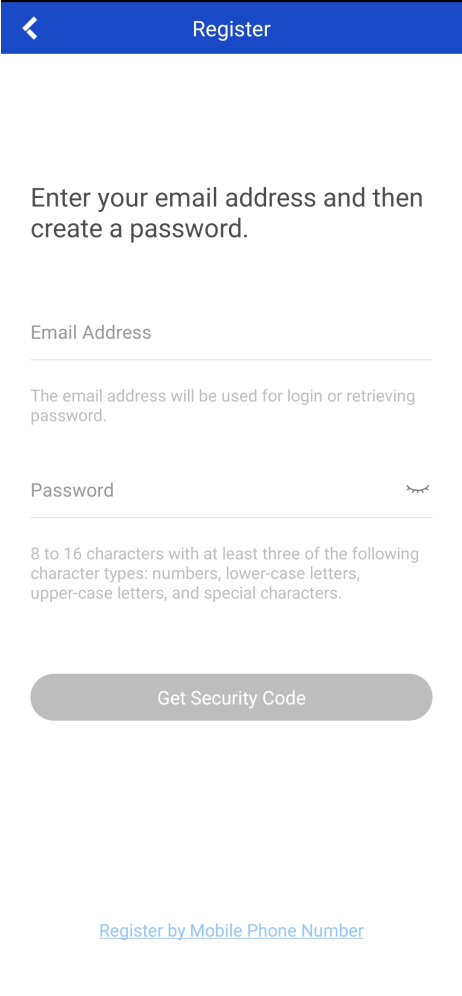
Annke Vision - Register An Account on Annke Vision App by Email Address
An account on the ANNKE VISION app allows us to add the ANNKE system and watch its cameras.
After register and log in with the account, we can go ahead to add the ANNKE system(s).
2. Link to the ANNKE DVR/NVR/IP camera
Annke Vision - How to Connect the DVR/NVR System to the Phone APP?
Annke Vision - How to Connect IP Cameras Alone with ANNKE VISION Phone App (without Using NVR)?
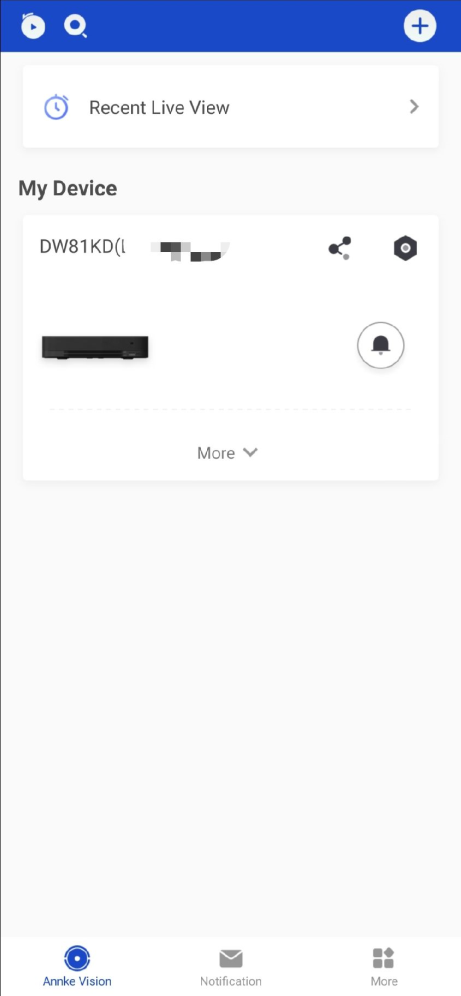
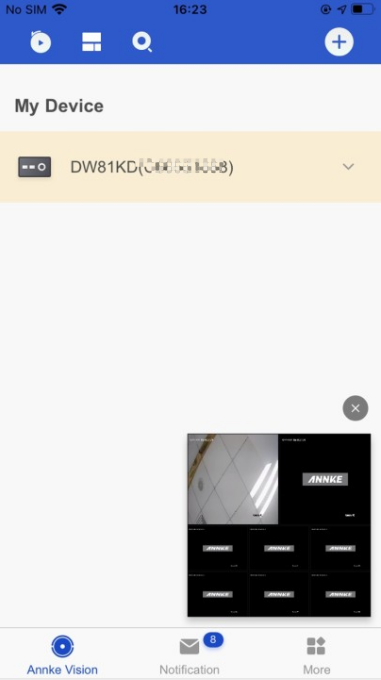
After the ANNKE system is linked to the APP account, we can watch camera live view, playback old footage, and receive motion notifications.
Meanwhile, each ANNKE system can only be linked to one account at the same time. This prevents others from accessing the system without permission.
3. Playback videos
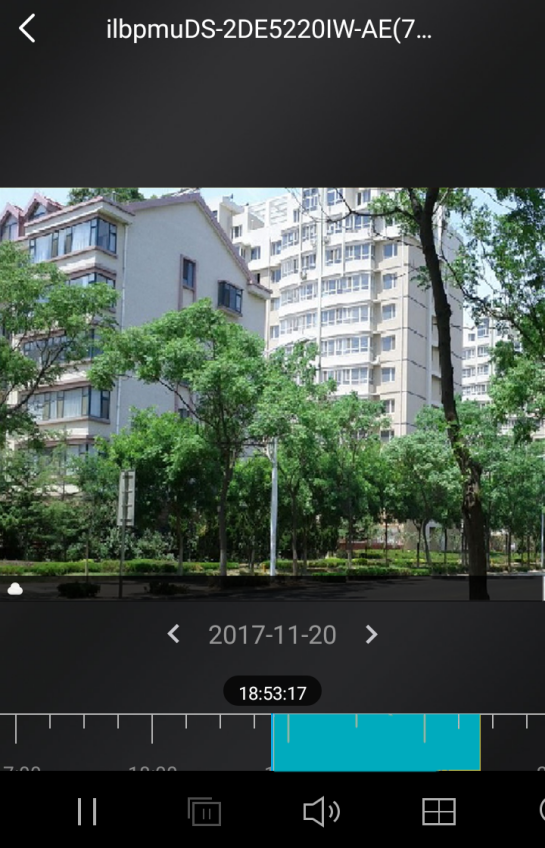
Annke Vision - Starting and Stopping Playback on Annke Vision App
The playback function allows us to watch the footage from the system's hard drive.
4. Receive push notifications
Annke Vision - Setting up the Alarm Notification on Annke Vision App
Push notifications refer to the alarm messages received on ANNKE VISION when the camera system catches suspicious motions.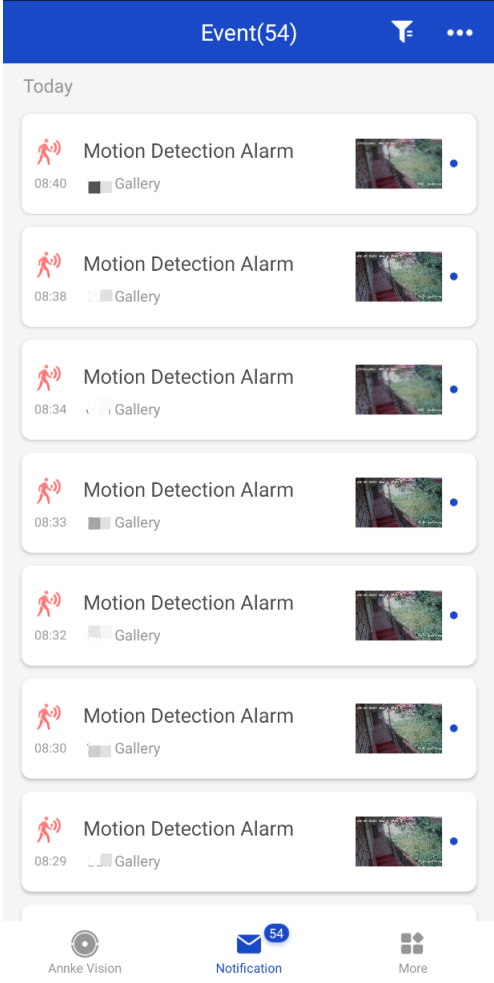
5. Share camera with other users
To share the camera view with families/friends, we have two methods:
1. Parallel sharing. All the users log in to the ANNKE VISION app with the same account. In this case, all users have the same permission to the camera view.
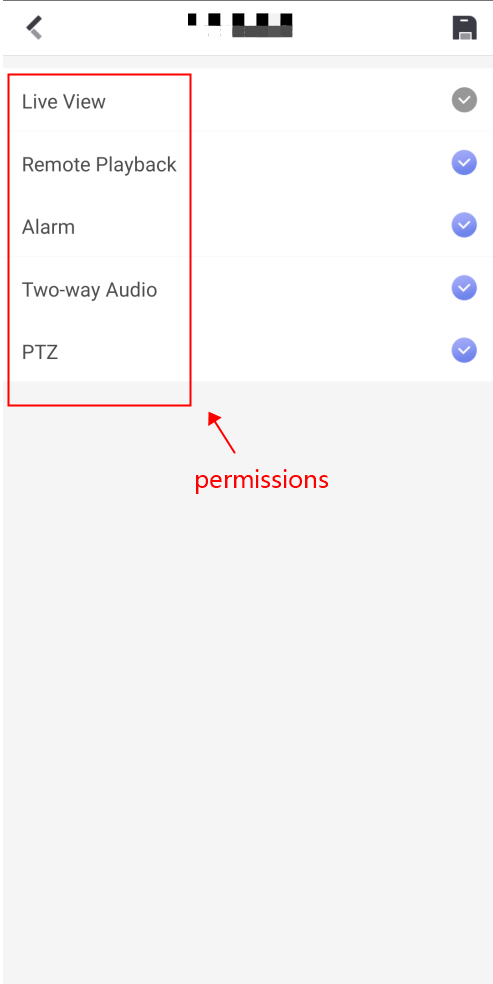
2. Main/Sub account sharing. The main account is the one linked with the system, it can send sharing requests to sub-account and limit the permission for each sub-account (For example, sub-account can only watch live view but not playback). Here is the instruction.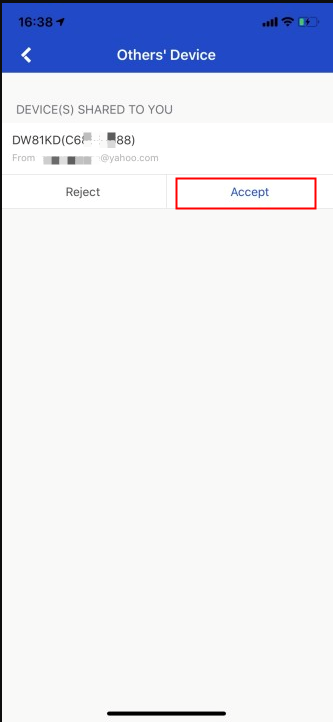
6. Manage your APP account
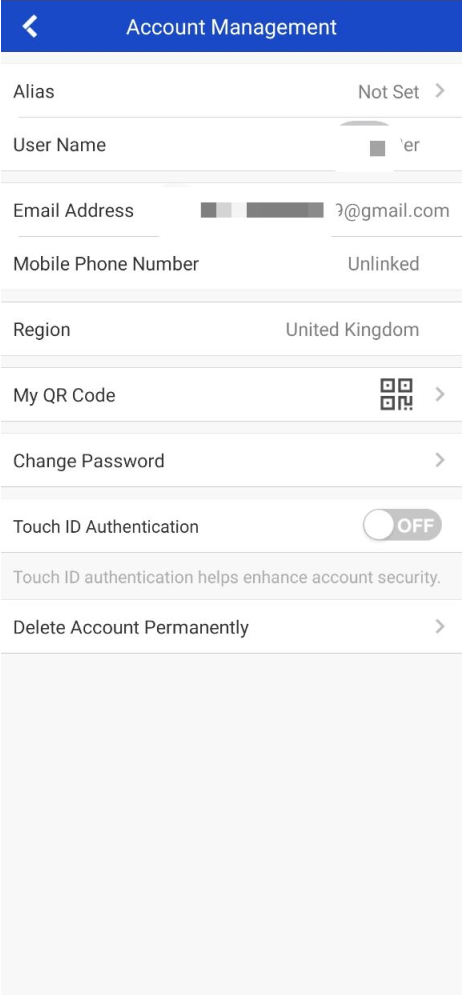
On the ANNKE VISION app, we can also: Check the account details, modify the account password, delete the account permanently. Here is the instruction.
If you find this article helpful, please click 'Helpful' at the end of this article.
If you have any suggestions or questions for this article, please contact ANNKE support here.
Was this article helpful?
Bu bilgiler sorununuzu çözmeye yardımcı oldu mu?
Still need help?
Uzman ekibimiz size yardımcı olmak için burada.