Annke Vision - Playing Back by System Logs on Annke NVR/DVR
Applies to: N48PI/N44PI/N46PI/N44PAM/N48PAW/N48PAW/N46PCK/DT41Y/DT61Y/DT81Y/DN41R/DN61R/DN81R/DT41GB/DT81GB/DT61GB/DT41DB/DT81DB/DT61EQ/DW41JD/DW81KD/DW61LD/DT81DP/
S500/S300/FC200/NCK800/H800/H500
Purpose: Playback record file(s) associated with channels after searching system logs.
Before you start:
- You should log in to your device.
- Click Menu > Maintenance > Log Information.
Steps:
1. Enter into the Log Information interface. 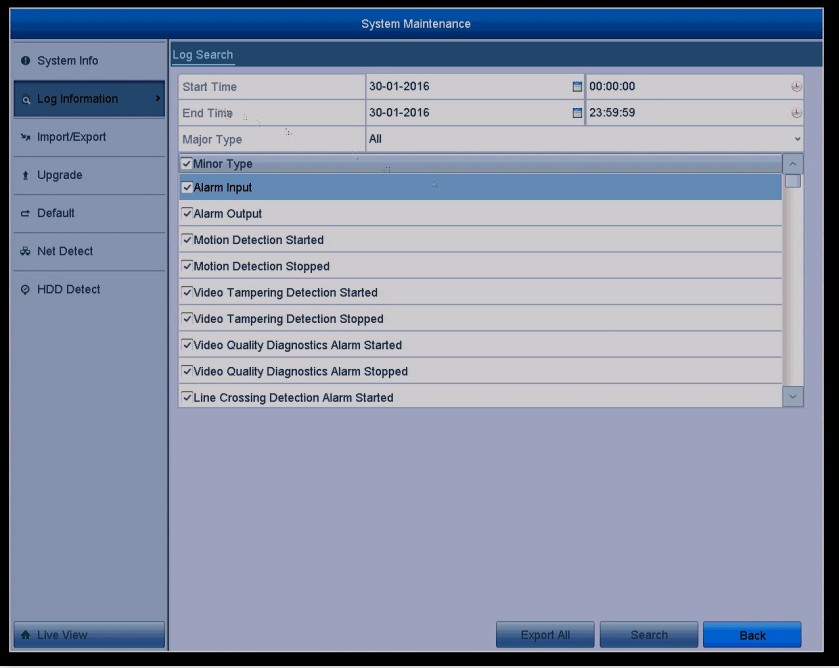
2. Click Log Search tab to enter Playback by System Logs
Set the search Start/End time and Major Type, and click the Search button.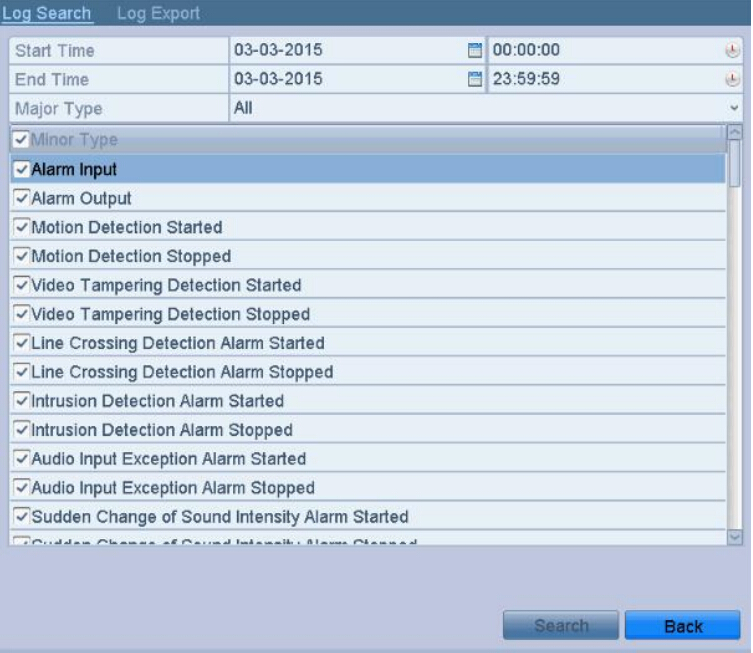
3. Choose a log with a record file and click  button to enter the Playback interface.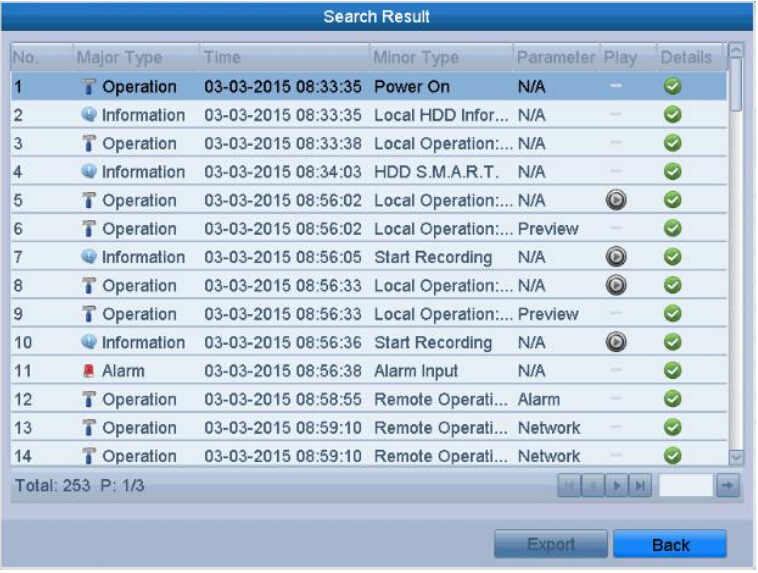
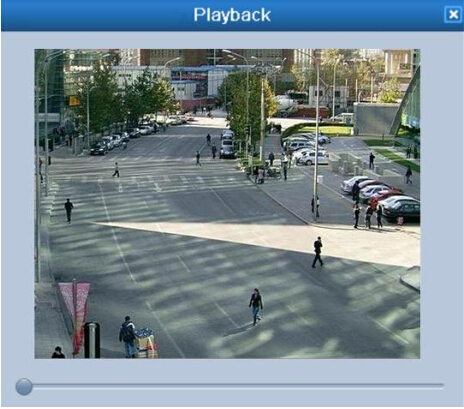
4. On the Playback interface, The toolbar in the bottom part of the interface can be used to control the playing process.
Was this article helpful?
Bu bilgiler sorununuzu çözmeye yardımcı oldu mu?
Still need help?
Uzman ekibimiz size yardımcı olmak için burada.