Myannke - Log in And Sign up on Web Client
20 Aug 2026
325 views
Applies to: I41EJ
Steps:
1. Log on to the Myannke PC client. http://www.myannke.com/
Then the following window appears: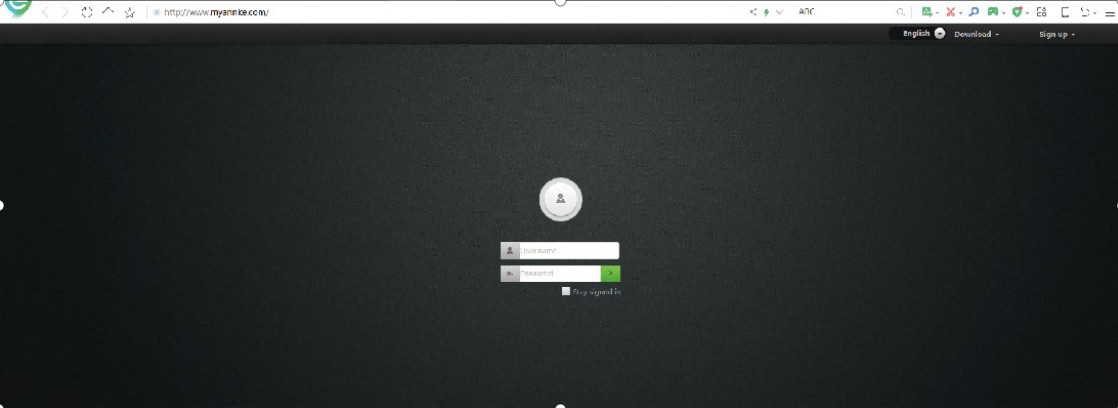
2. Enter your User name and Password, and click Sign in.
Note: If you are a new user, select "Sign up" and create a Username and Password.
3. The website interface opens.
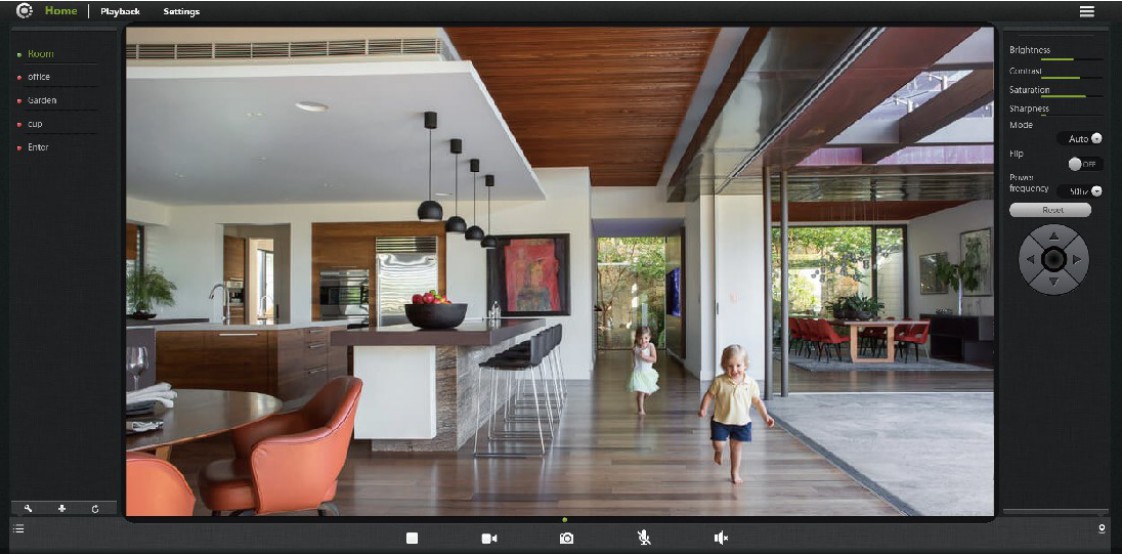
Notice:
If you have any other questions, please feel free to contact ANNKE technical support at support@annke.com by email for further help.
If this article is helpful to you, please click the "helpful" button after you review it. Any comments would be appreciated.
Was this article helpful?
Bu bilgiler sorununuzu çözmeye yardımcı oldu mu?
Thanks for your feedback!
Still need help?
Uzman ekibimiz size yardımcı olmak için burada.