Myannke - Set up SD Card Video Continue Recording on Myannke App
20 Aug 2026
408 views
Applies to: I41EJ
Purpose: You can set up the SD card to record video on the Myannke app.
Before You Start:
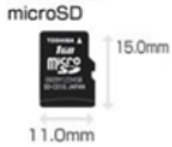
- Inserted the SD card into the card slot on the camera. SD card capacity is less than or equal to 64GB.
- Run the app, and view the live view video.
Steps:
- Click
 , and enter into the Setting Page.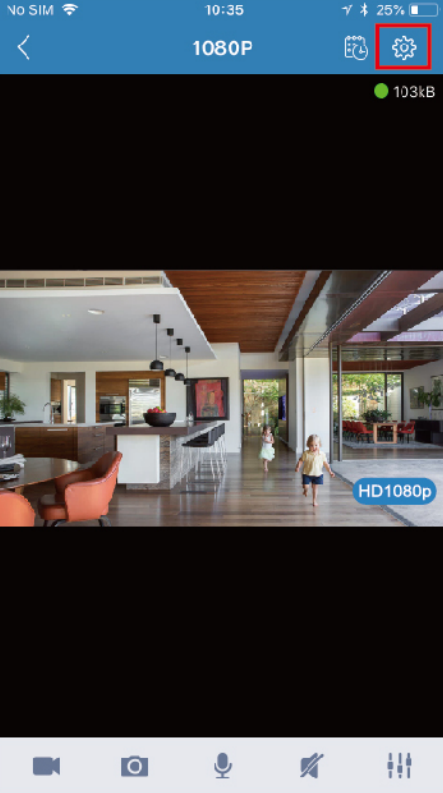
- Select Record.
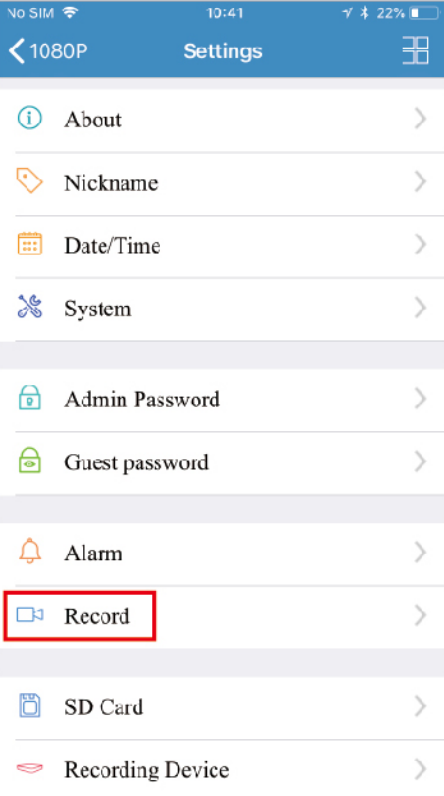
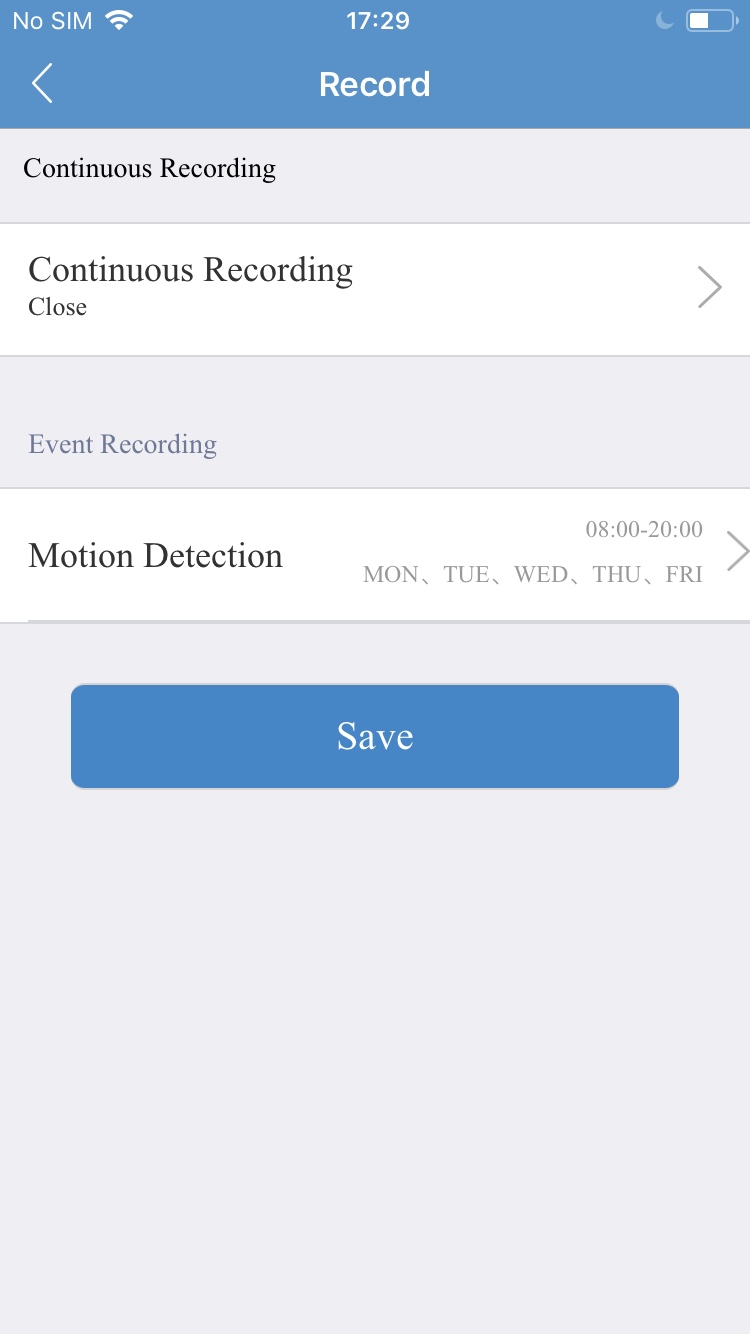
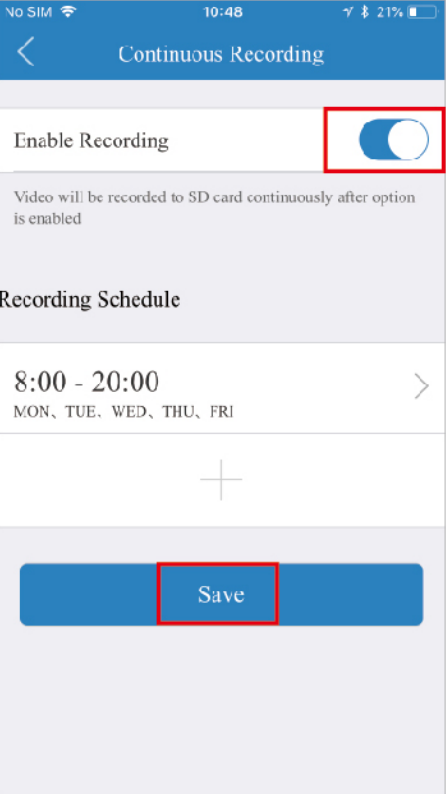
- Select Continuous Recording enter into the continuous recording page,
-
Enable Recording and Click Save to Finish the Setting.
Was this article helpful?
Bu bilgiler sorununuzu çözmeye yardımcı oldu mu?
Thanks for your feedback!
Still need help?
Uzman ekibimiz size yardımcı olmak için burada.